
3. How to Add a New Customer
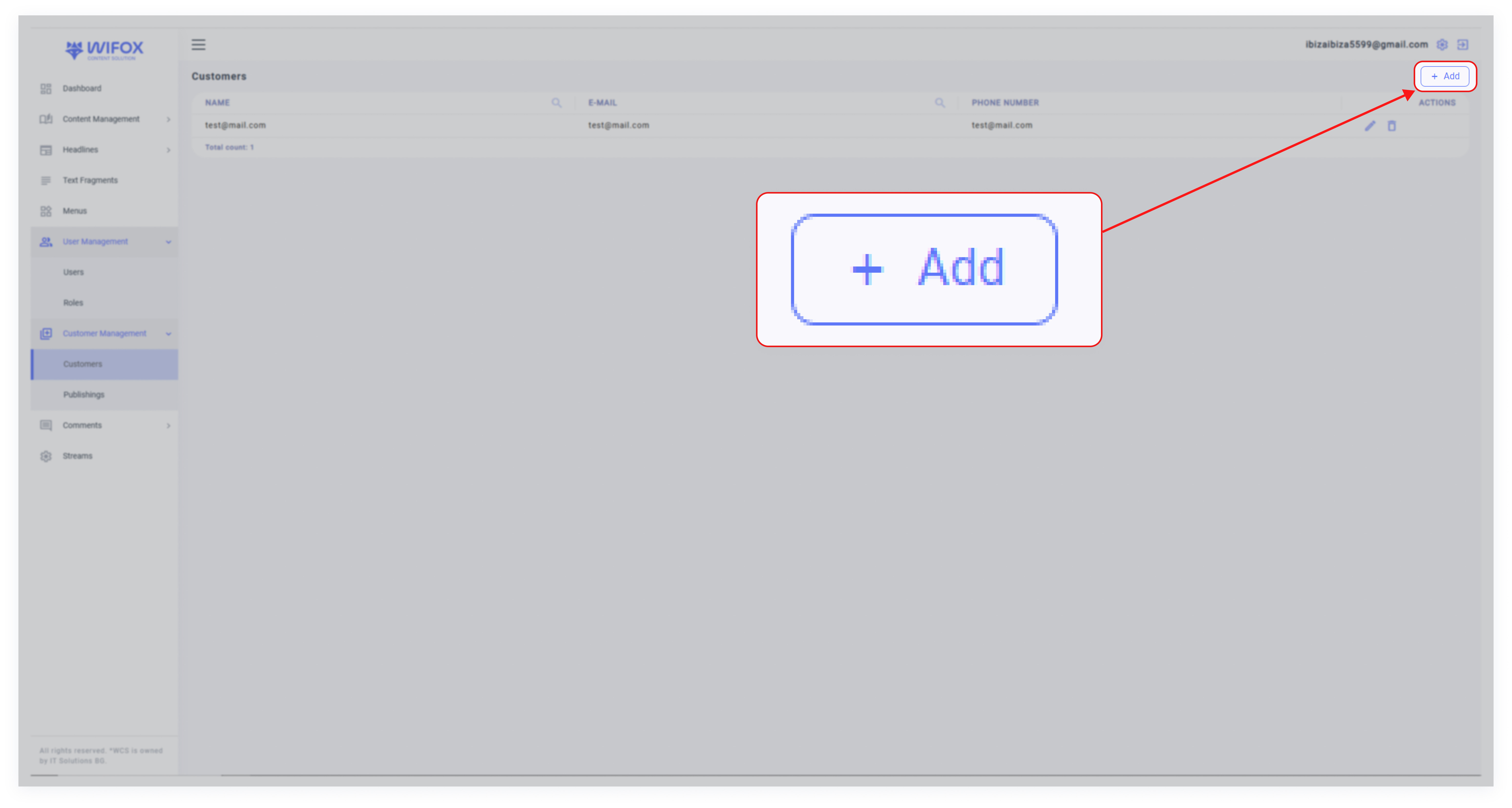
1. Click Add
2. Fill in Details
- Email: Enter the client’s email address.
- Password: Set a secure password.
- Name: Provide the client’s name.
- Phone: Add the phone number, if applicable.
- Comments: Write any notes related to the client.
- Active: Check this box to activate the client profile.
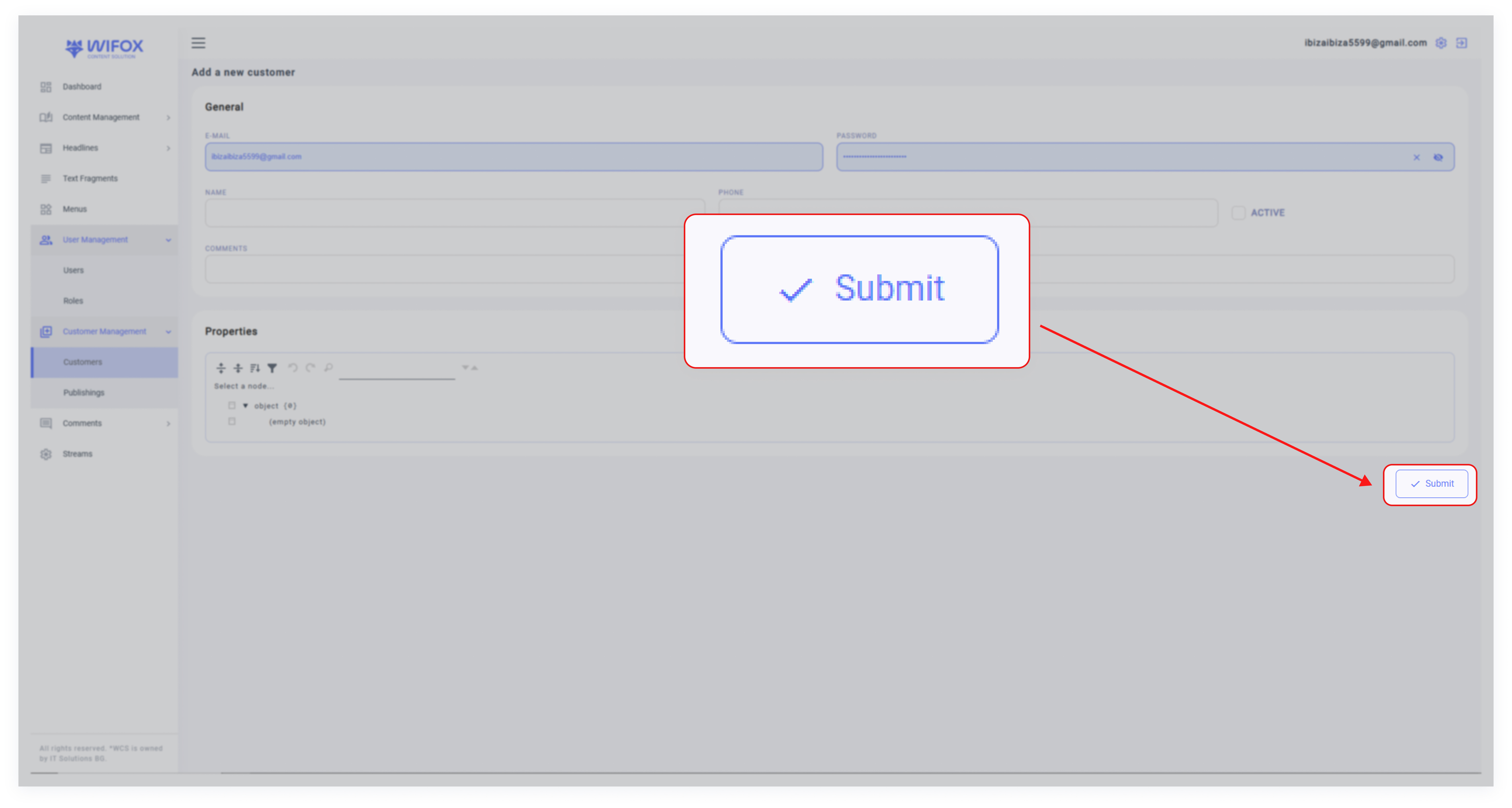
3. Submit
Click Submit to save the client profile.
No Comments