6. How to Delete a Text Entry
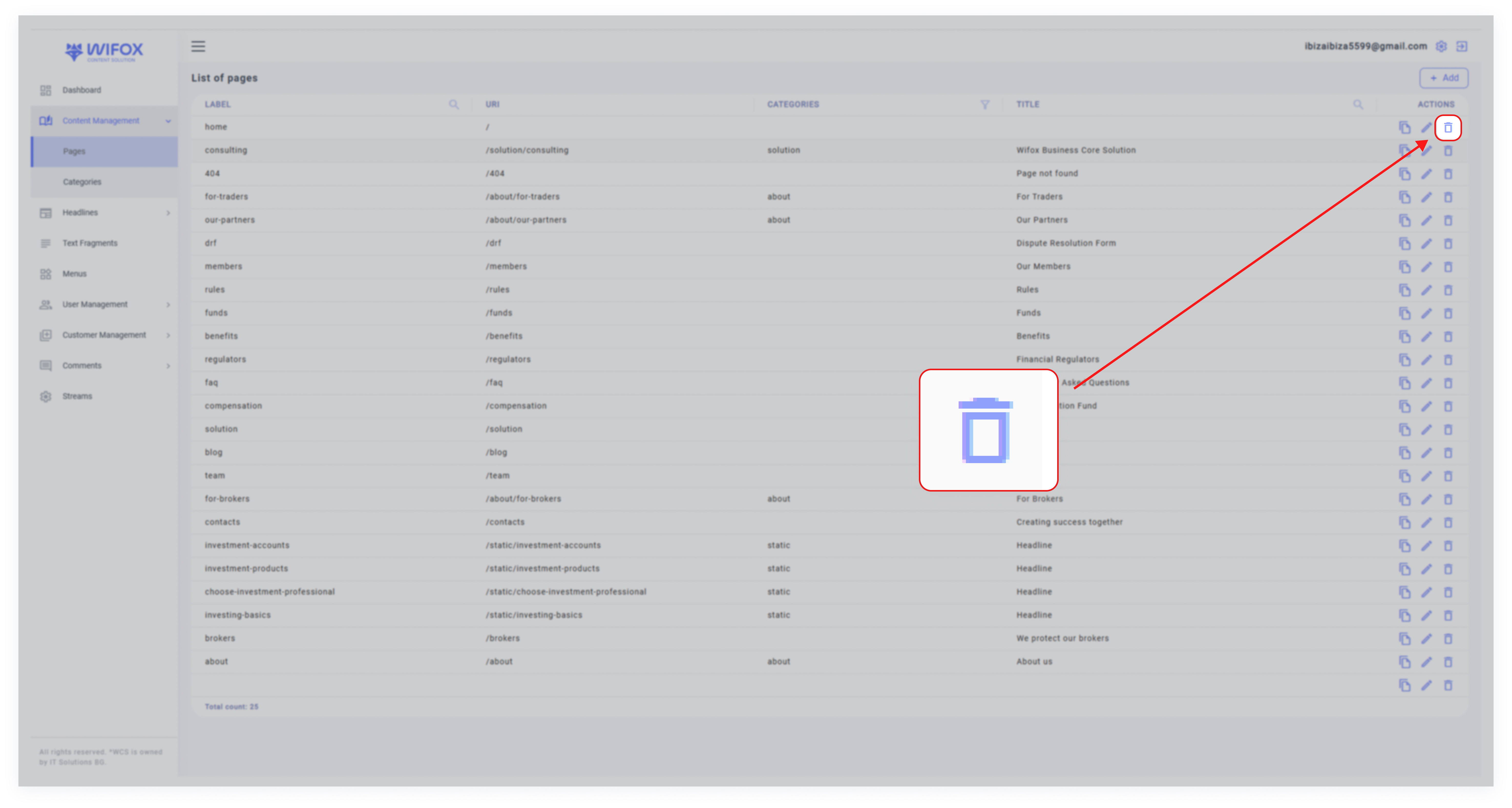
1. Locate the text entry in the list view.
2. Click the Delete Icon in the "Actions" column.
3. Confirm the deletion.
Note: Deleting a text entry will remove it from all associated locations on the website.

1. Locate the text entry in the list view.
2. Click the Delete Icon in the "Actions" column.
3. Confirm the deletion.
Note: Deleting a text entry will remove it from all associated locations on the website.
No Comments