
4. How to Add a New Page
The Add New Page functionality in the Page Content section of Wifox Business Content Solution allows users to create and customize web pages with detailed configurations. Below is a step-by-step explanation of the parameters and options available:
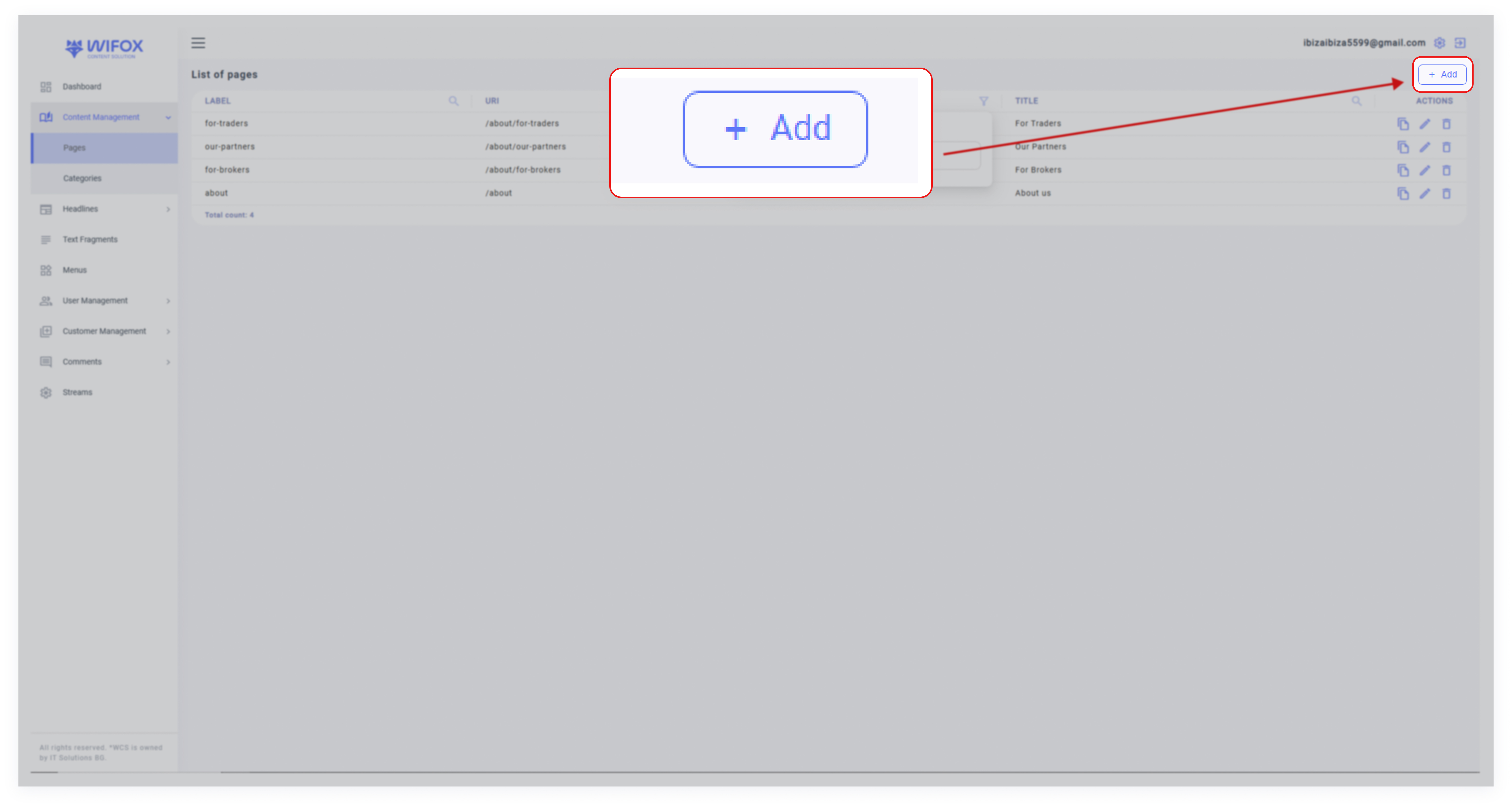
Step 1: Access the Add Page Entity
2. Click the "Add" button at the top-right corner of the interface to open the Add Page Entity window.
Step 2: General Settings
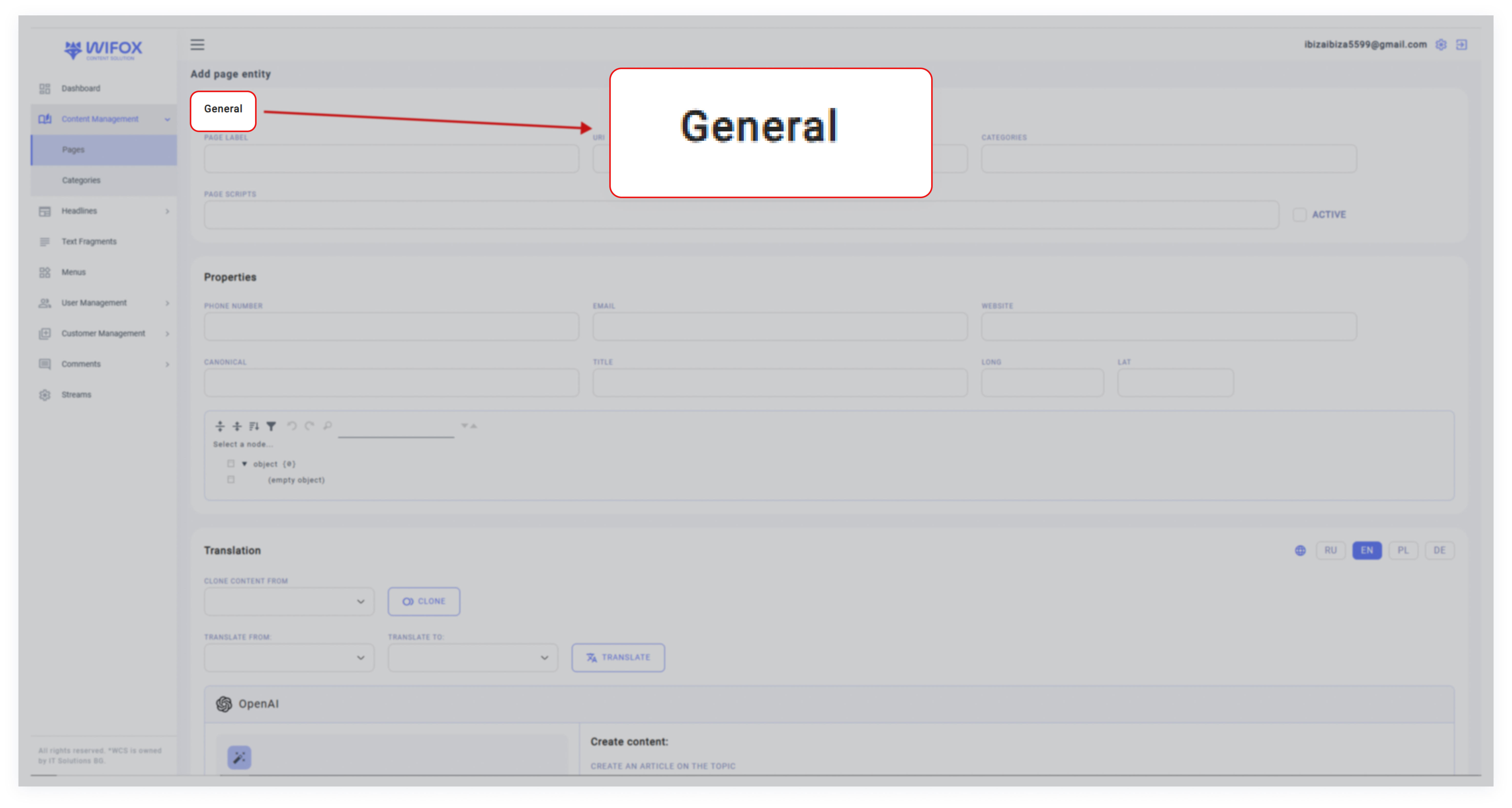
In the General section, configure the core details of the page:
- Page Label: Assign a unique name for the page (e.g., "About Us," "FAQ").
- URI: Specify the unique path for the page (e.g., /about-us, /faq).
- Categories: Select a category to group the page (e.g., "Static," "About").
- Page Scripts: Add any custom scripts for the page, such as JavaScript snippets for enhanced functionality.
Note: Use the Active toggle to enable or disable the page.
Step 3: Properties
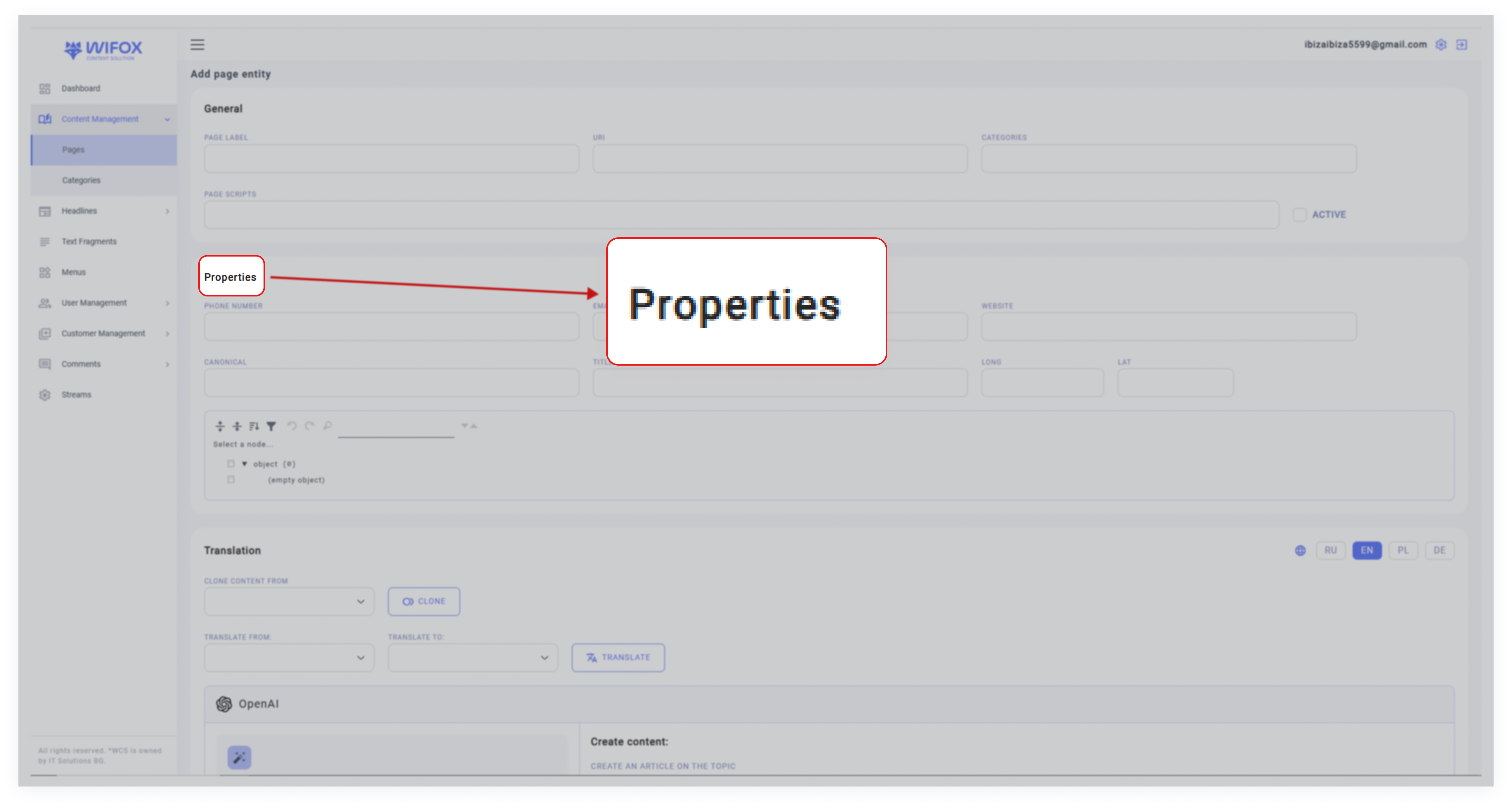
Define key properties related to the page:
- Phone Number: Add a contact phone number for display.
- Email: Provide an email address linked to the page.
- Website: Include the page's associated website URL.
- Canonical: Specify the canonical URL for SEO purposes, ensuring that search engines recognize the primary version of the page.
- Geolocation (Long & Lat): Enter longitude and latitude if the page relates to a specific physical location (useful for maps or local services).
Step 4: Translation

Wifox Business Content Solution supports multilingual content management. In the Translation section:
- Language Options: Select the languages for the page (e.g. English, Polish, German).
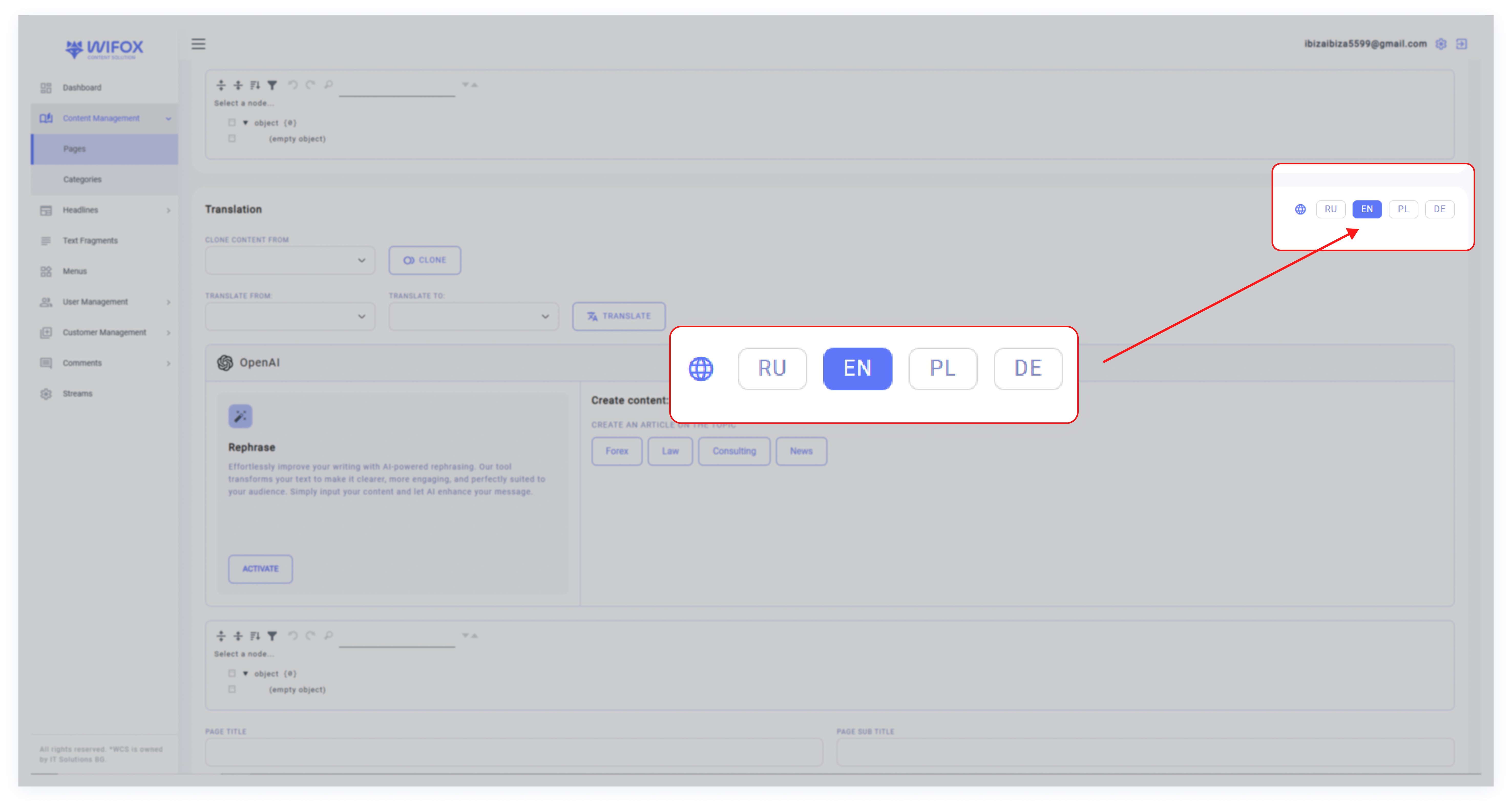
- Clone Content From: If similar content exists in another language, use the cloning feature to copy it into the new page:


- Translate: Automatically translate content from one language to another using integrated tools.

Step 5: Create Content
Wifox Business Content Solution offers a suite of OpenAI-powered tools to revolutionize the way users create, manage, and optimize their content. By leveraging artificial intelligence, the system simplifies content creation and ensures SEO-friendly outputs, making it a smart and efficient solution for managing digital assets.
Core Features of OpenAI Integration
1. Effortless Content Rephrasing
Click Activate to initiate the AI-driven rephrasing process. The system processes and refines the input text, ensuring clear, professional, and engaging content that aligns with your objectives.

Before «Activate»

After «Activate»
Rephrased next sections:
- Page Title
- Page Subtitle
- Page Meta Title
- Page text section
2. Content Creation
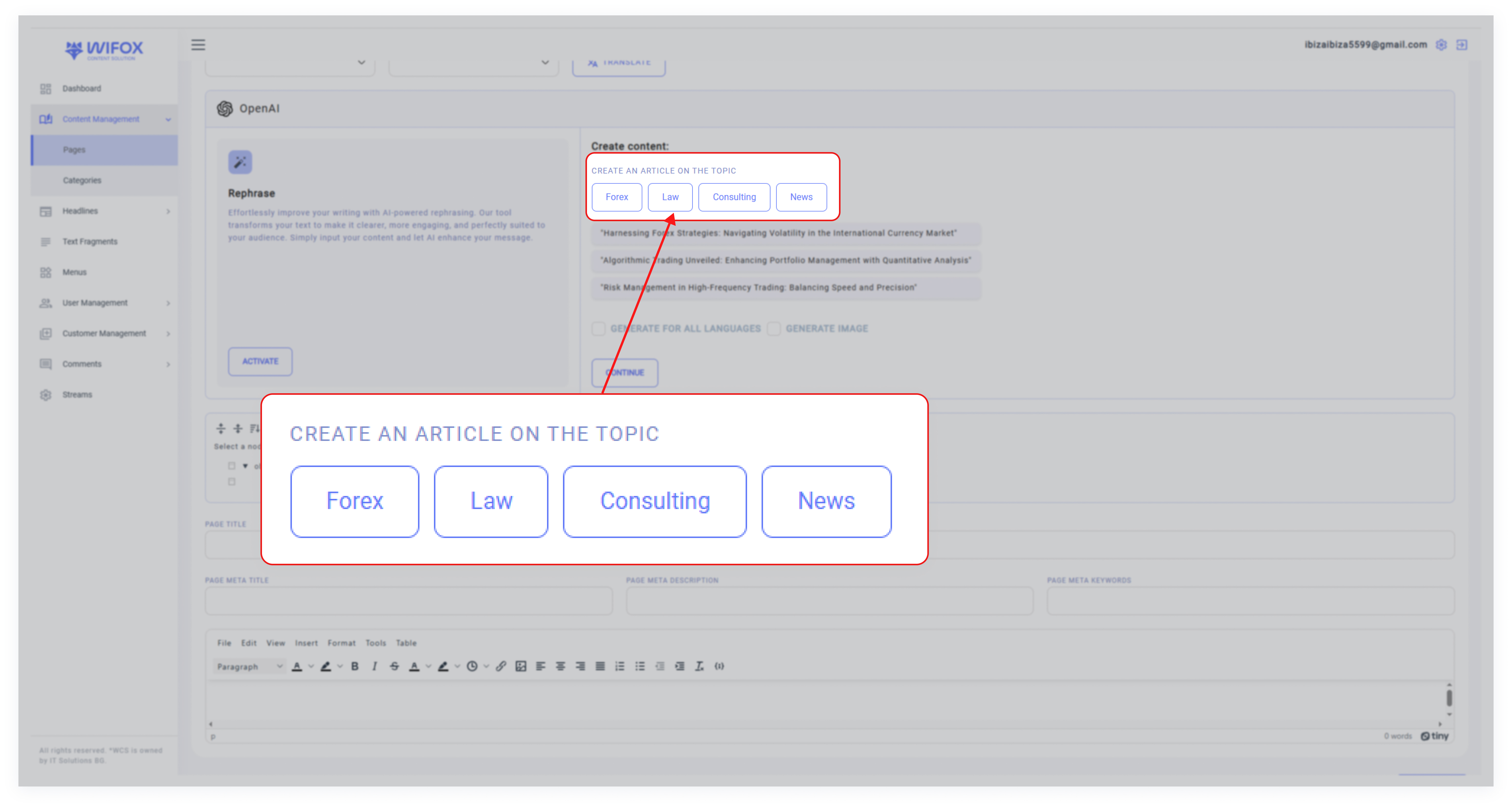
Select Create Content to draft new articles based on your chosen topics. Examples of available topics include:
- Forex
- Law
- Consulting
- News
After selecting a topic, you can enable the Generate for all languages option to produce content in multiple languages automatically.
If required, select Generate Image to complement your content with relevant visuals.
3. SEO Optimization
Wifox Business Content Solution integrates tools to automatically generate the following metadata:
- Page Title
- Page Subtitle
- Page Meta Title
- Page Meta Description
- Page Meta Keywords
Steps to Generate Content
1. Select a Topic: Choose a relevant topic or direction (e.g., Forex or News).
2. Customize: Decide whether to generate multilingual content or include images.
3. Start Generation: Click Continue, and the system will begin generating the requested content, metadata, and visuals based on your preferences.

4. Review the Output: Once complete, the generated content will appear in editable fields for further refinement.
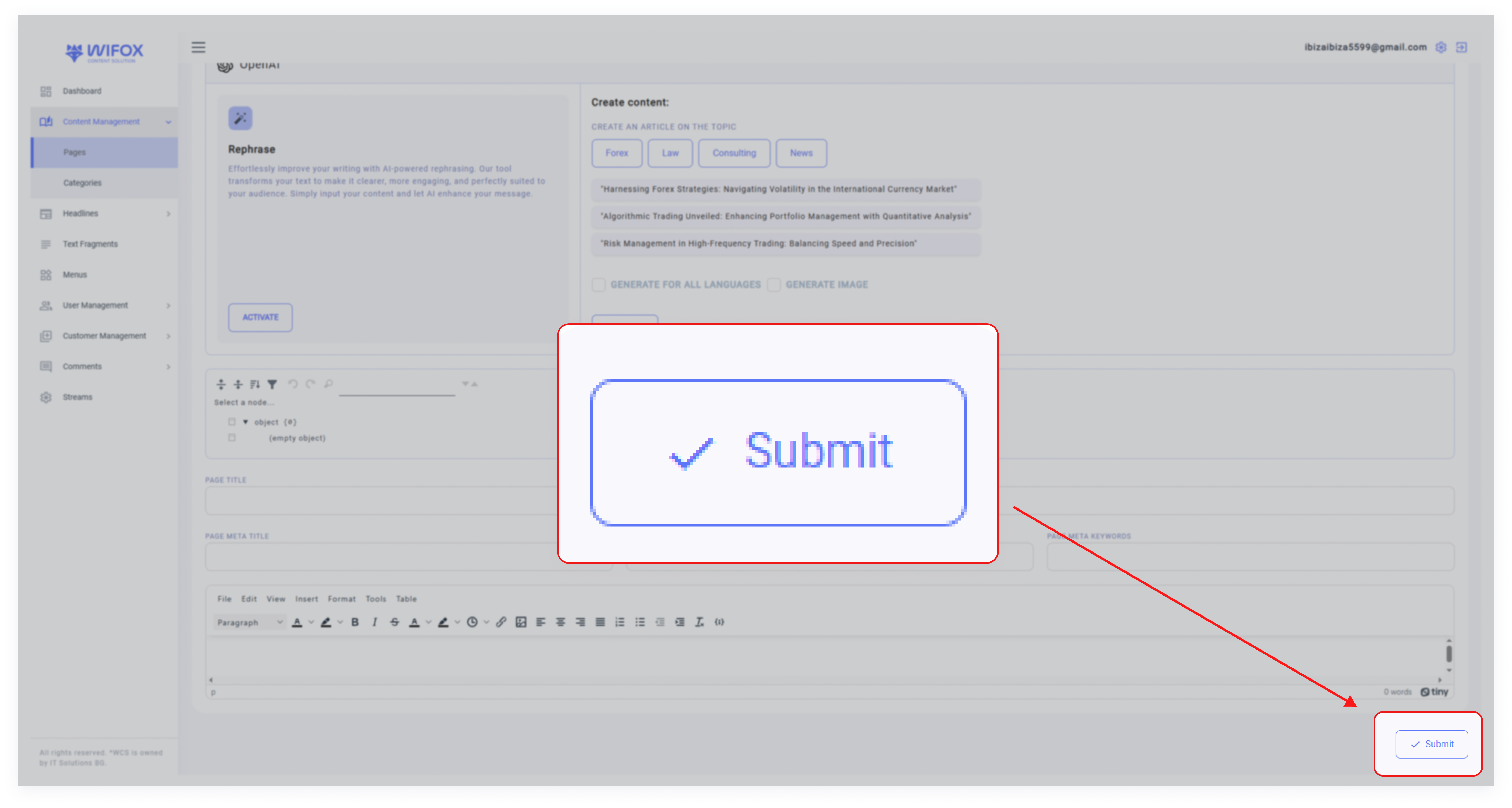
5. Submit: If the content meets your requirements, click Submit to save it.
Key Advantages of OpenAI Integration
- Efficient Content Creation: Instantly generate high-quality articles tailored to specific topics and industries.
- Streamlined Metadata Management: Automate SEO optimization with AI-generated meta titles, descriptions, and keywords.
- Multilingual Support: Generate content for multiple languages simultaneously, ensuring consistency across regions.
- Customizable Outputs: Easily adapt AI-generated content to meet specific needs or branding guidelines.
Use Case Example
A user wants to create a new article about Forex. They select the topic, enable the Generate for all languages option, and choose to include images. After reviewing the AI-generated content, they make minor edits and submit the final version. The metadata (titles, descriptions, and keywords) is automatically optimized, saving time and ensuring high performance on search engines.
This seamless integration of OpenAI tools within Wifox Business Content Solution simplifies content creation and optimization, empowering users to produce impactful and professional results with minimal effort.
Step 6: Final Steps
1. After filling in all required fields, review the details to ensure accuracy.
2. Click Submit to create a new page.
3. The new page will now appear in the Page Content list, where it can be further managed or edited as needed.
No Comments