5. How to Edit a Page
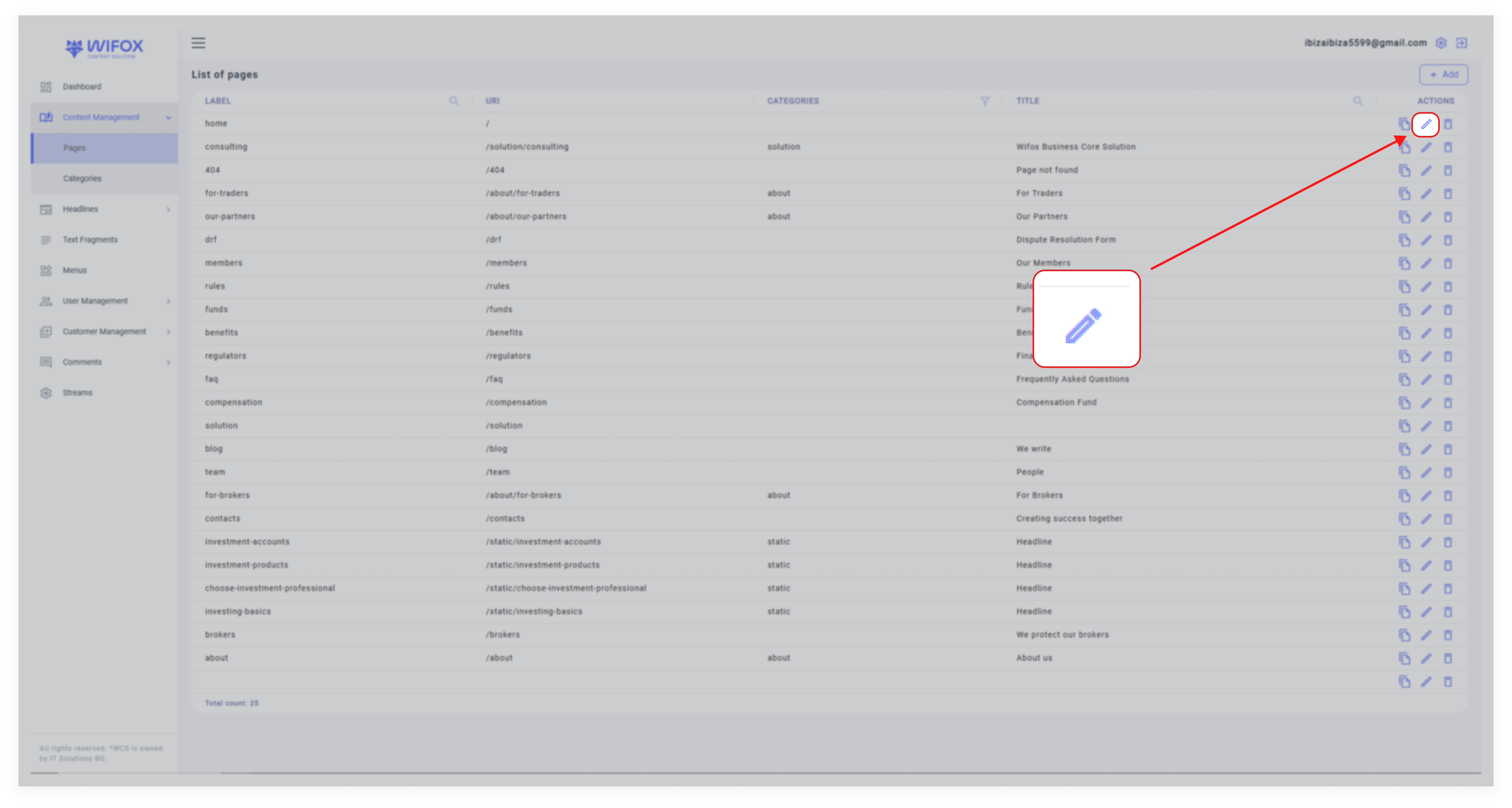
2. Click the Edit icon next to the page you want to modify.

3. In the edit window, you can:
- Change the label, URI, category, and title of the page.
- Update the page’s content.

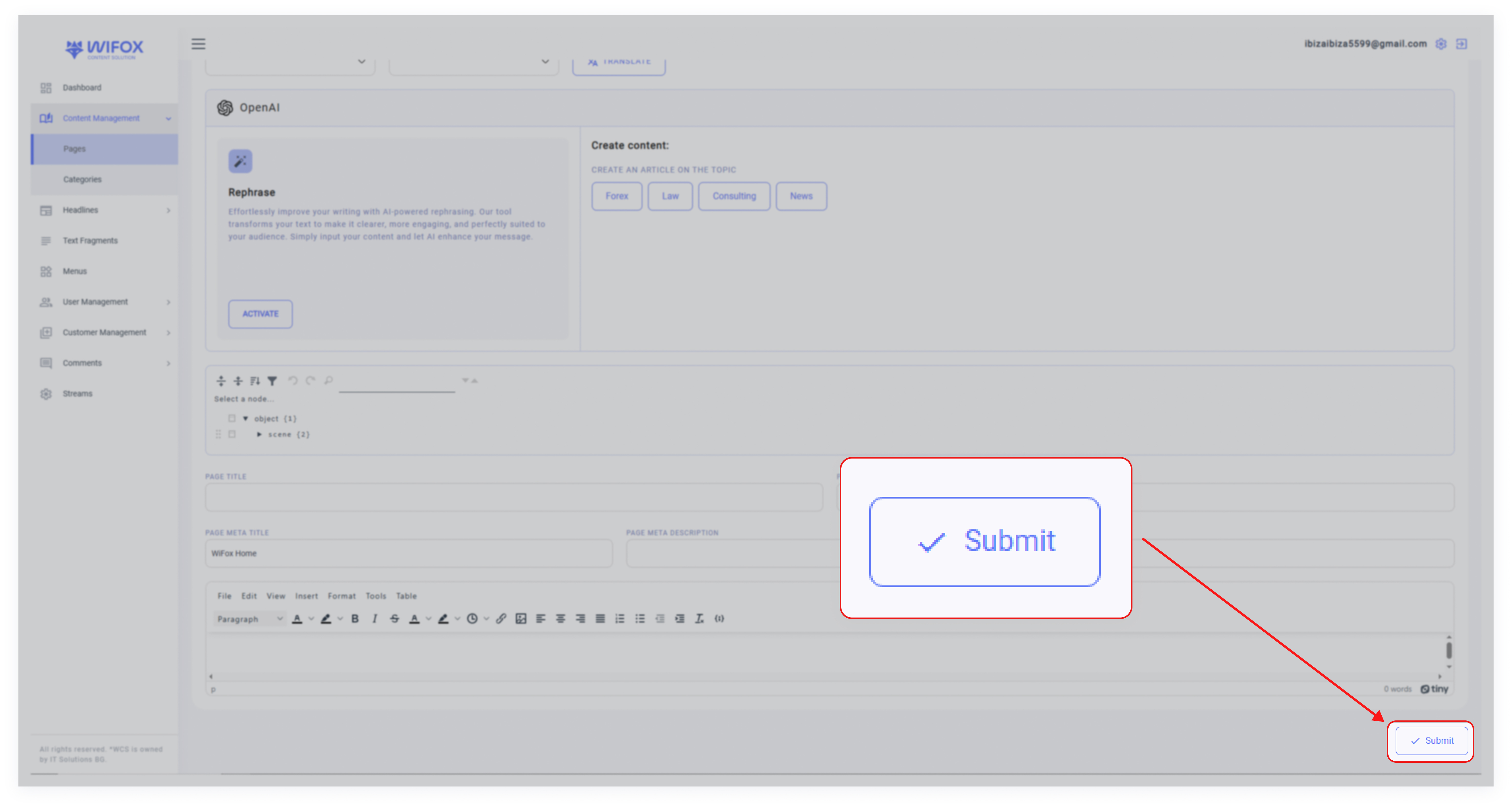
4. Save changes by clicking "Submit"

2. Click the Edit icon next to the page you want to modify.
3. In the edit window, you can:
4. Save changes by clicking "Submit"
