3. How to Add a New Menu or Menu Item
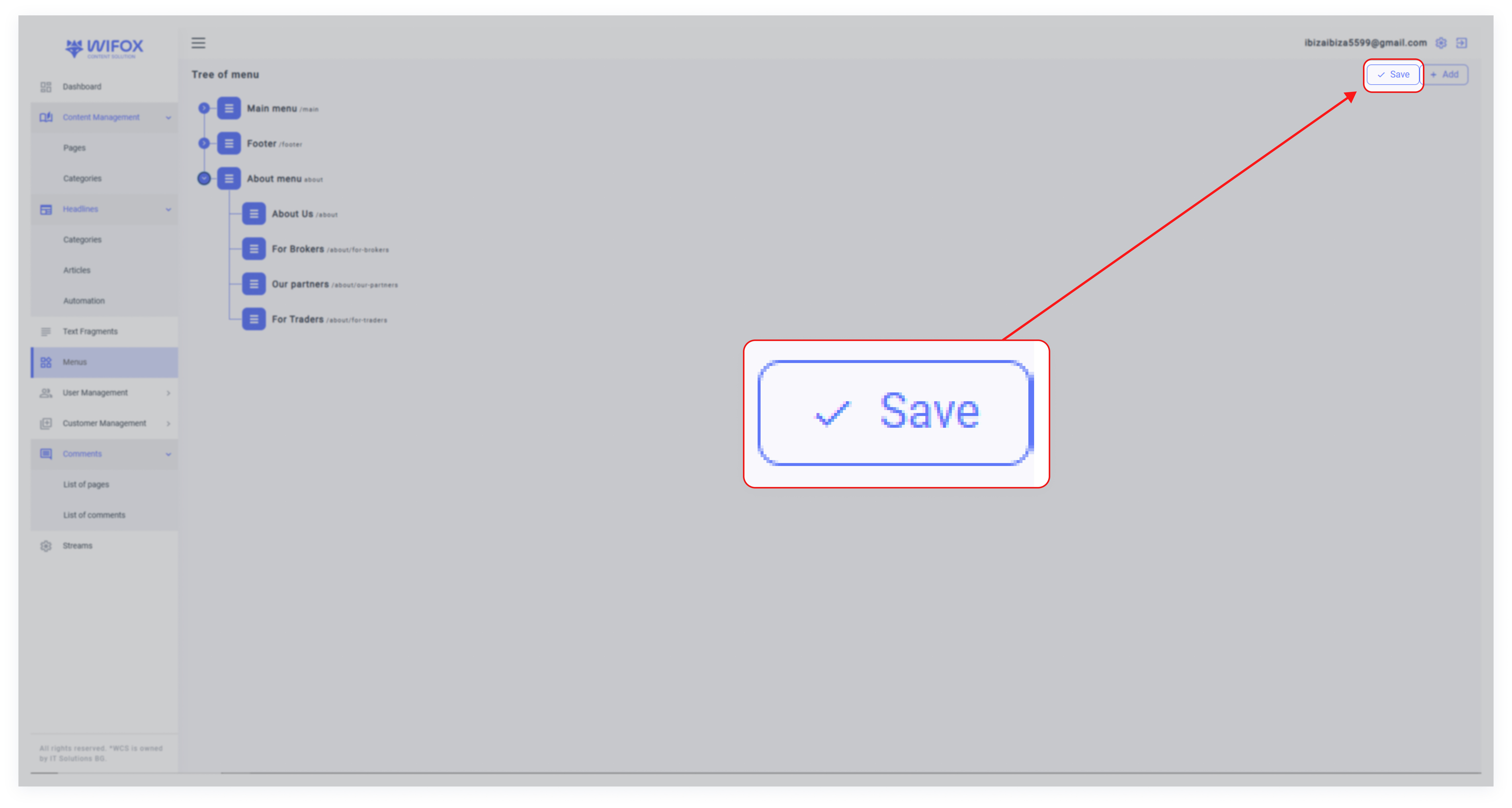
1. Click Add: Click the "+" button at the top-right of the Menu section.

2. Enter Details:

- Label: Provide a label for the menu or item (e.g., "Contact Us").
- URL: Enter the URL where the menu item should link (e.g., /contact-us).
- Parent Menu: If adding a submenu, select the parent menu (e.g., add "Contact Us" under "Legal & Policies").
3. Save: Click Submit to apply changes.