
2. Key Features of the Headlines Section
1. Add New Events:
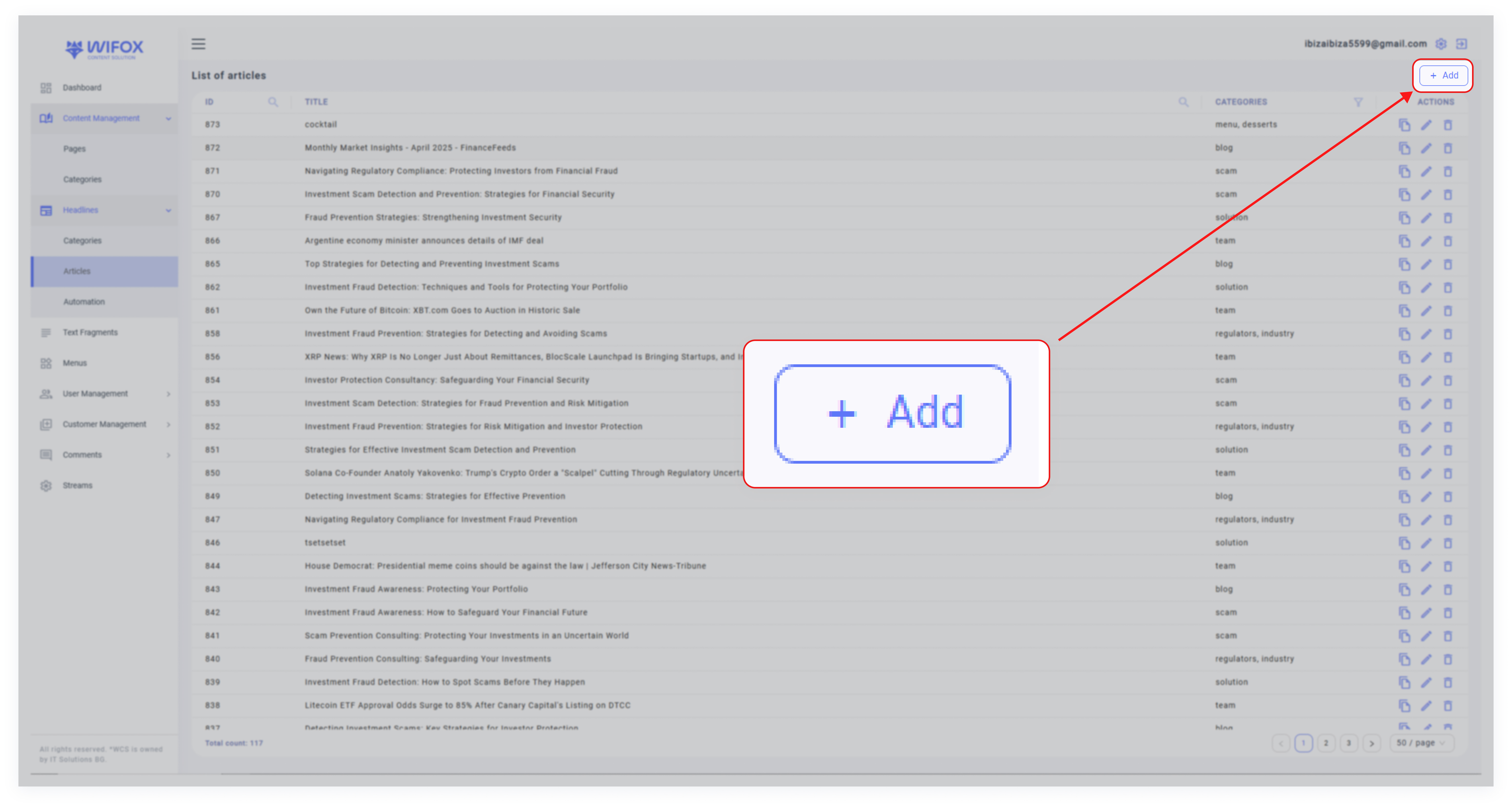

- Click the "Add" button to create a new event.
- Add details such as the event title, category, and any additional attributes.
2. Search and Filter Options:
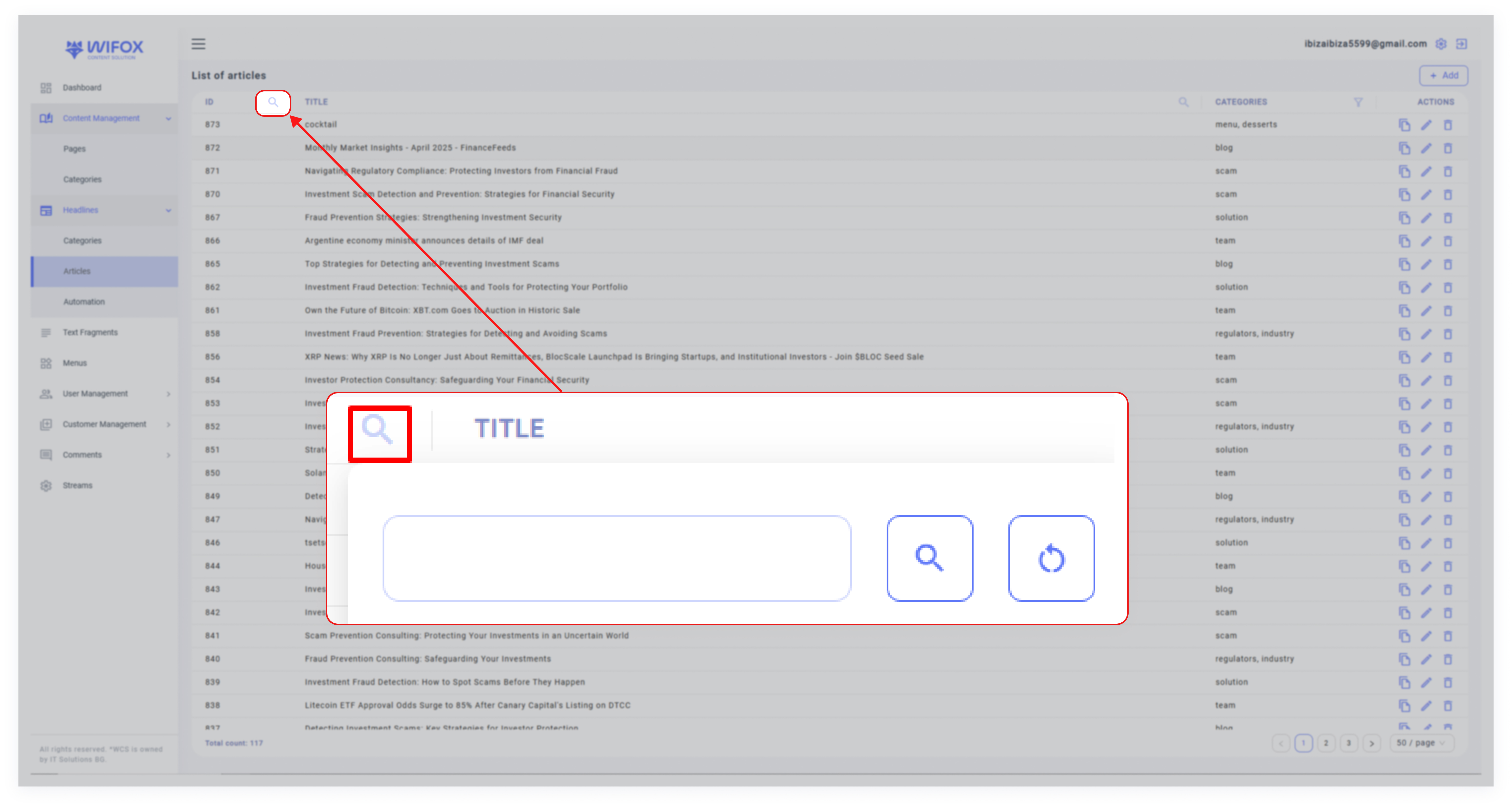

- Search by ID: Quickly locate events using their unique ID.
- Search by Title: Find events by their titles, such as "Regulator 16".
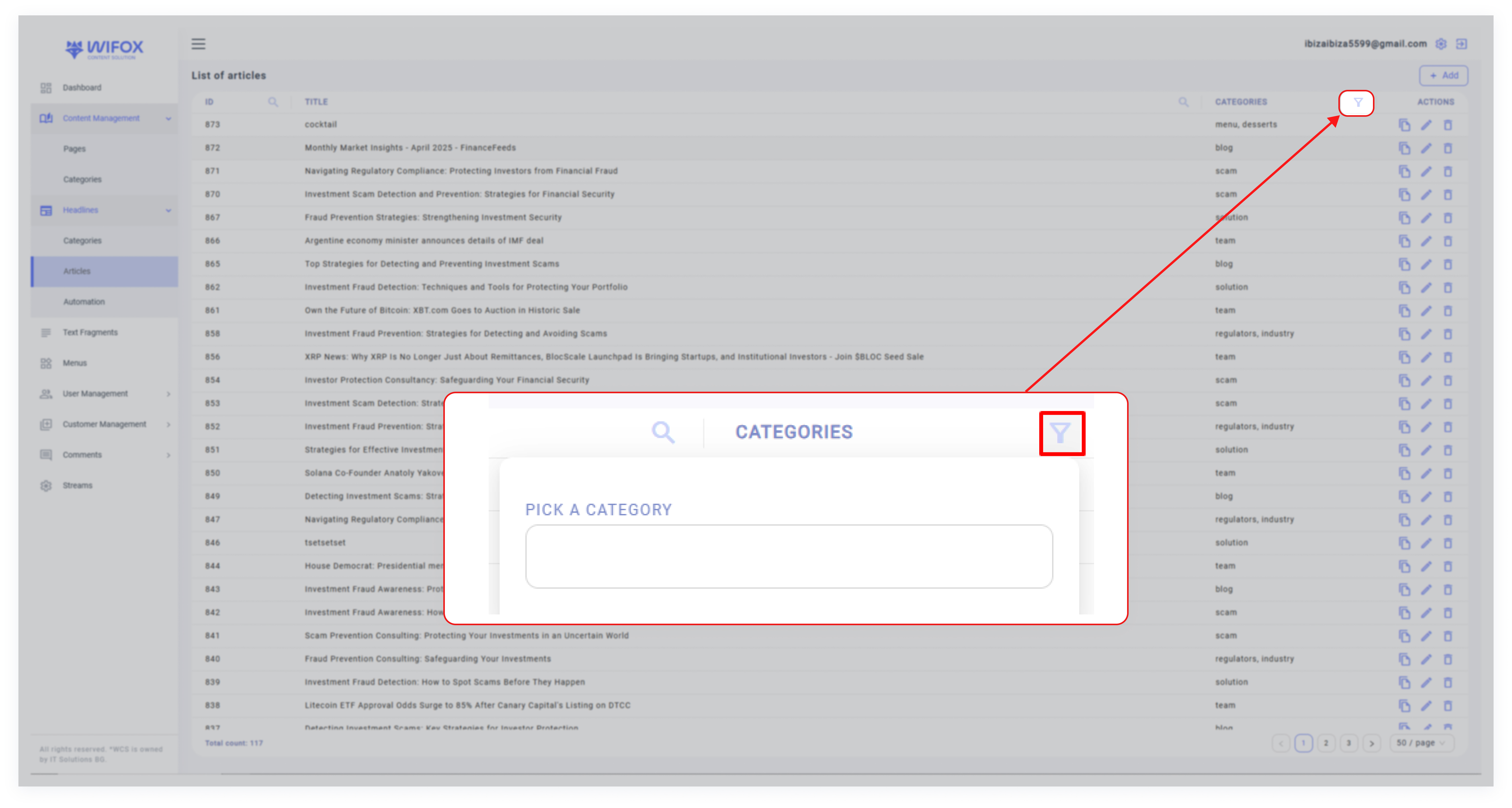
- Filter by Category: Use the category filter to display specific types of events, such as Regulators, Team, Industry, Scam, or License.
3. Event Details:
- ID: A unique identifier for each event (e.g., ID 39 for "Regulator 16").
- Title: The name or description of the event (e.g., "Regulator 16,").
- Category: Categorization of events for organization and relevance:

4. Actions for Each Event:
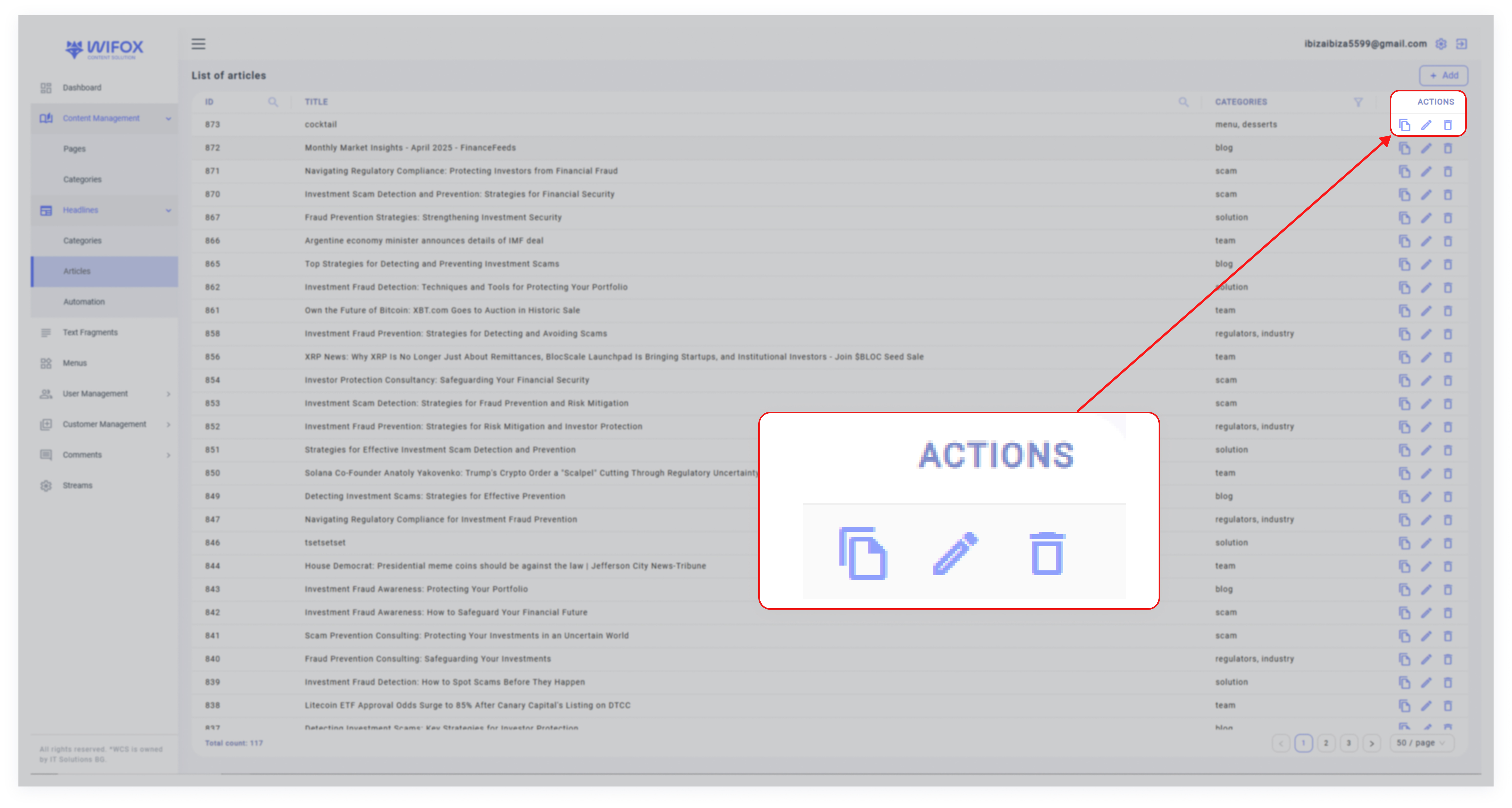

- Copy: Duplicate the event to create a similar entry.
- Edit: Modify the event's title, category, or details.
- Delete: Permanently remove the event from the system.