
2. How to Add a New API Key
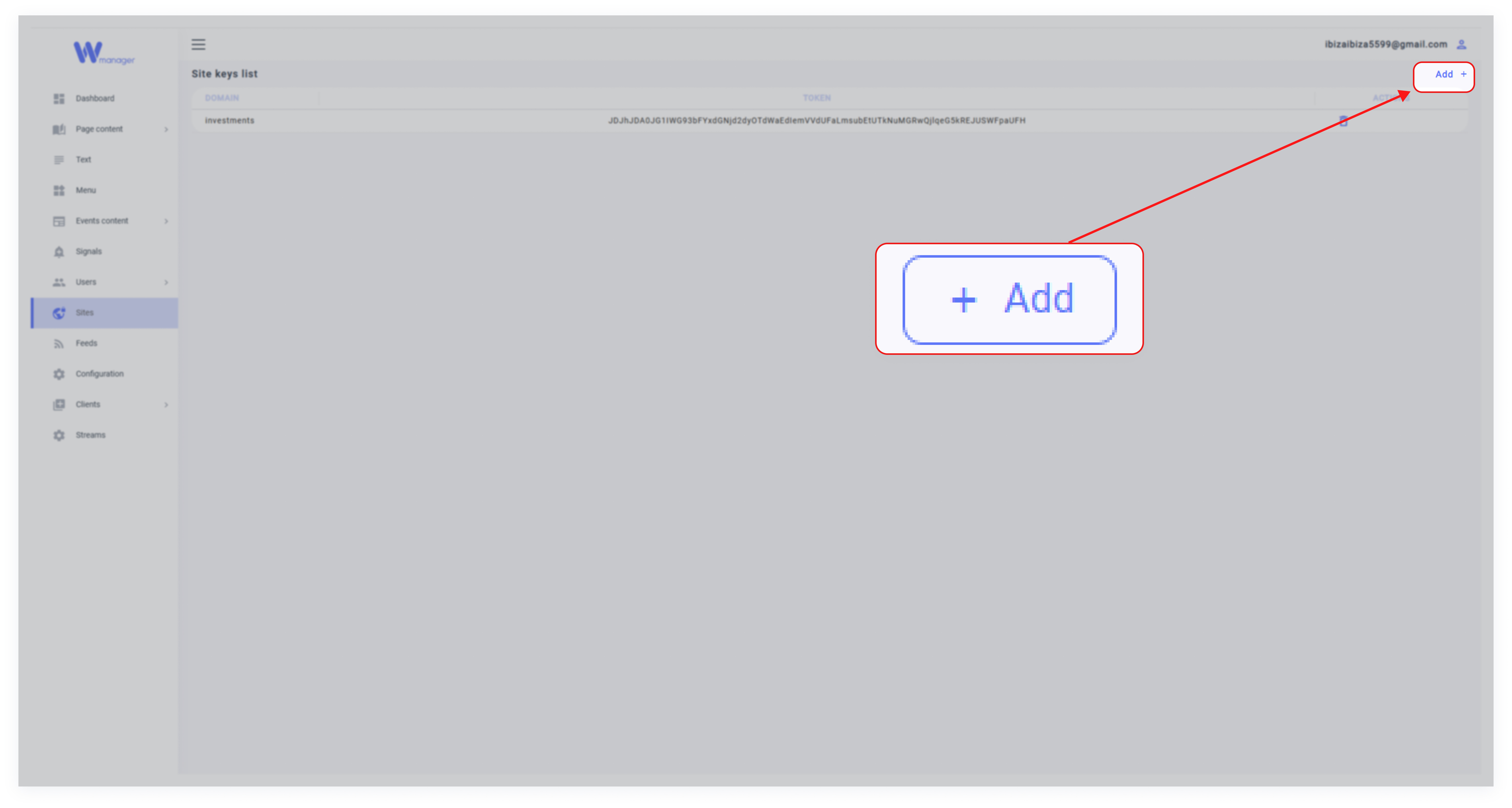
1. Click Add
In the Sites section, click the Add button to create a new API key.
2. Fill in the Details

Domain: Enter the domain where the API key will be used (e.g., example.com).
Full Site URL: Provide the full URL of the site (e.g., https://www.example.com).
Role: Select a role from the dropdown menu. This role determines the permissions tied to the API key, such as access to specific modules like Pages or others.
3. Save the API Key
Click Submit to generate the API key. Once created, this key can be used to authenticate API requests for the specified domain and role.