
9. How to Manually Assign Leads to Desks
To manually assign leads to desks:
1. Go to the Leads tab.
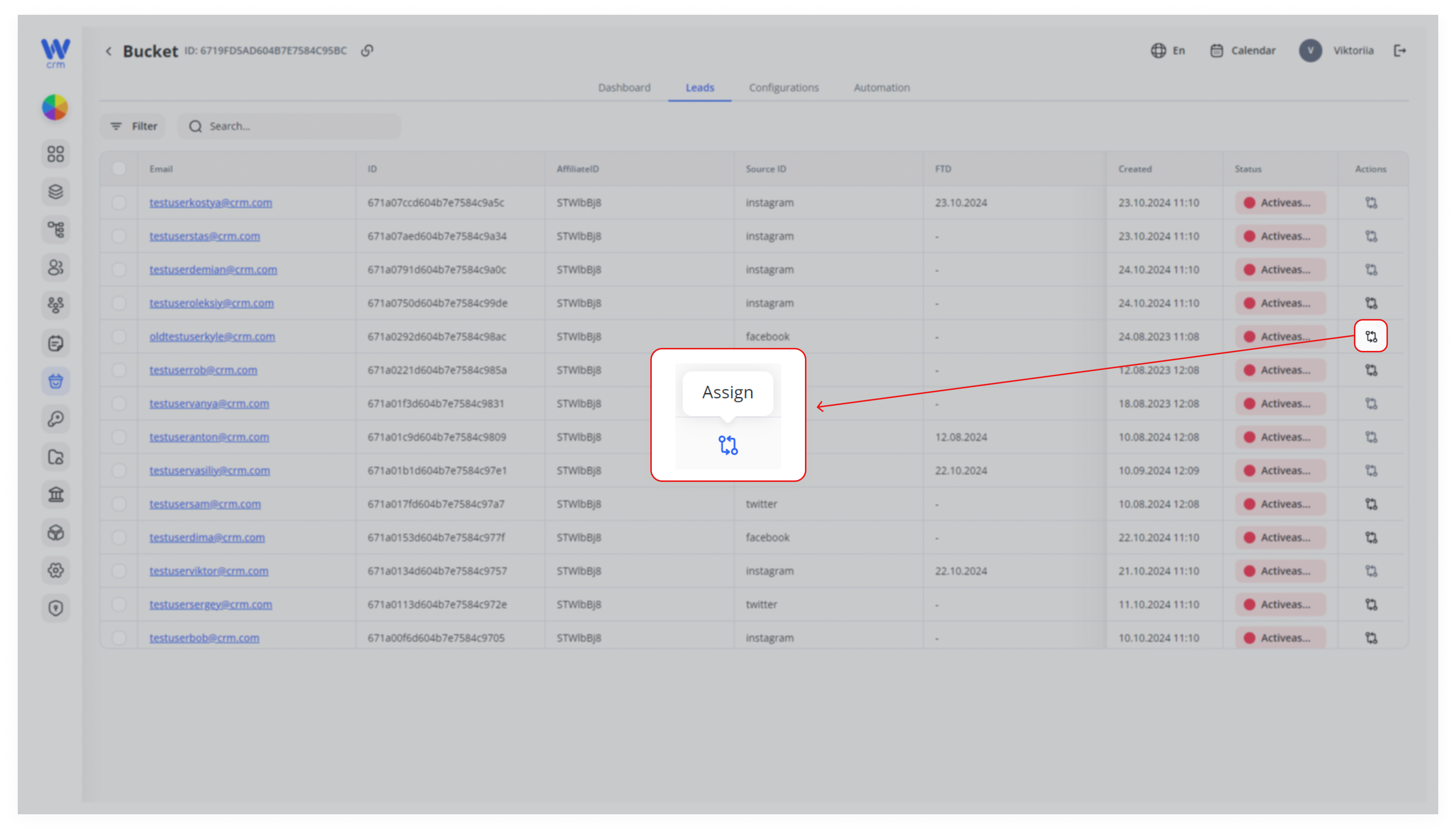
2. Click on the Assign icon. If the icon is gray and not clickable, the lead has already been processed and assigned to a desk.
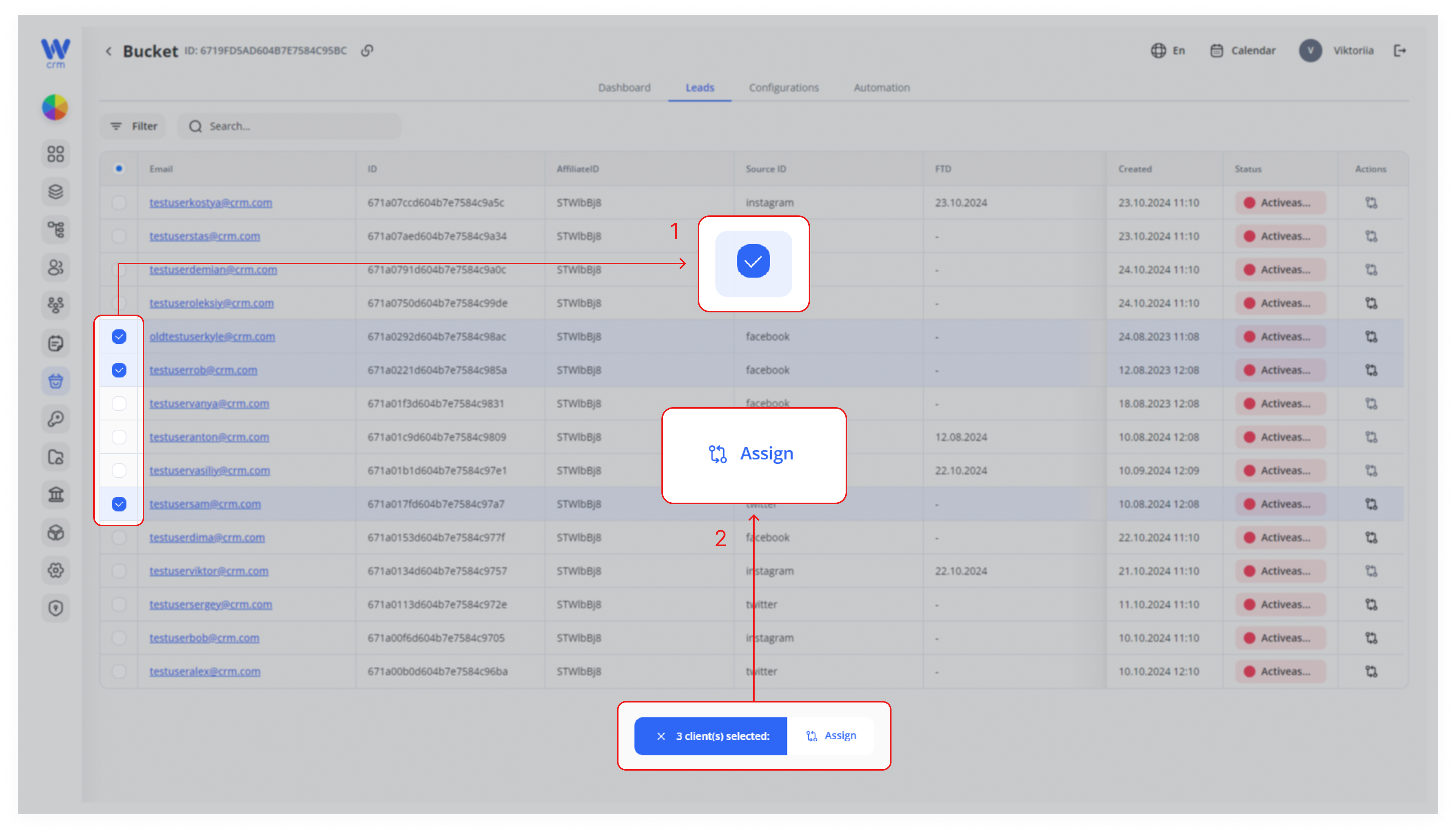
3. To assign multiple leads to the same desk, check the boxes next to the lead emails and then click Assign.
4. Select a desk from the drop-down list.
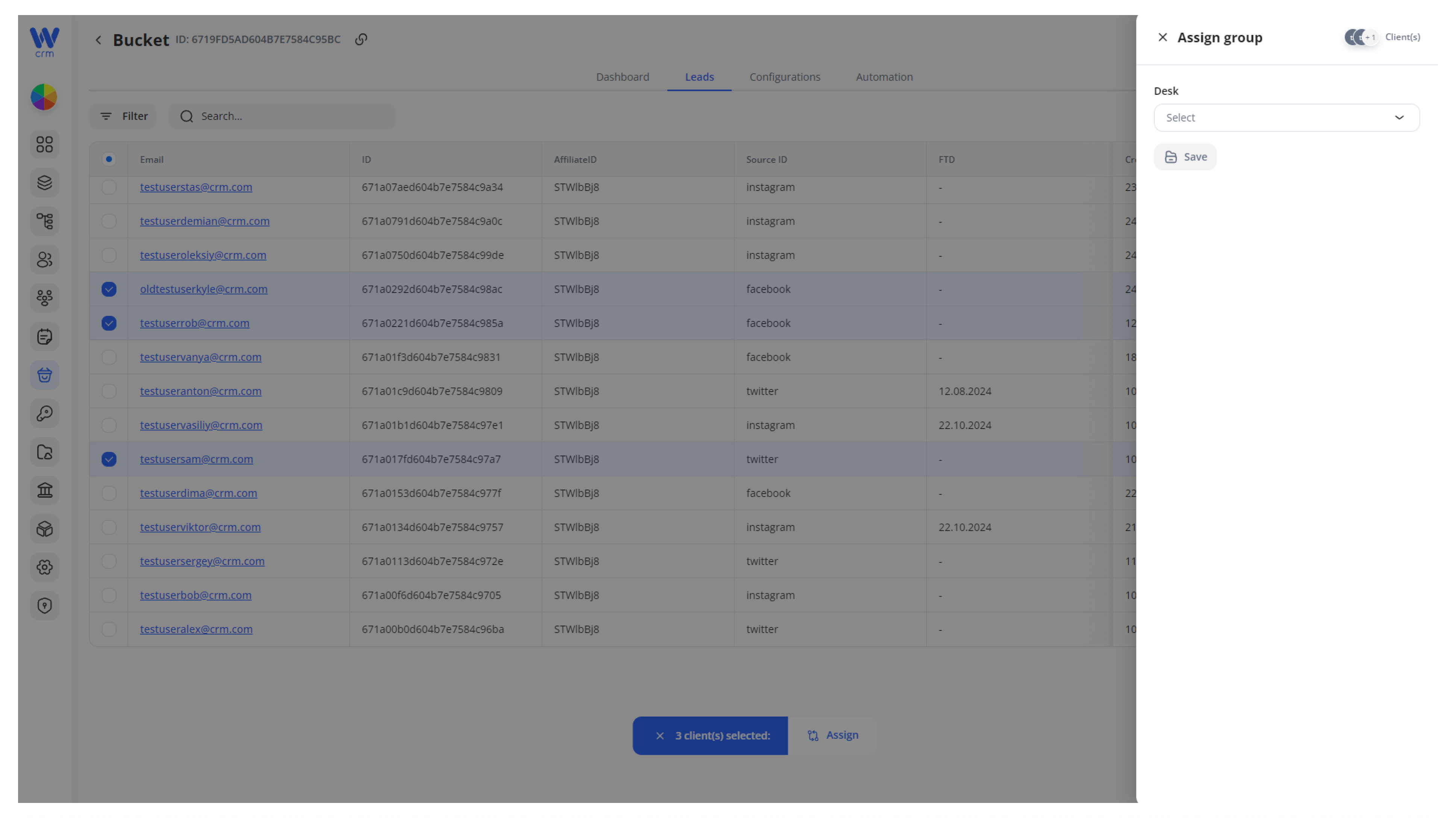
5. Click Save to apply the changes.
Note: You can assign a lead to the desk through the Buckets module only once. To reassign a client, use the Clients module.