6. How to Manage Banners
-
-
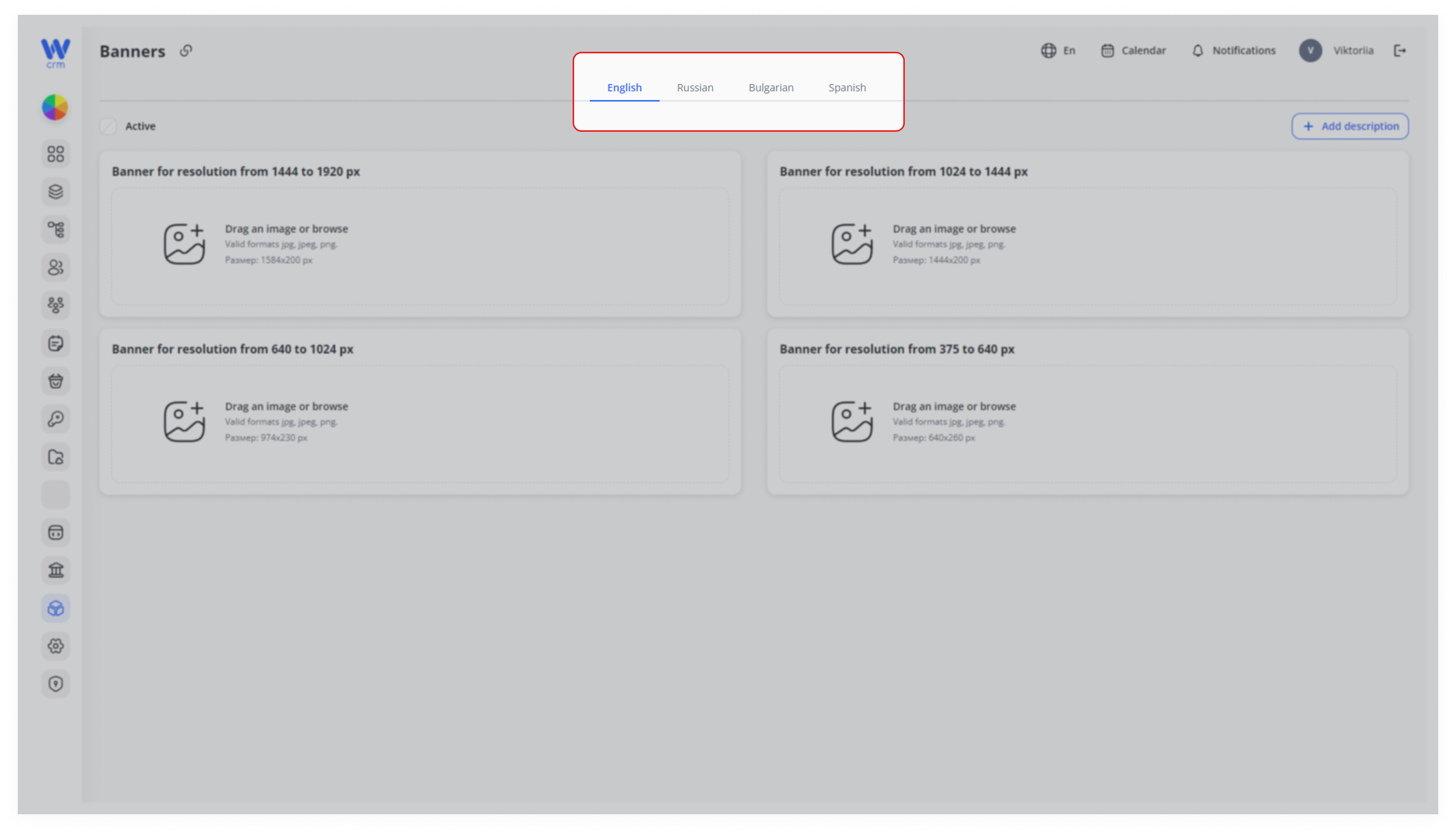
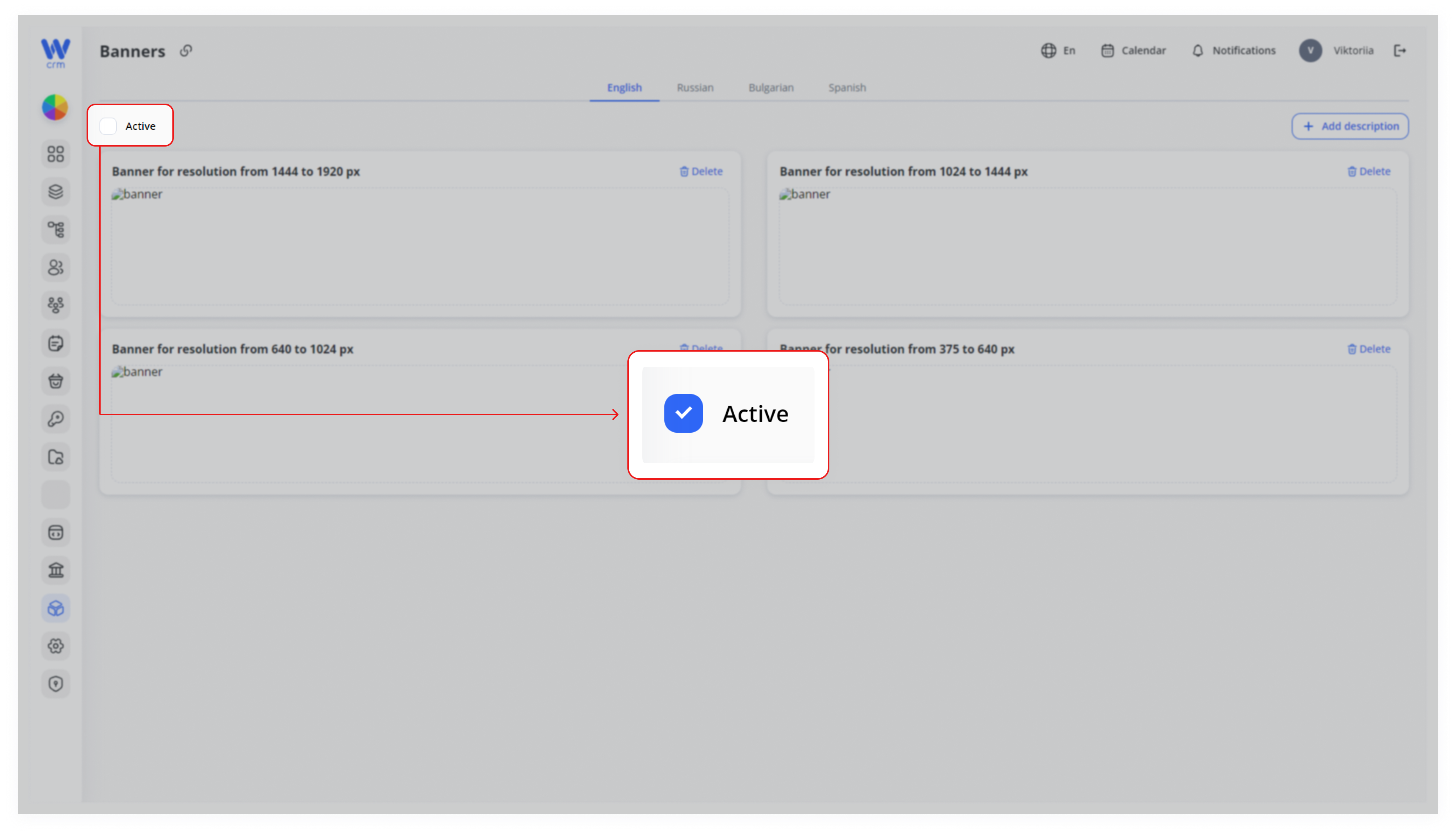
At the top of the page, select the language version of the site for which you are uploading the banner.
-
2. Drag the image or click to view the images on your computer in the block with the appropriate resolution. The available resolutions are:
-
-
-
1444 to 1920 px
-
1024 to 1444 px
-
640 to 1024 px
-
375 to 640 px
-
-
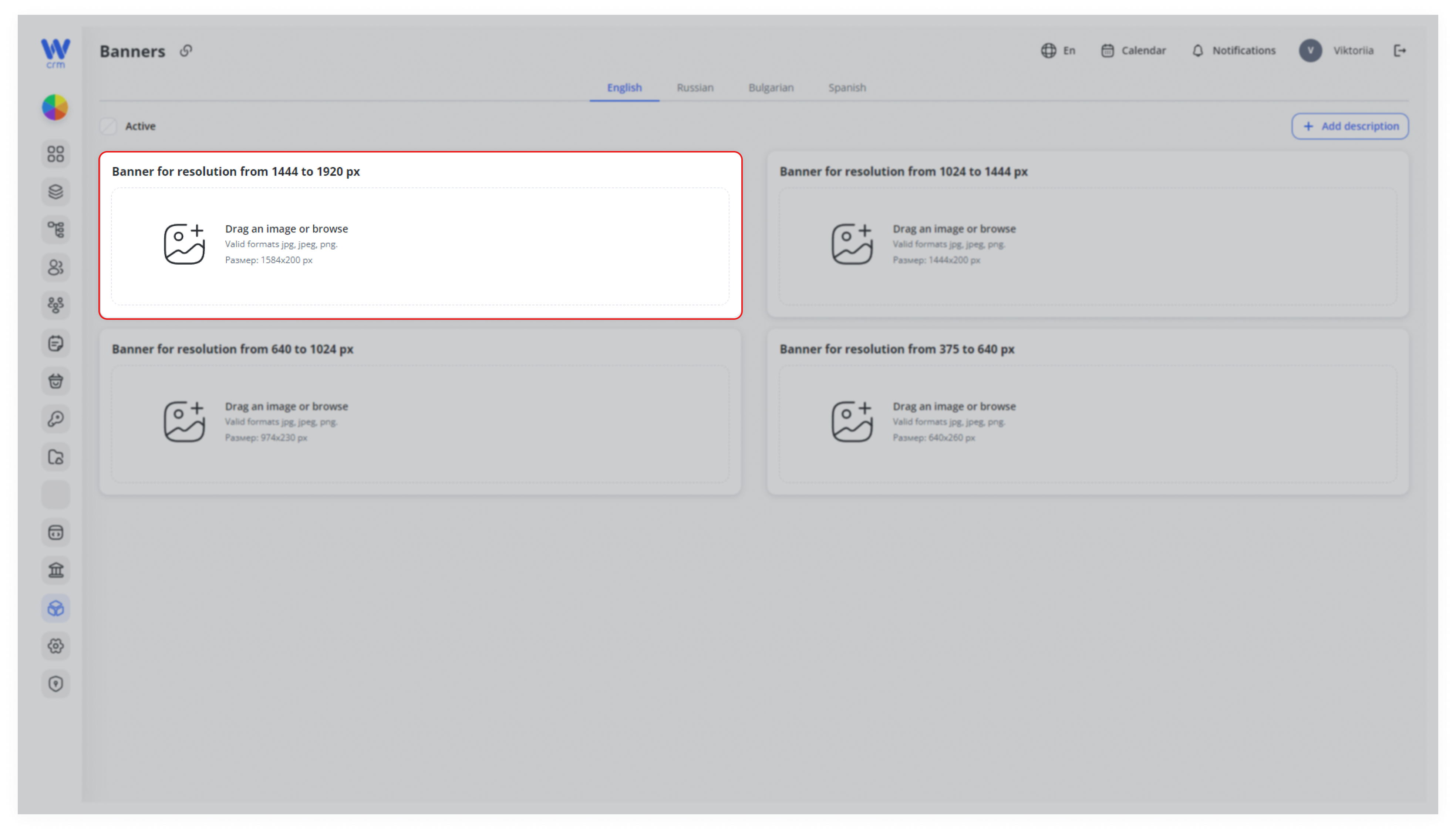
3. Upload images for all resolutions.
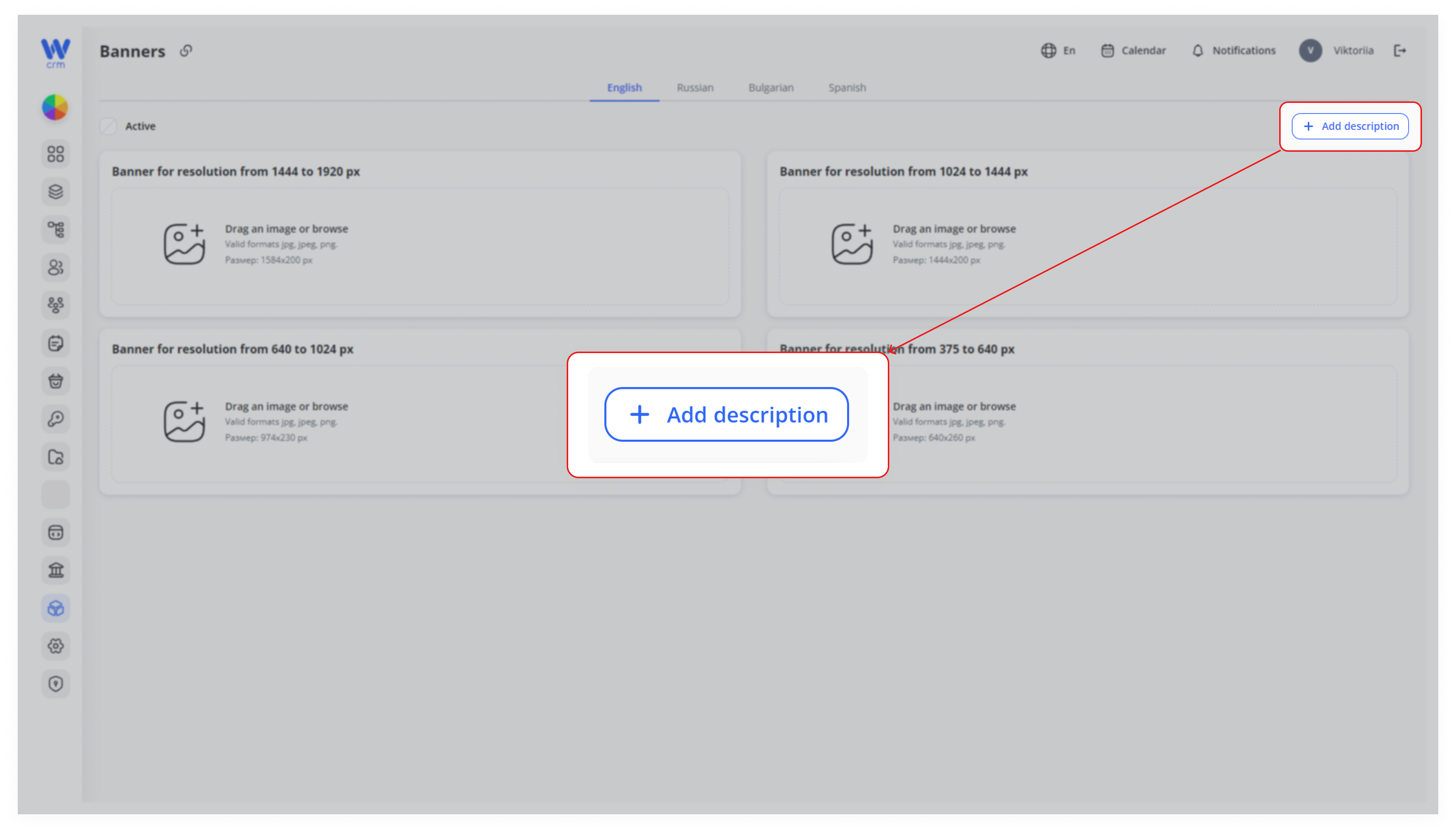
If necessary, add a description for the banners by clicking the Add Description button in the upper right-hand corner.
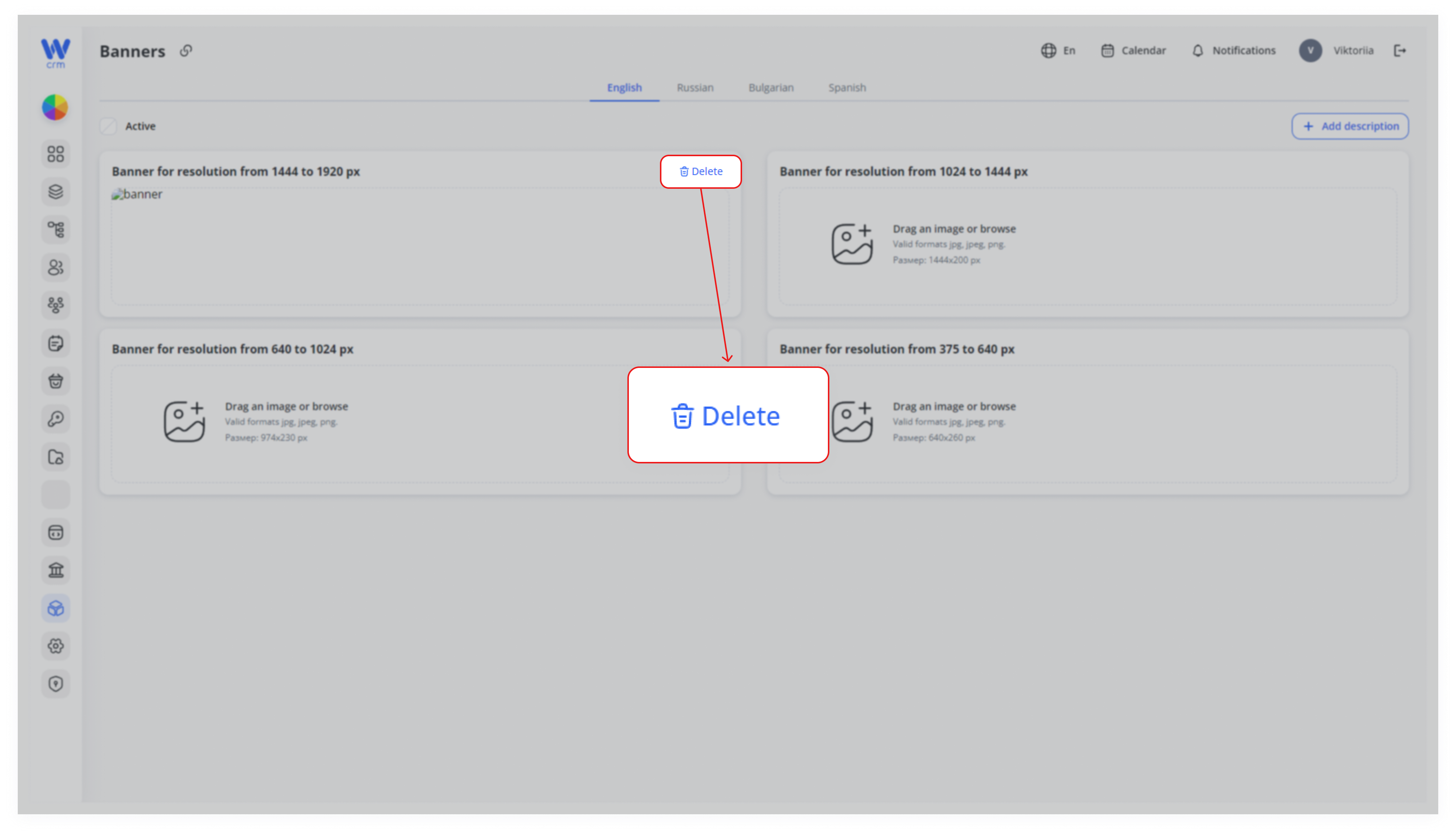
You can delete a banner, to upload a new banner instead. To delete a banner:
-
- Click the Delete icon in the upper right corner of the corresponding banner block.