
4.6. How to Deactivate an Employee
You can either delete or deactivate an employee. Here’s the difference:
-
-
Deactivation: The employee's account remains in the system, but is not active. Other employees cannot see them, assign them to projects or desks, etc.
-
Deletion: The employee is removed from the system.
-
Warning: Deleted employees cannot be restored.
To deactivate an employee:
1. Go to the the Edit tab.
2. Uncheck the the Active checkbox:
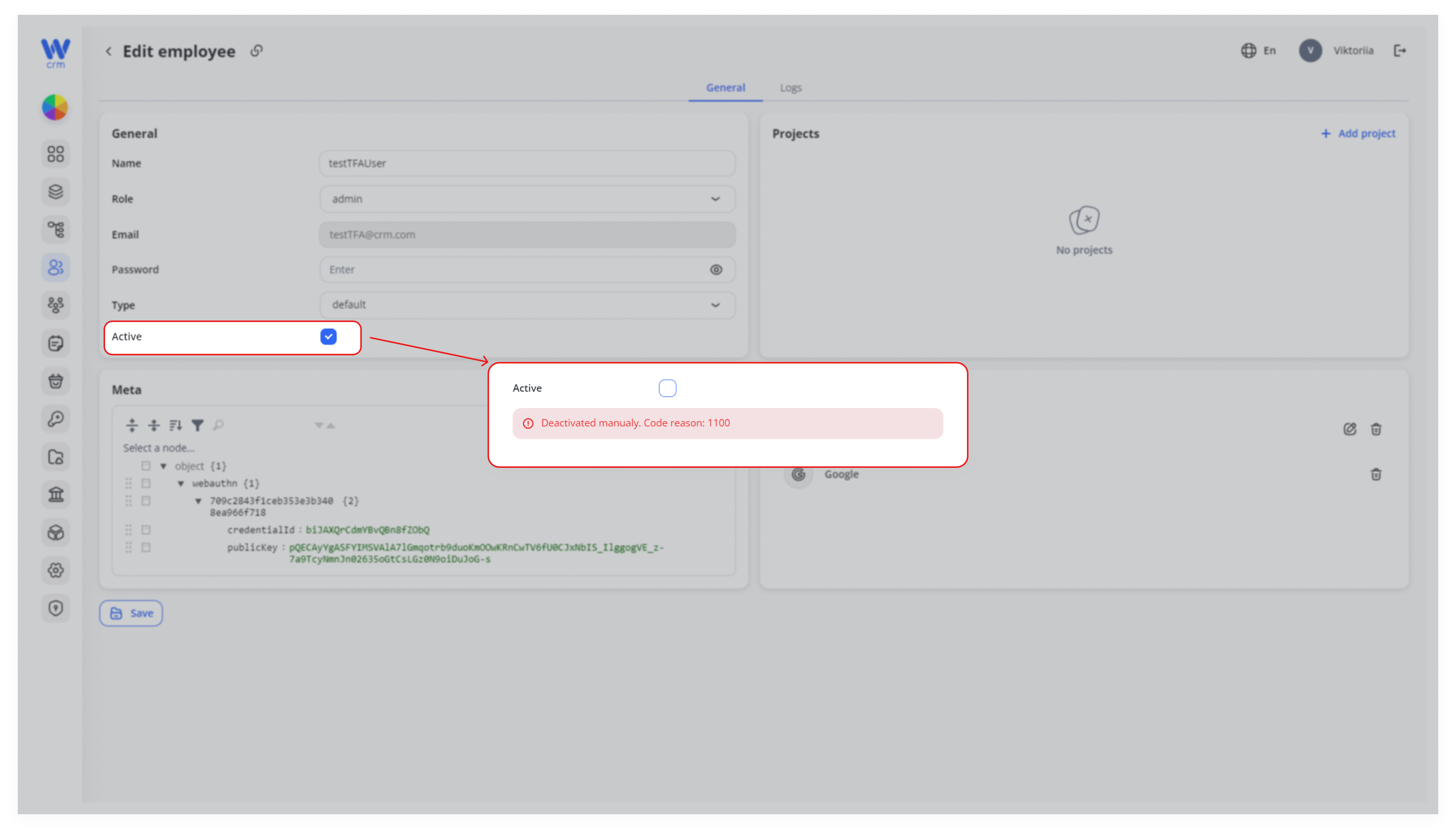
3. Click Click Save to apply the changes.
You cannot delete an employee directly from the Employees module. To delete an employee: