
5.6. How to Deactivate a Client
When deactivated, the client's account remains in the system but becomes inactive. Employees can still view deactivated clients, but cannot assign them to projects, desks, or other activities.
To deactivate a client:
1. Go to the Edit tab.
2. In the State drop-down list, choose Deactivated:
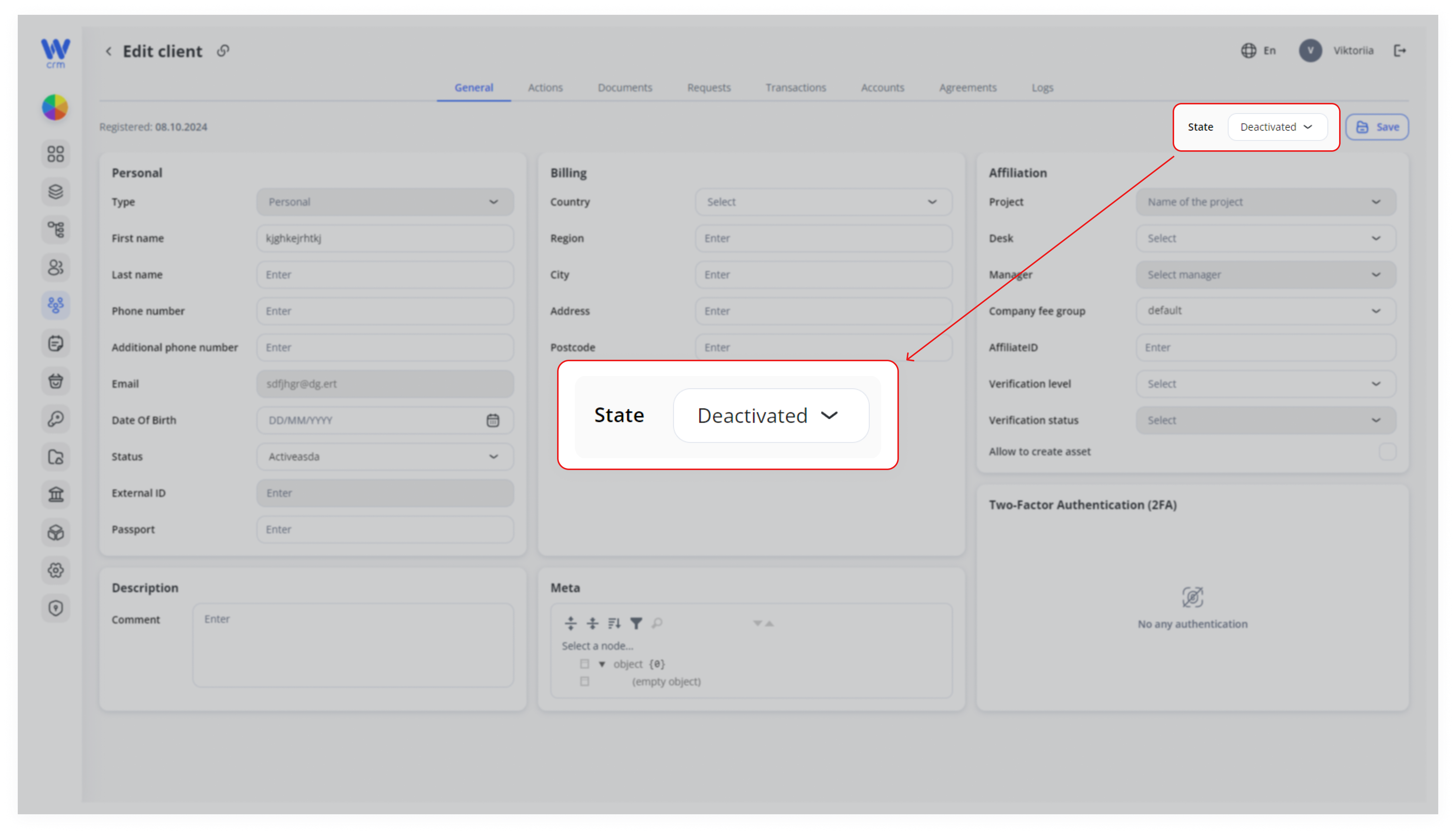
3. Click Save to apply the changes.