
5. How to Set Platforms
The Platforms module is used to integrate and customize third-party platforms (e.g., banks) that manage customer assets and accounts. If an asset or account is assigned to a platform, connecting to that platform is essential to display relevant information, such as balances.
To add a new platform:
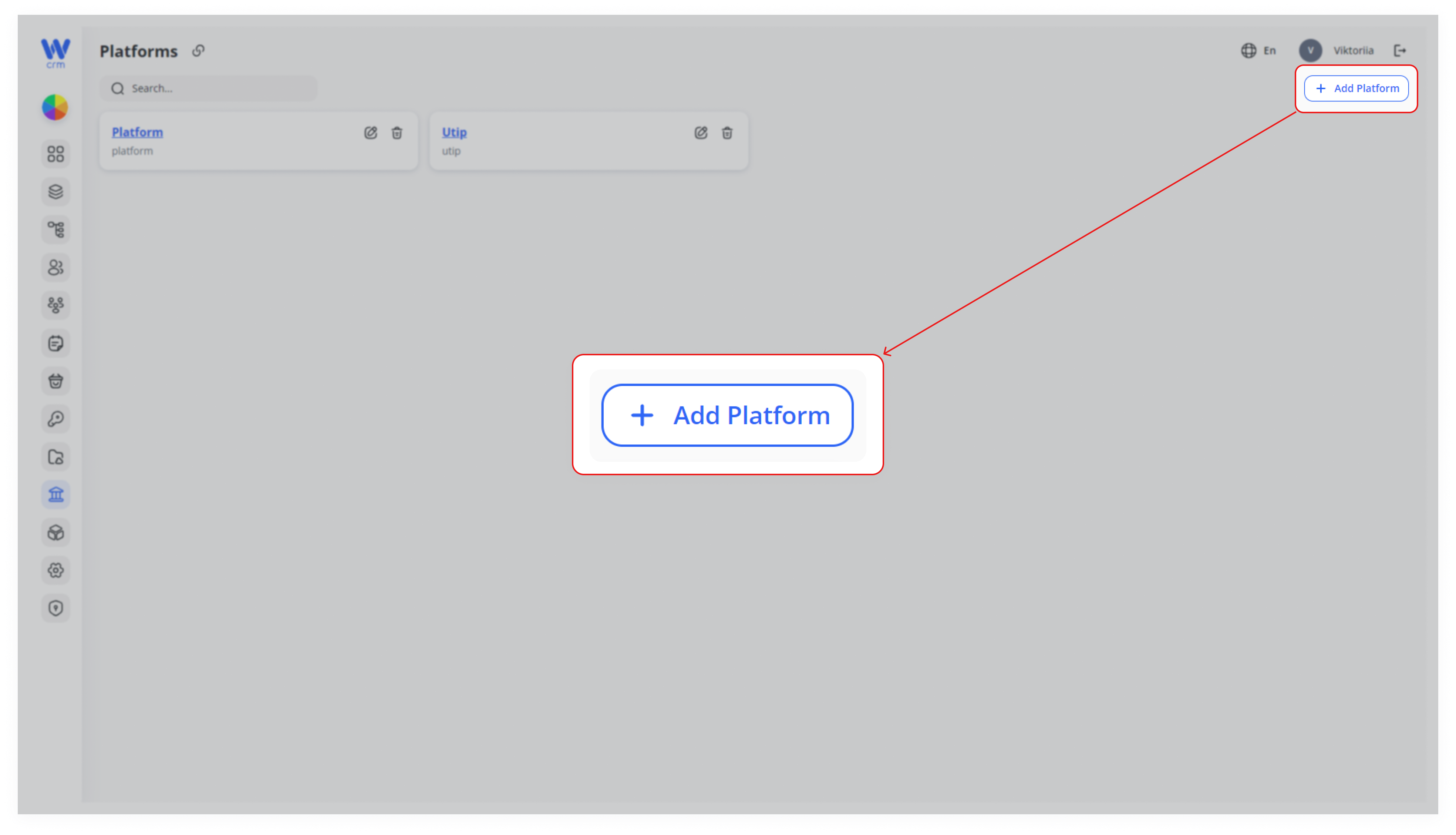
1. Click the the Add Platform button in the upper-right corner of the Platforms module.
2. Enter or select from the drop-down list:
-
-
- Name: The name of the platform.
- Label: A unique identifier for the platform. The list will include platforms that are already integrated into CRM.
-
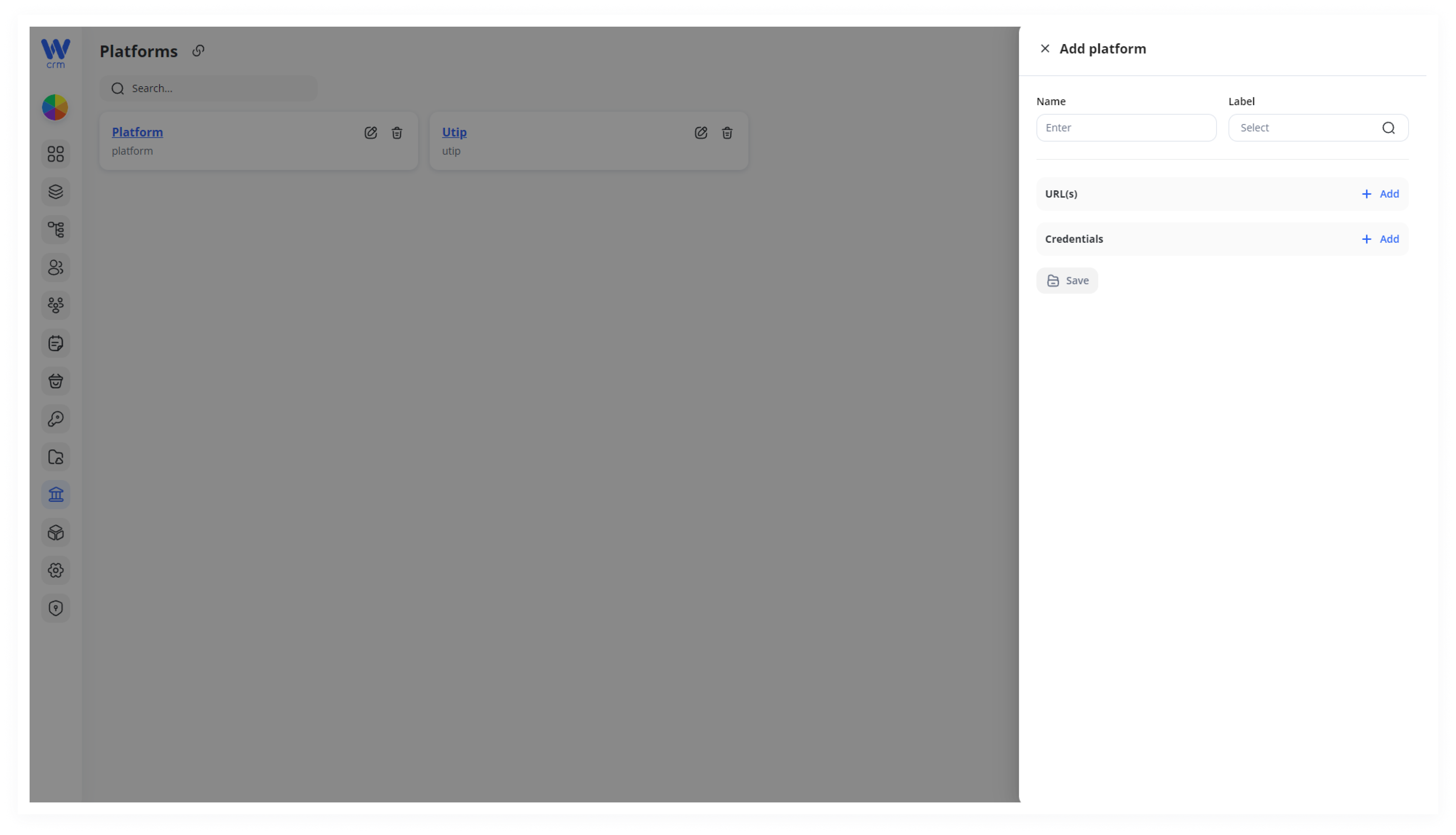
3. Add the necessary necessary URL(s) and Credentials required to connect to the platform. If you select a label from the drop-down list, the required fields will be automatically populated.
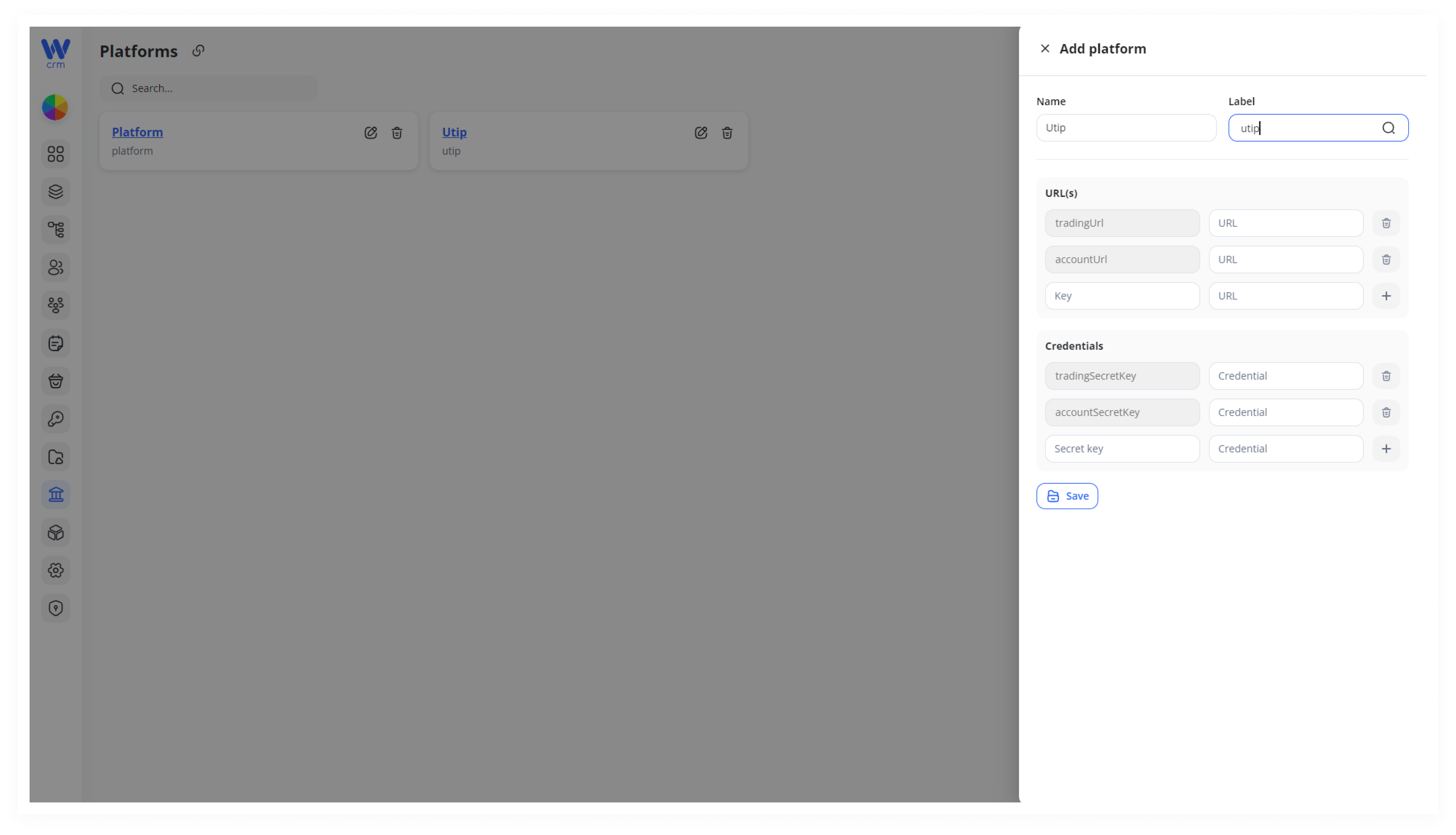
4. Click Click Save to apply the changes.
To edit a platform:
1. Click the the Edit icon next to the platform.
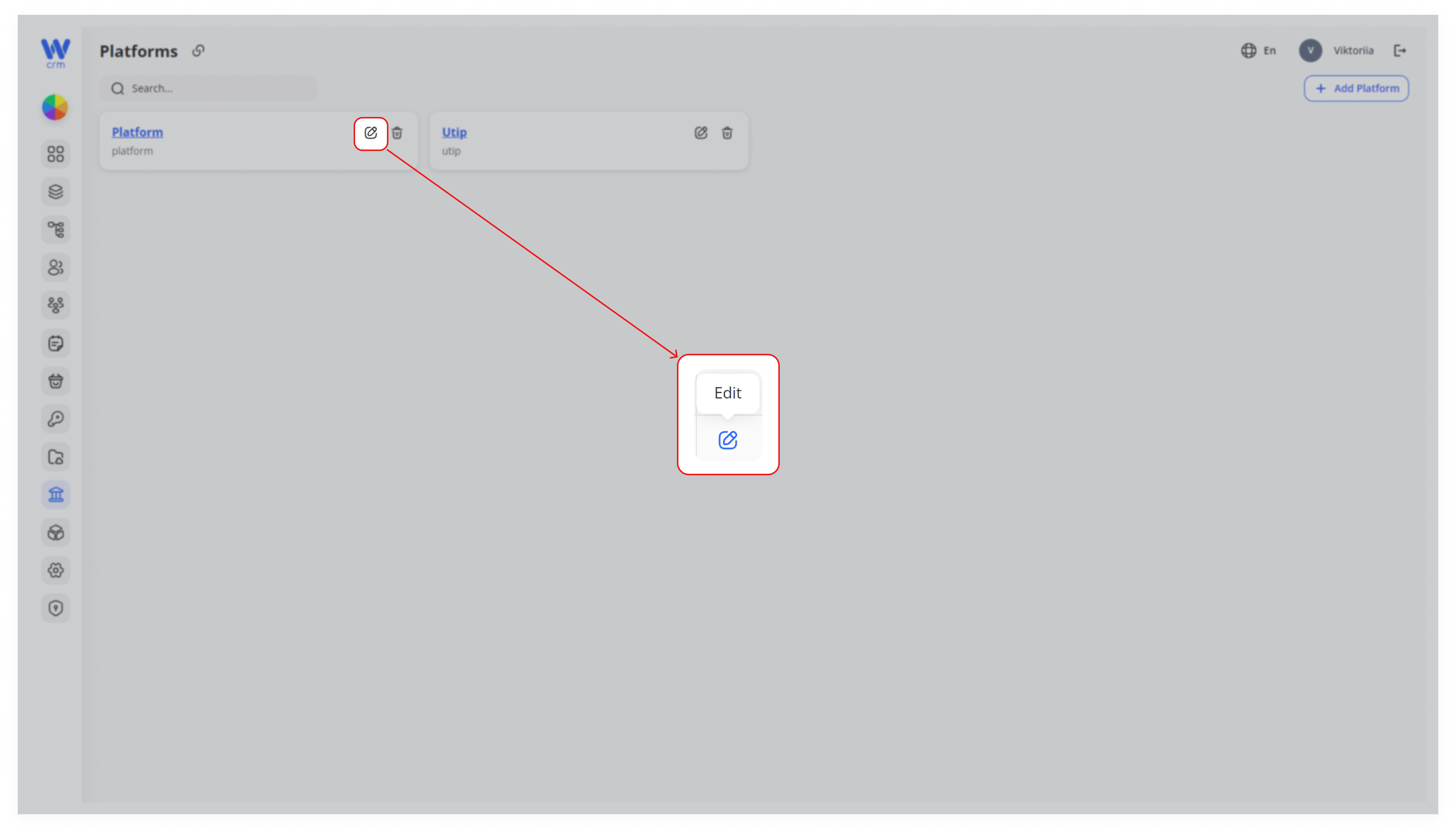
2. You can change the Name and update or add new URL(s) and Credentials (or modify existing values).
3. Click Click Save to apply the changes.
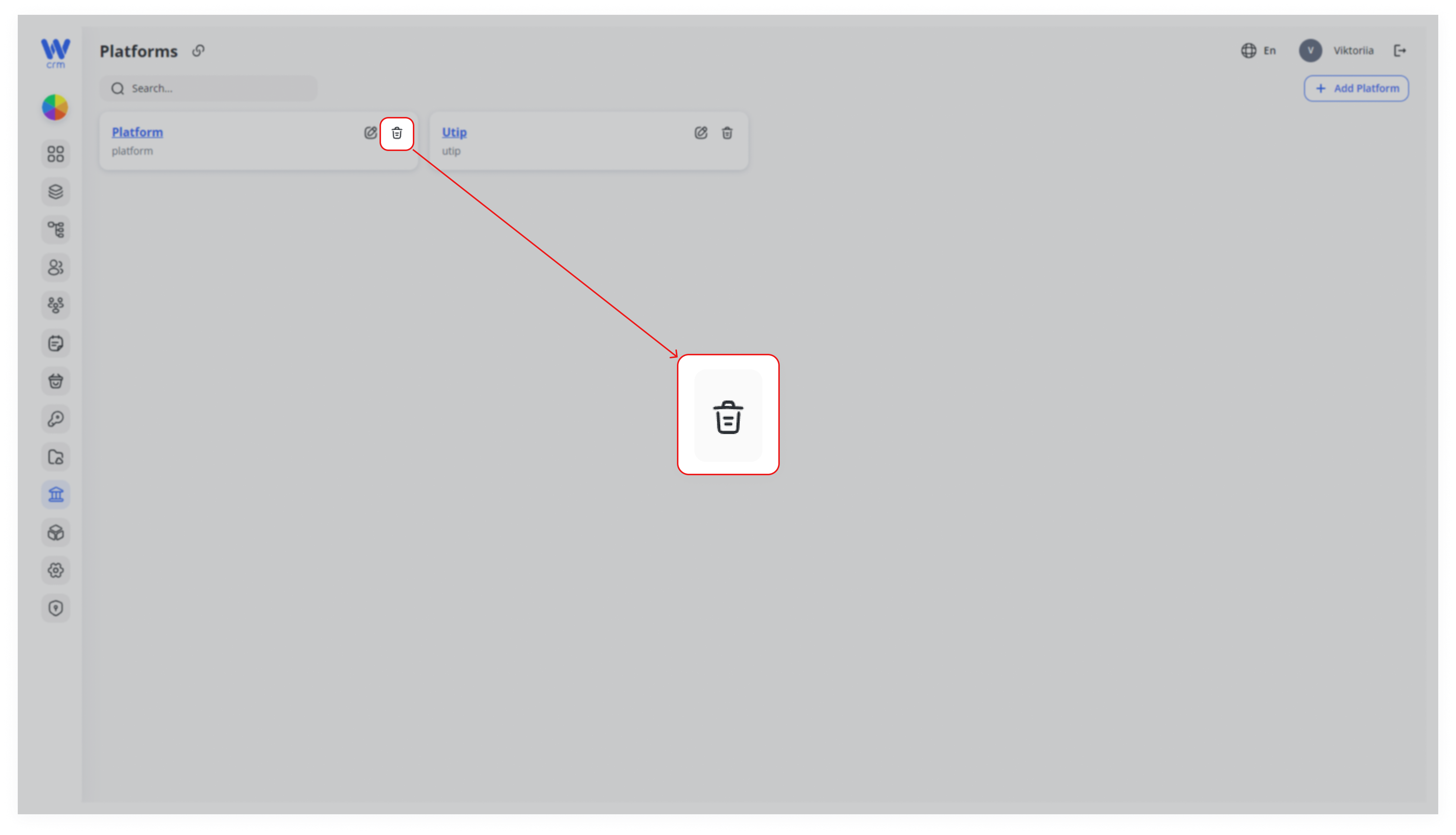
To delete a platform:
-
- Click the Delete icon next to the platform.
Note: You can only delete platforms that have no associated assets. For more information on managing assets, refer to the [Assets section].