
6. How to Manage Templates
The Templates section lets you create, organize, and maintain reusable communication assets—email bodies, PDF agreements, push notifications, etc.—that you send to your clients. All template content (Title, Description, Properties) can be localized for any active language in your system.
You can perform the following actions with templates:
- Add
- Search
- Edit
- Delete
To add a template:
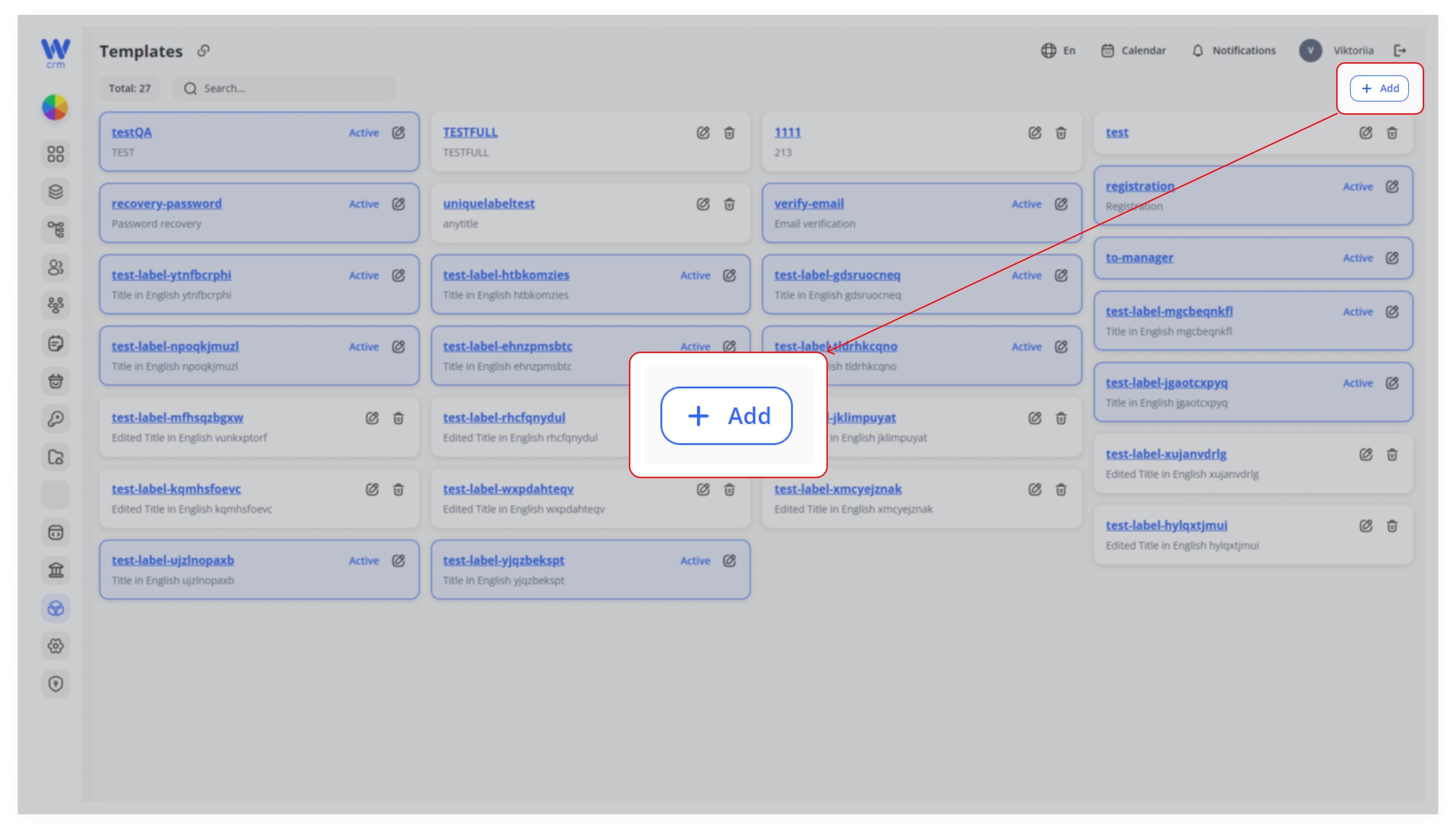
1. Click the Add button in the upper right-hand corner.
2. Fill in the form in the drawer:
Unique label: a machine-friendly identifier (e.g. user.welcomeEmail).
Active: toggle on if you want this template immediately available for sending.
Properties: (optional) populate any JSON nodes your UI or API needs.
Language tabs (En, Es, Ru, Pl): switch between locales and enter:
- Title: short summary or subject line (e.g. “Welcome to Our Service!”).
- Description: full template body (supports rich text, links, placeholders).
You can do this for all languages you have set in Configurations.
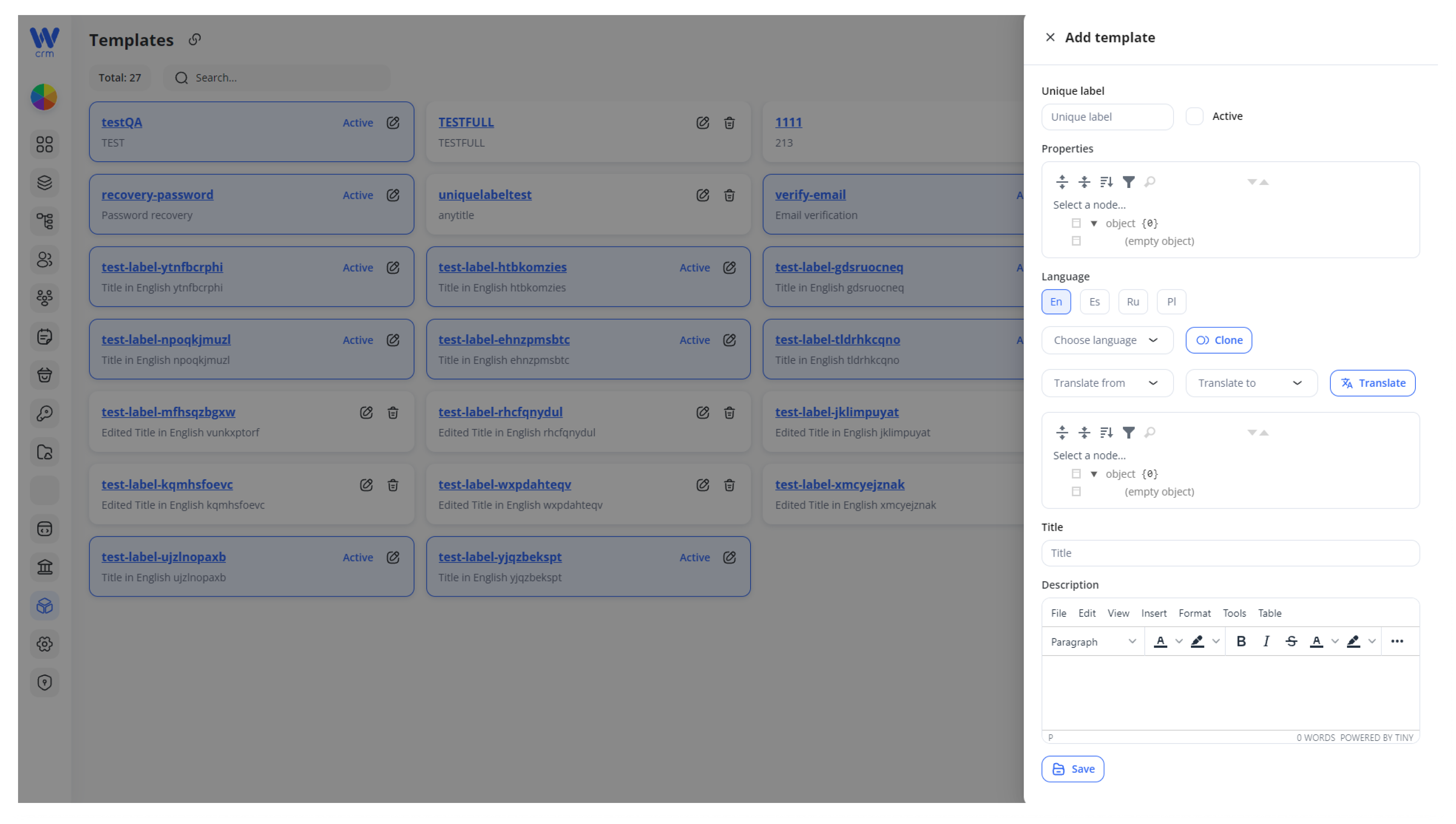
3. Save to create the template. It now appears as a card in your grid, marked “Active” if you toggled it on.
To search for a template:
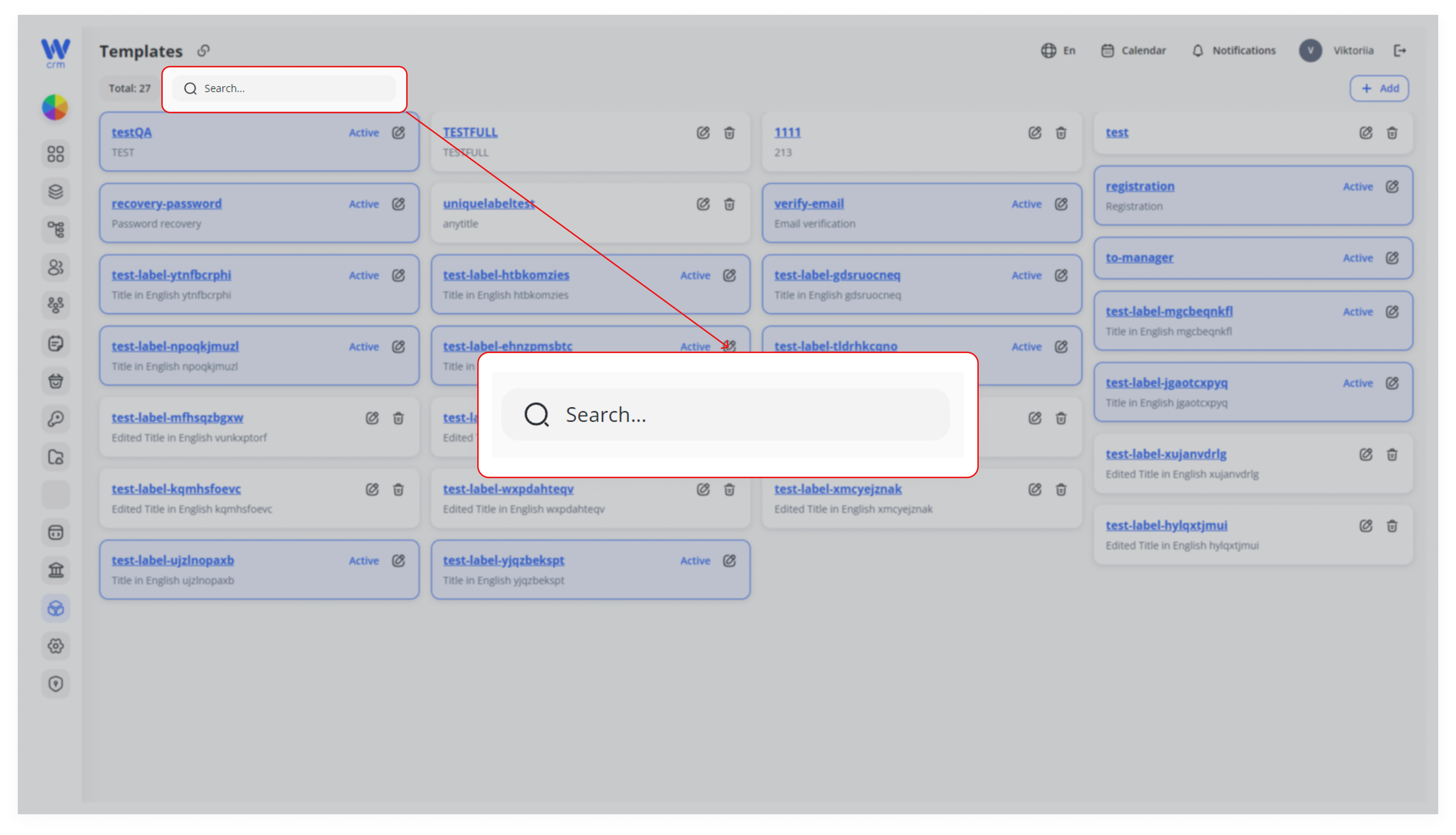
Filter the list by typing part of the Unique label or Title into the Search… field above the grid.
Results update in real time, making it easy to find specific templates among many.
To edit a template:
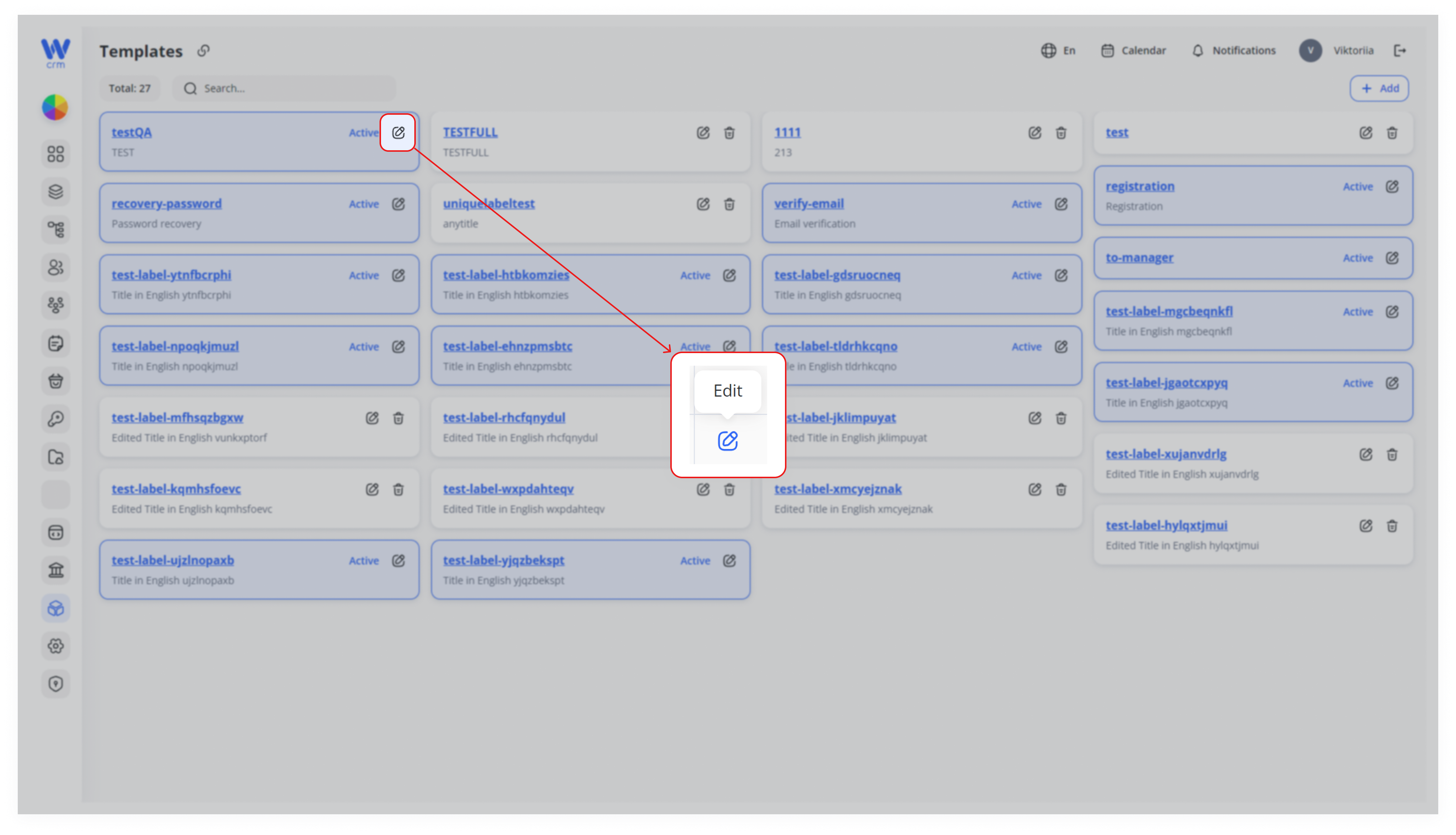
1. Click the ✏️ Edit icon on the template card.
2. Modify any fields in the drawer—except the Unique label (locked). You can:
-
Toggle Active on/off.
-
Update Properties JSON.
-
Switch languages and edit Title or Description.
-
Use Clone to copy from the default locale, or Translate for AI-assisted localization.
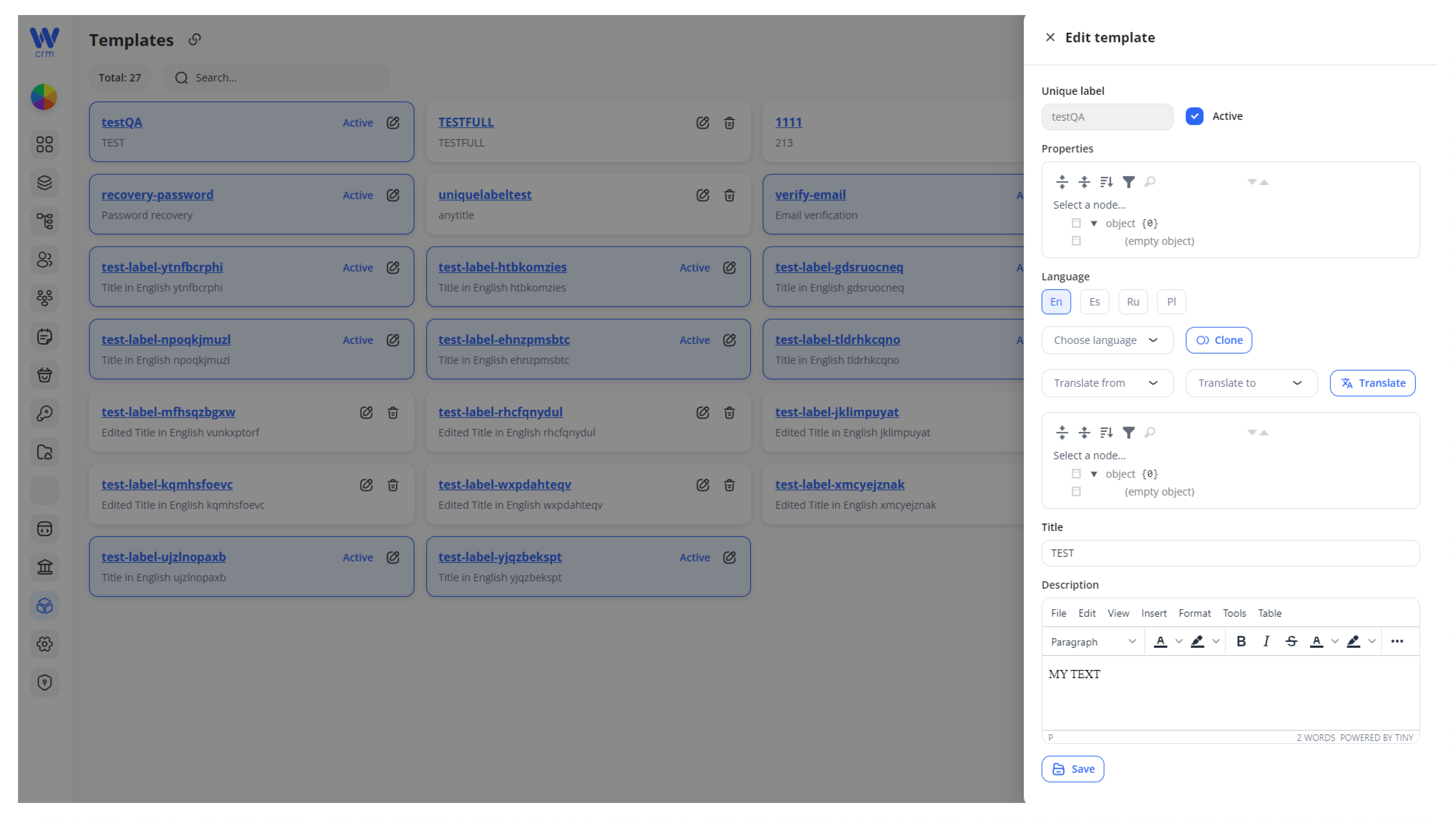
3. Click Save to apply the changes.
To delete a template:
1. Ensure the template’s Active toggle is off (via Edit).
2. Click the 🗑️ Delete icon on the card.
3. Confirm deletion in the prompt. The template is permanently removed.
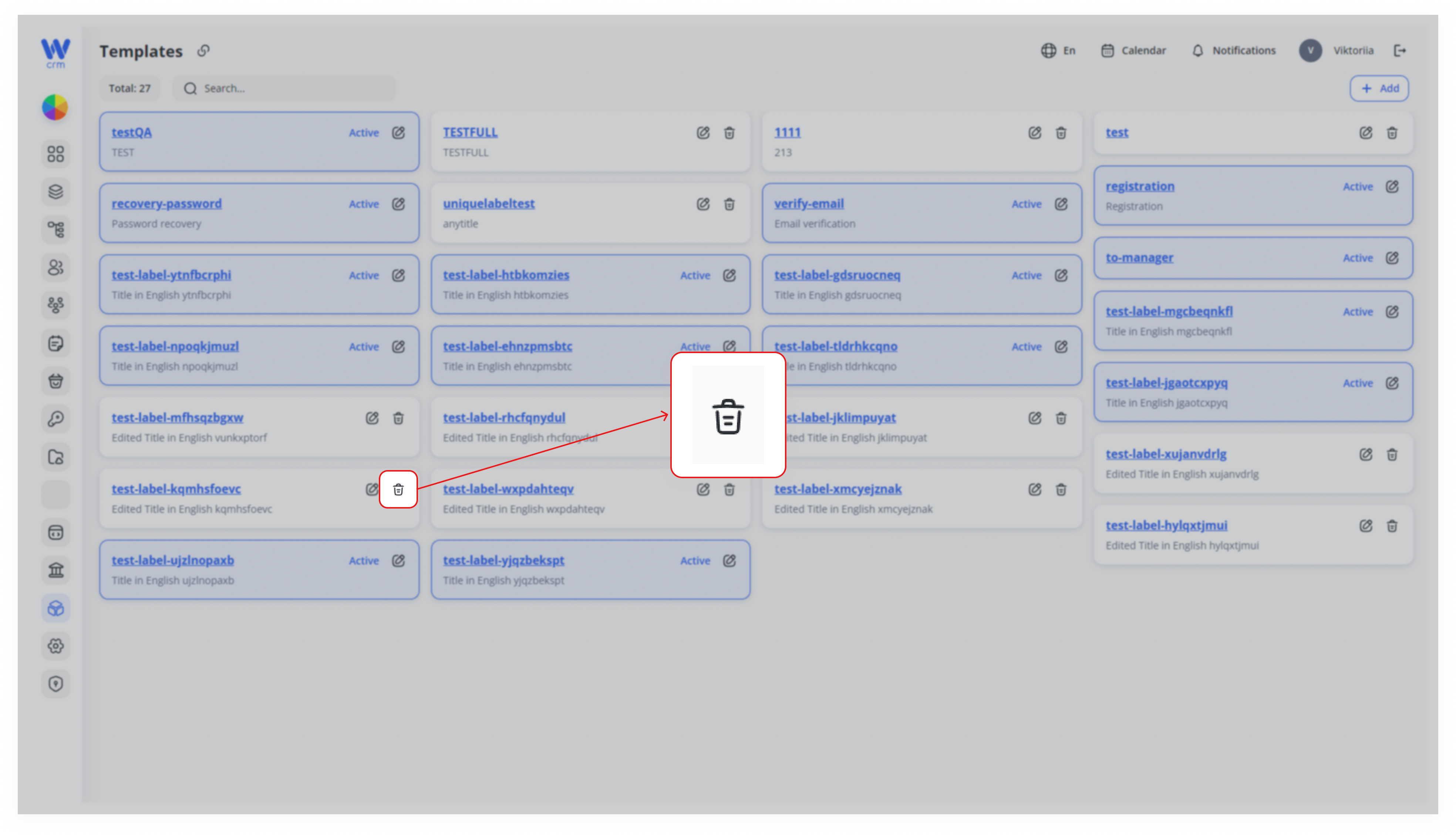
Note: You can only delete templates that are not active.
Best Practices & Tips
-
Consistent Naming: Group similar templates under a shared prefix (e.g.
invoice.*,reminder.*,passwordReset.*). -
Active vs. Inactive: Deactivate (don’t delete) templates you no longer use to preserve history while preventing accidental sends.
-
Localize Early: Add translations as you create the English version to ensure coverage for all target markets.
-
Use Properties Sparingly: Store only metadata your front-end or automation jobs require; keep JSON lean.
-
Version Control: Though you can’t version inside the UI, consider appending timestamps or version numbers to your Unique labels for major overhauls (e.g.
welcome_v2).
By following these steps and guidelines, you’ll maintain a clean, searchable library of communication templates—fully localized and ready for automated or manual dispatch.