
5. How to Edit a Role
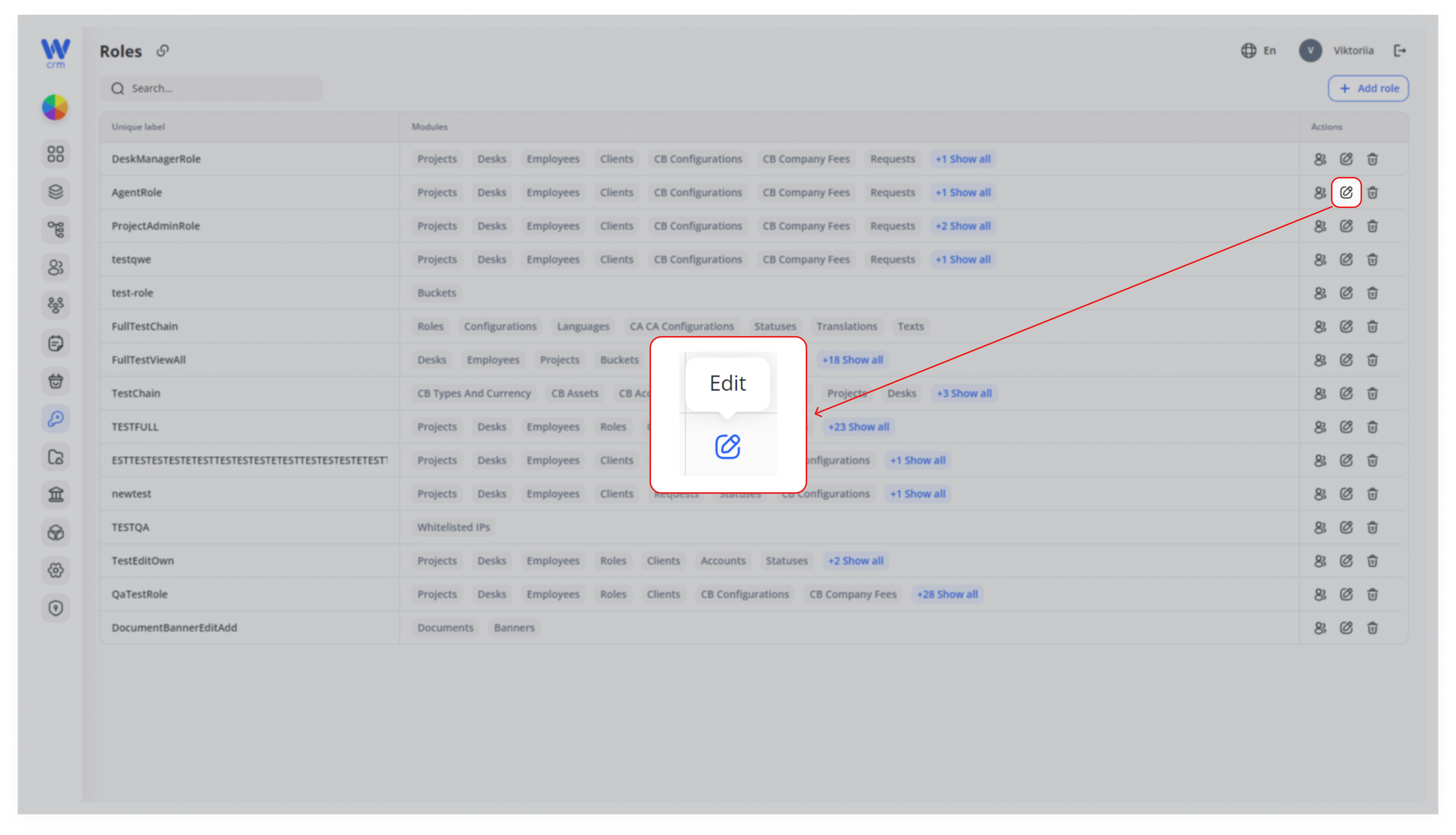
To edit a role, click the Edit icon in the Actions column of the role’s row:
The Edit role window will open:
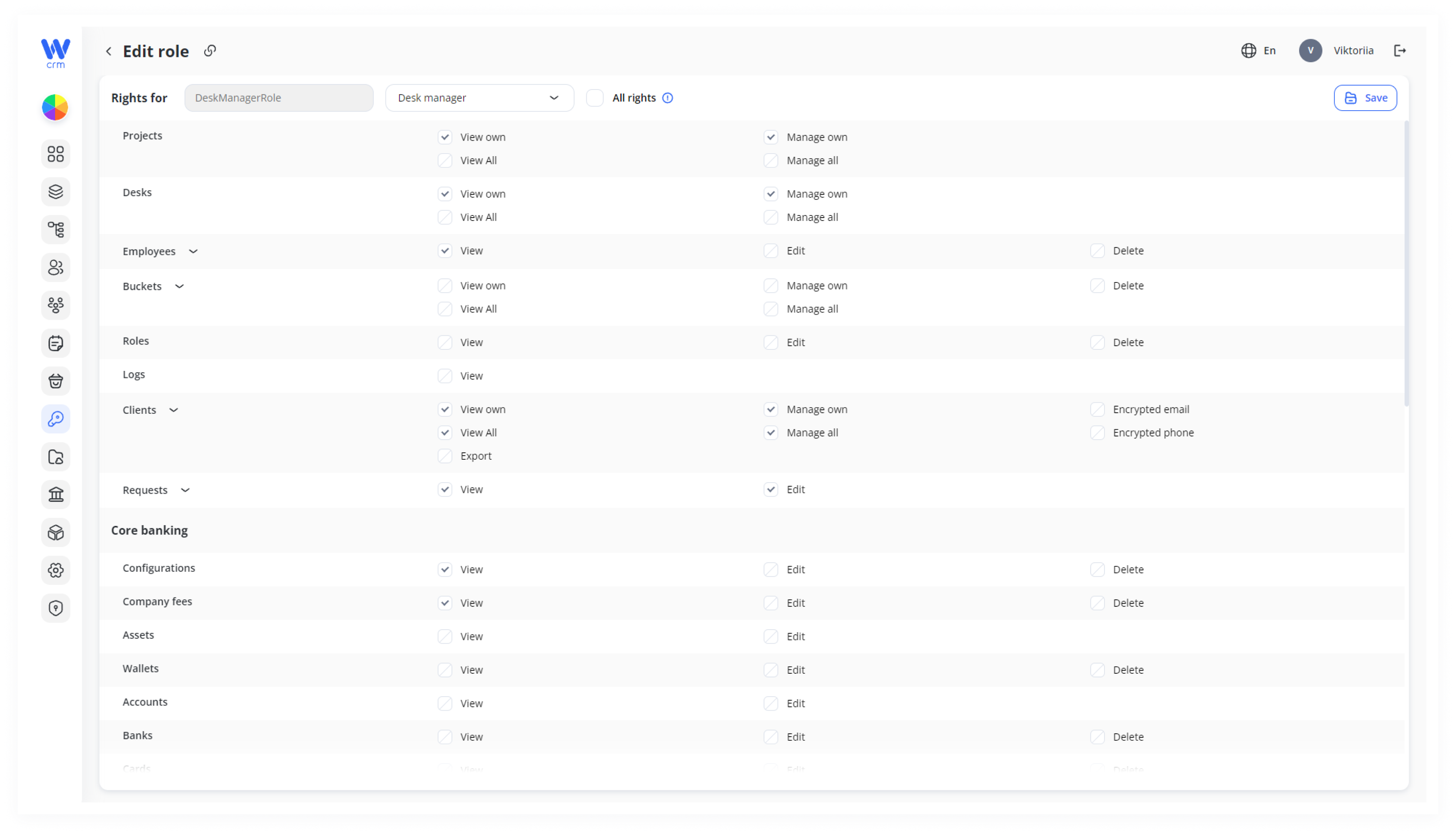
Here, you can delete permissions set during the role creation stage or add new ones. You can also set or change a template for the role.
Note: For roles created or edited based on templates, you can only change the templates later, but not edit the permissions manually.