5. How to Search for a Bucket
RemoveWhen thisyou pagehave
many info availabe in https://wiki.wi.services/books/wifox-business-suit/page/4-how-to-edit-and-search-a-bucket
To search for a bucket:
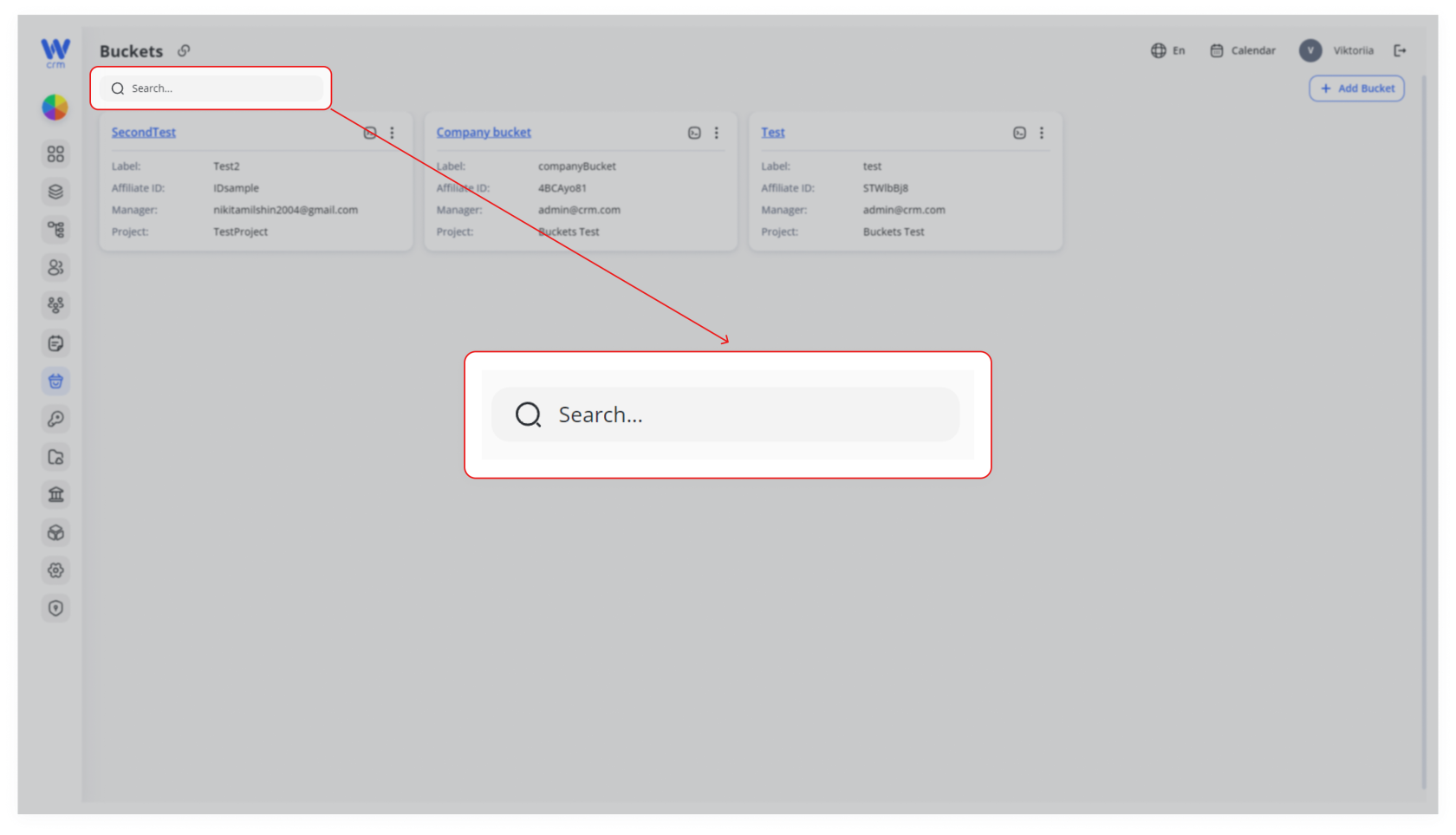
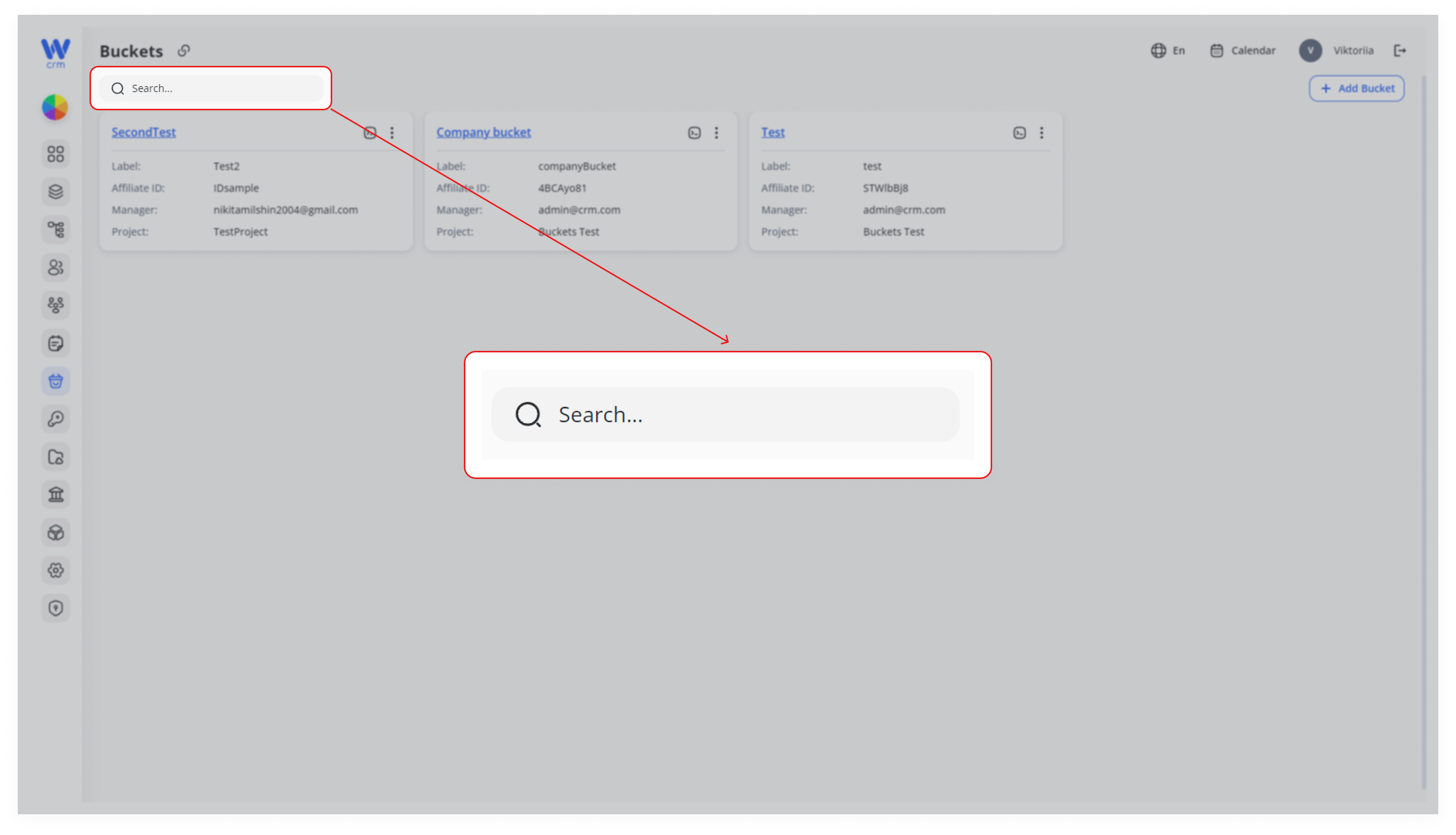
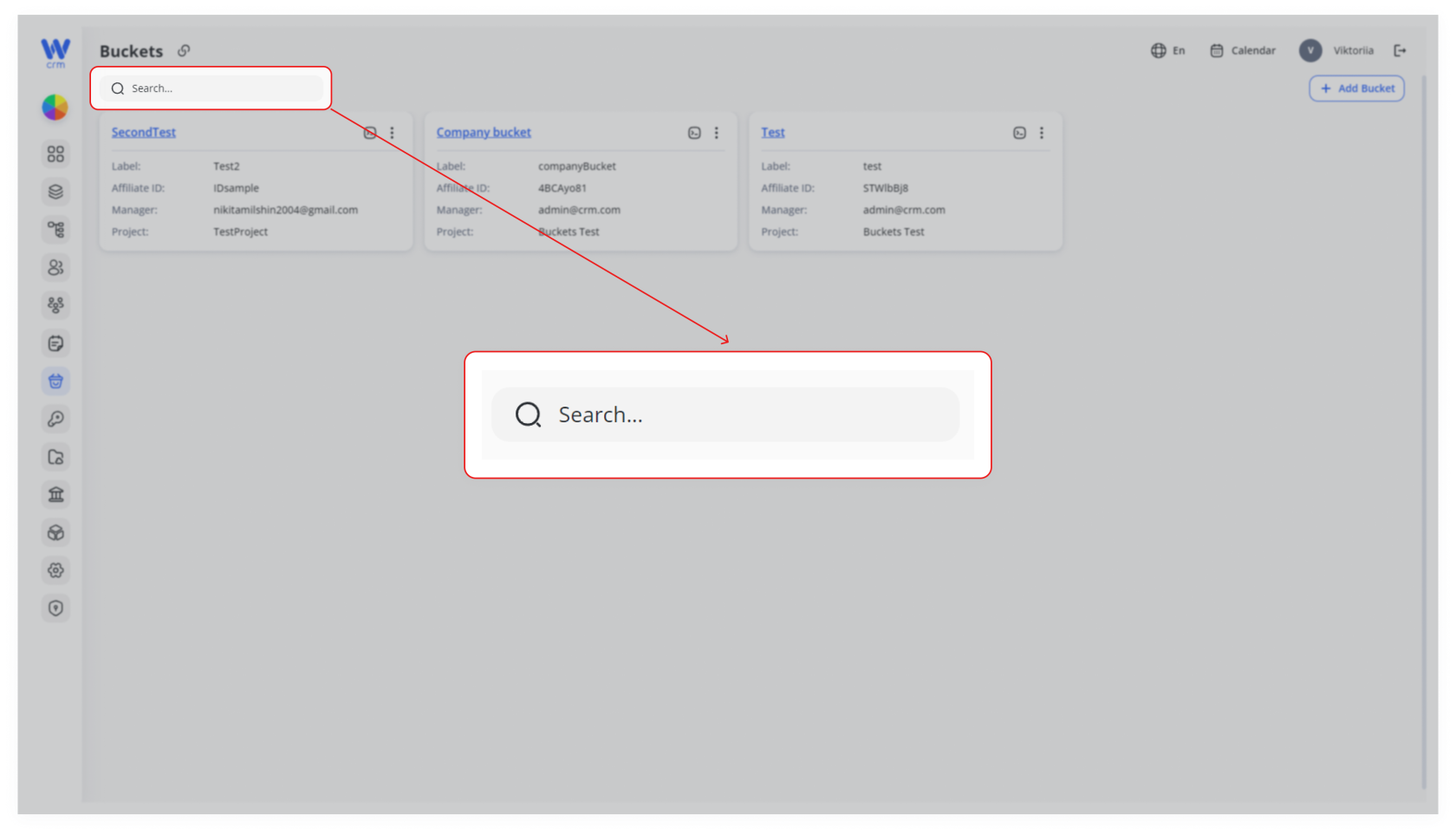
Inbuckets, the Searchfield,boxbeginhelpstypingyou quickly locate the one you need by filtering the list in real-time.1. Locate the Search field
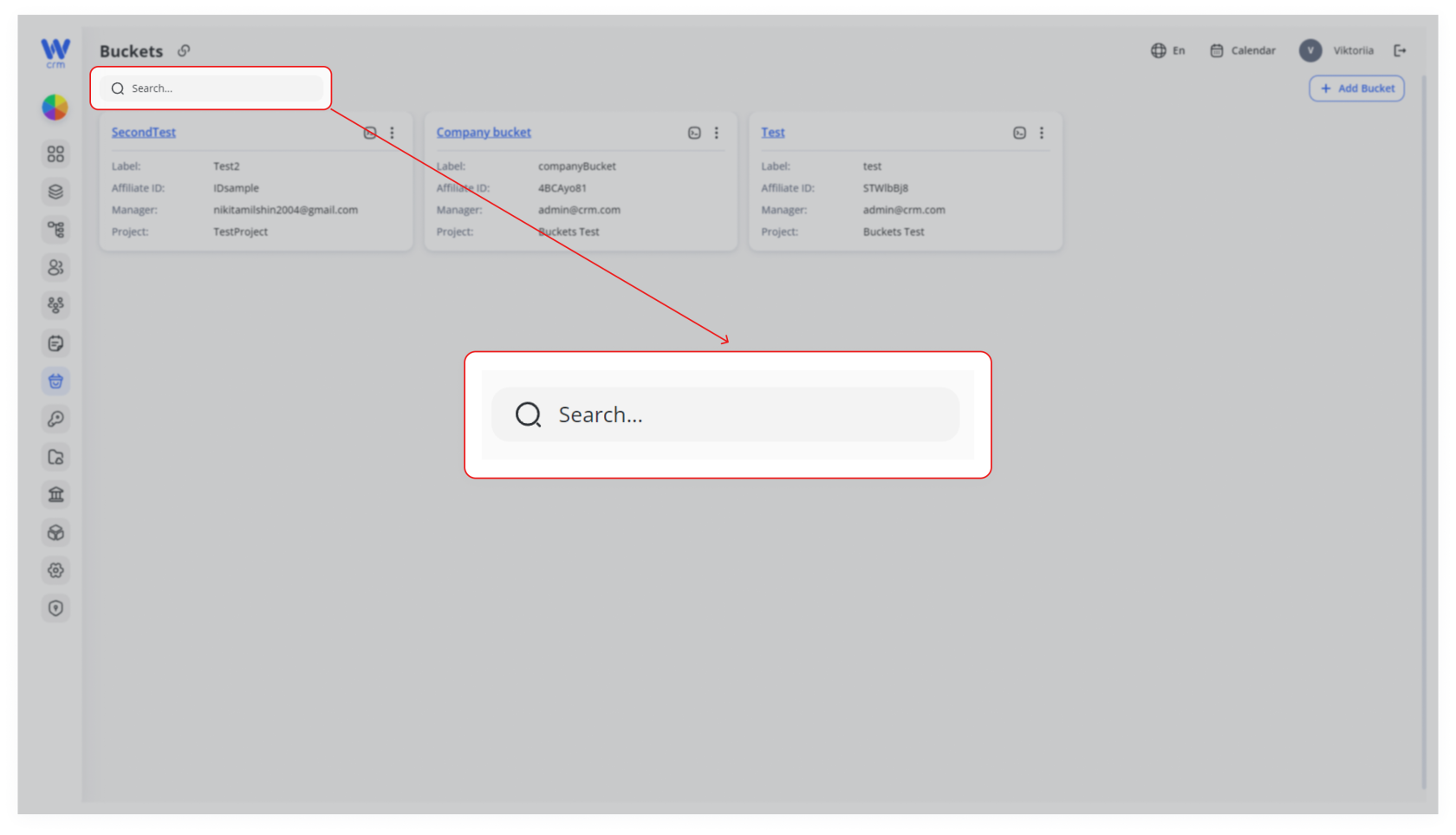
At the top of the Buckets page, you’ll see a search input with a magnifying-glass icon.
2. Type any part of the bucket’s
label.label or nameAs you enter text, the displayed bucket cards will instantly narrow down to those whose Label or Name contains your query.
3. Select your bucket
Click the matching bucket card to drill in, or use its kebab menu to edit, delete, or view sources.
Tip: You can search on partial words—e.g. typing “Test” will match both “SecondTest” and “TestBucket.”
Next Steps & Tips
-
Client Re-routing: If you’ve changed the affiliate or toggled Active off, verify that any automated assignments or desk mappings still behave as expected.
-
Audit Logs: Check your system’s audit trail to confirm who made the change and when—useful for compliance and troubleshooting.
-
Communicate Changes: Let your team know if you’ve renamed a bucket or updated its affiliate ID so reporting dashboards and integrations remain in sync.
-