4. How to Search for a Role
Open the Roles Module
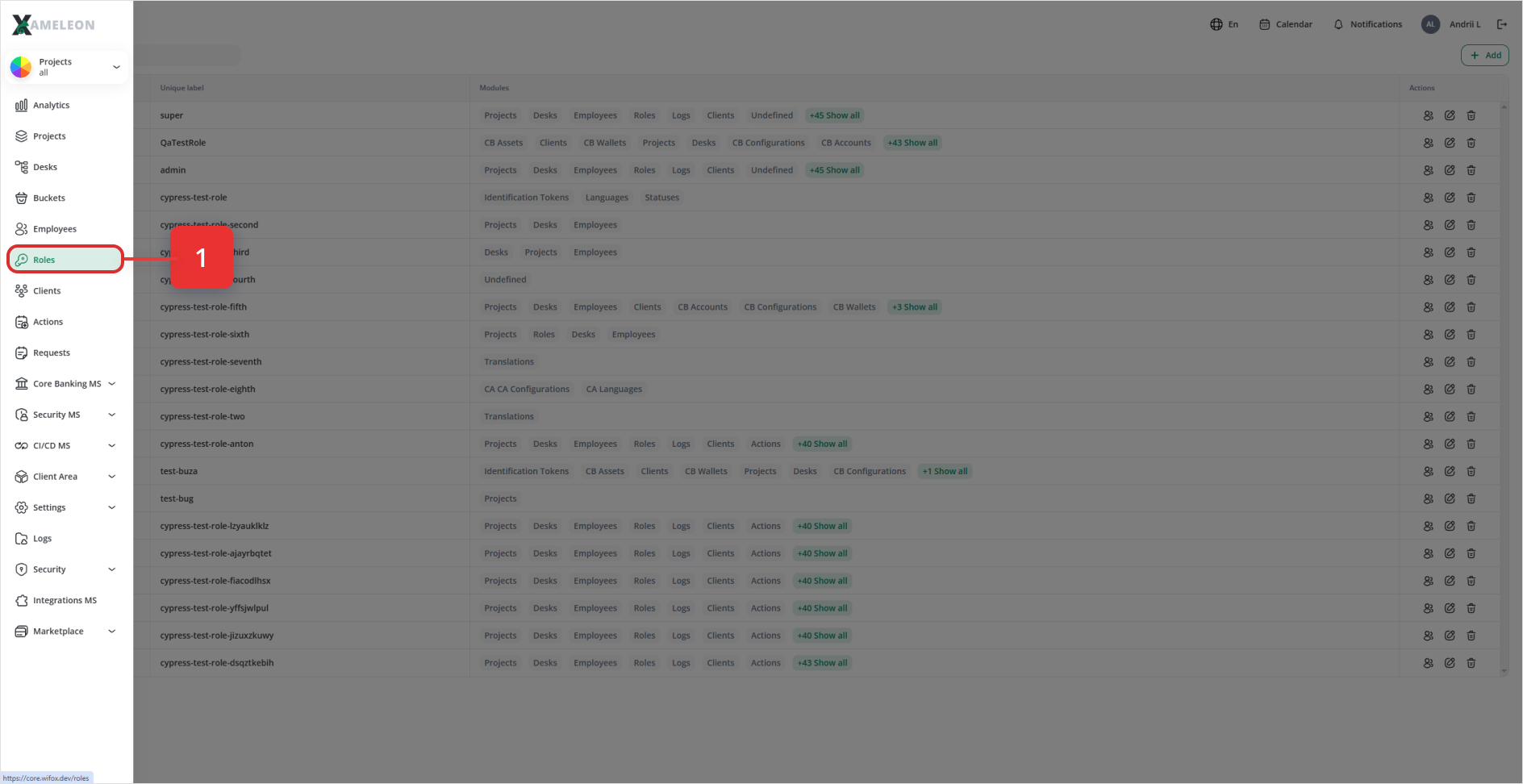
From the left-hand nav, click Roles to display the list of all roles.
To search for a role:
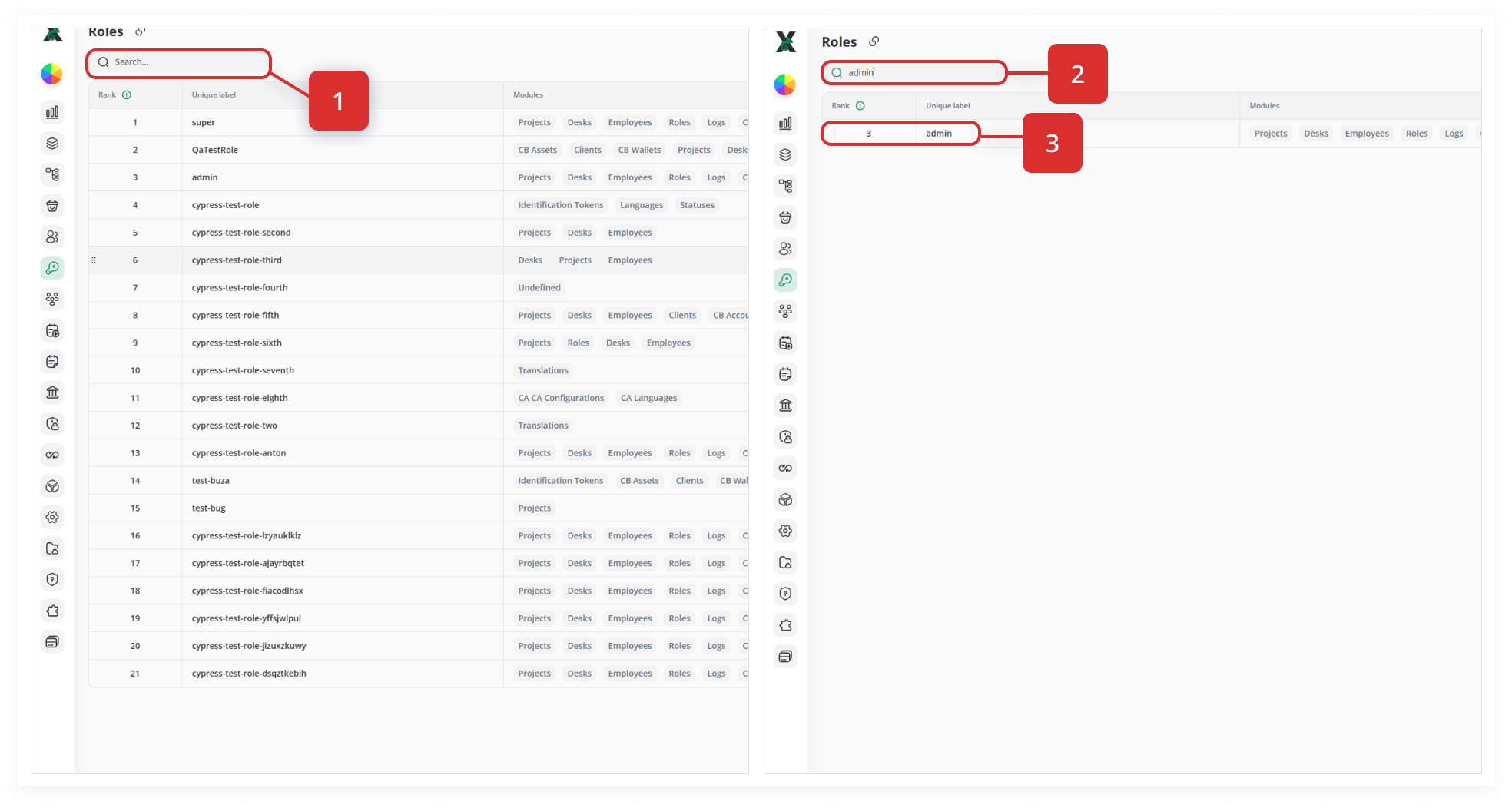
- Enter the role’s name or part of it in the Search
field:field. - Next, you will see the required role in the list based on the keyword you entered in the search field (for instance, «admin»).