
5.4. How to Reassign a Client
To quickly reassign the clients:
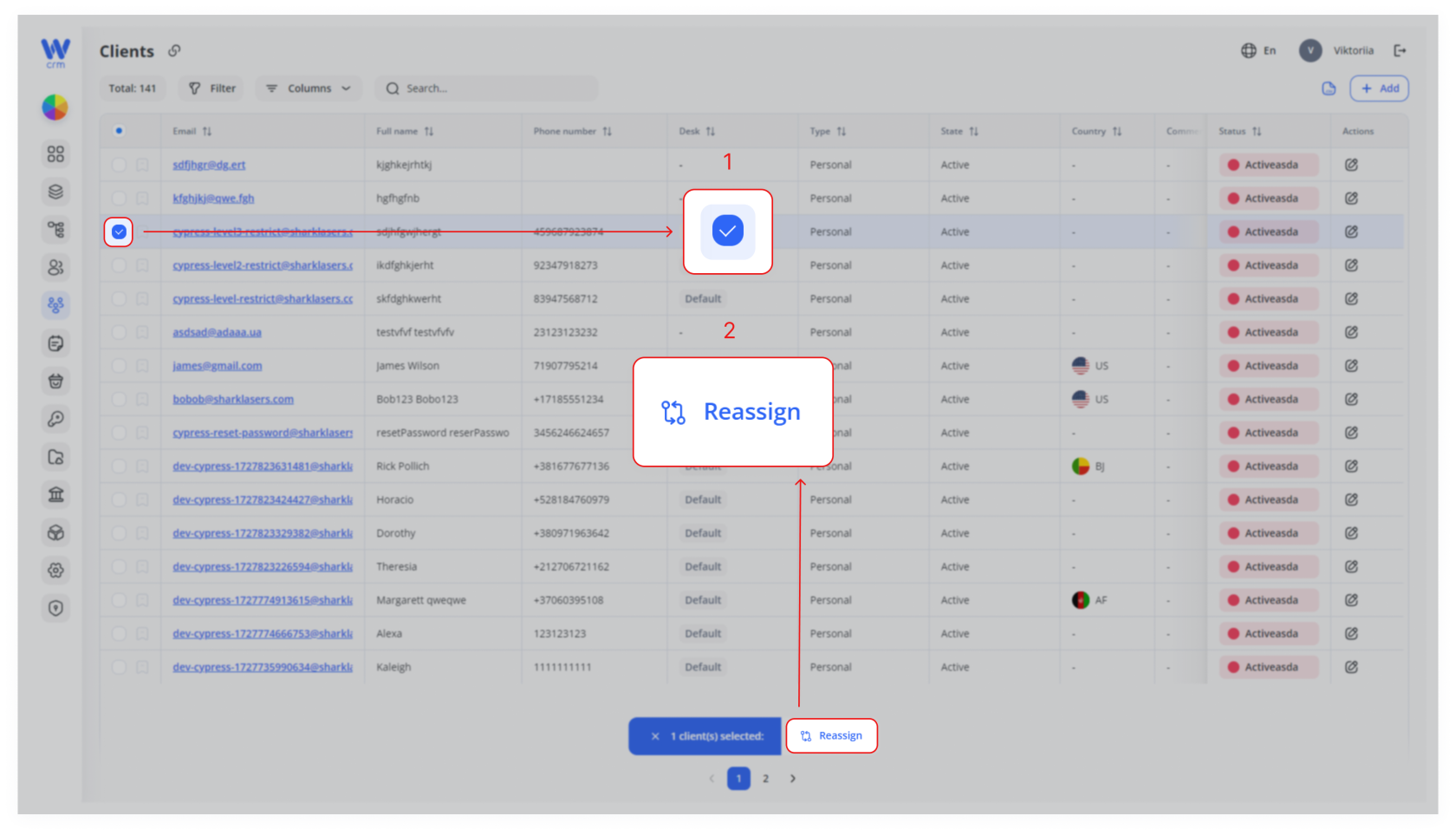
Go to the Clients tab.
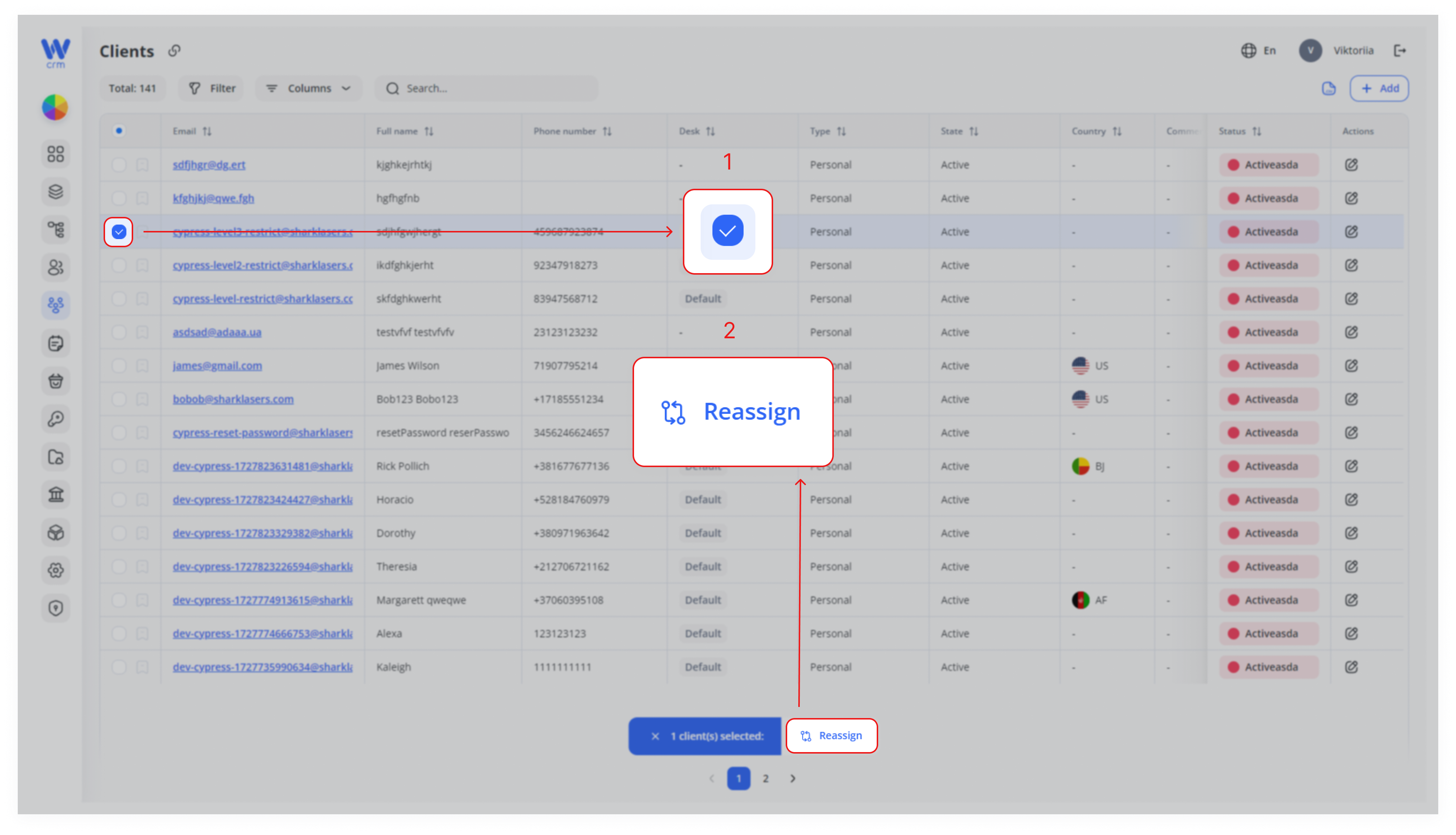
Check the box next to the client’s email to select one or more clients.
Note: You cannot select clients assigned to different projects.
Click on the Reassign button:
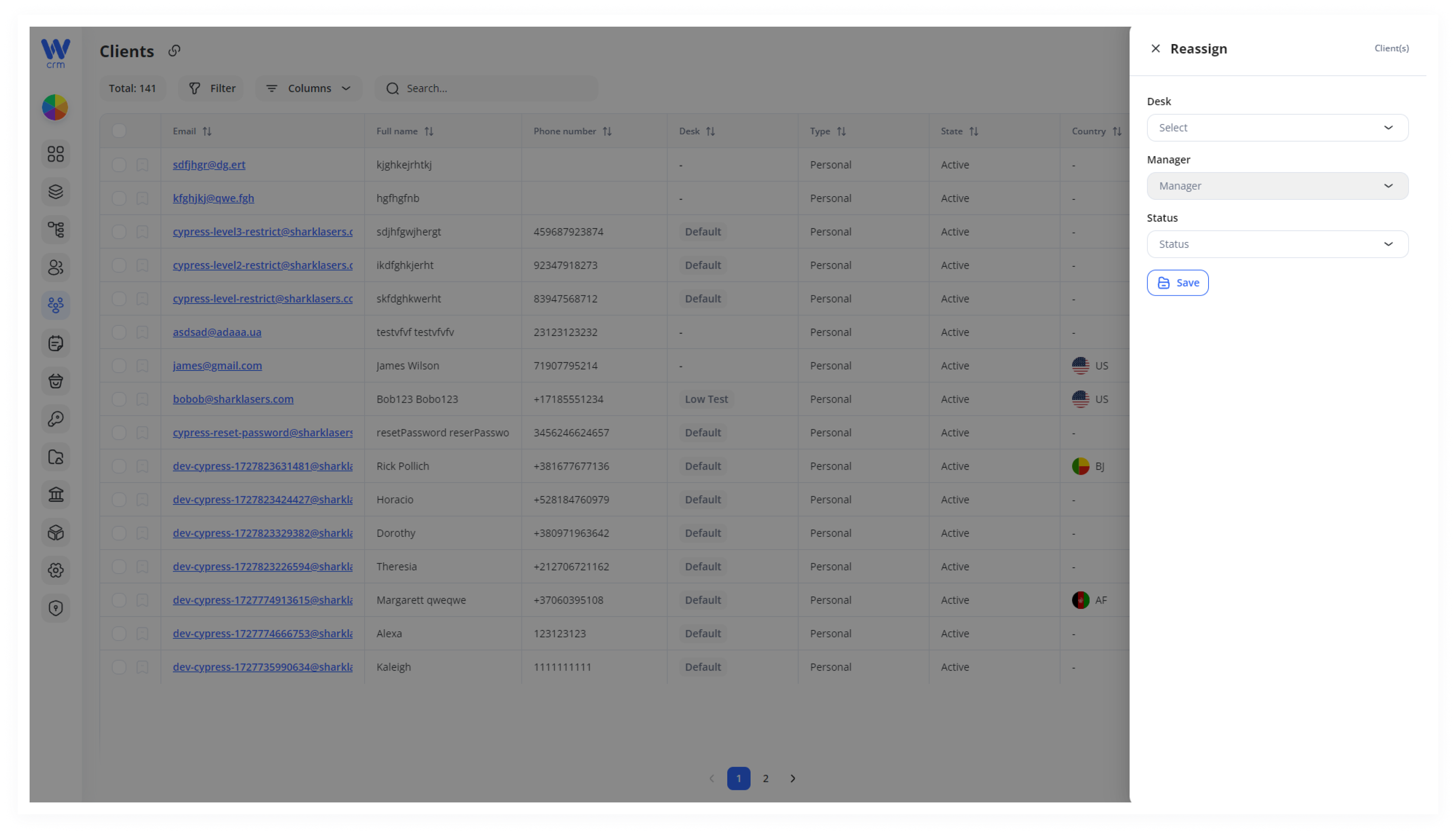
4. Select a new desk and/or status from the drop-down list.
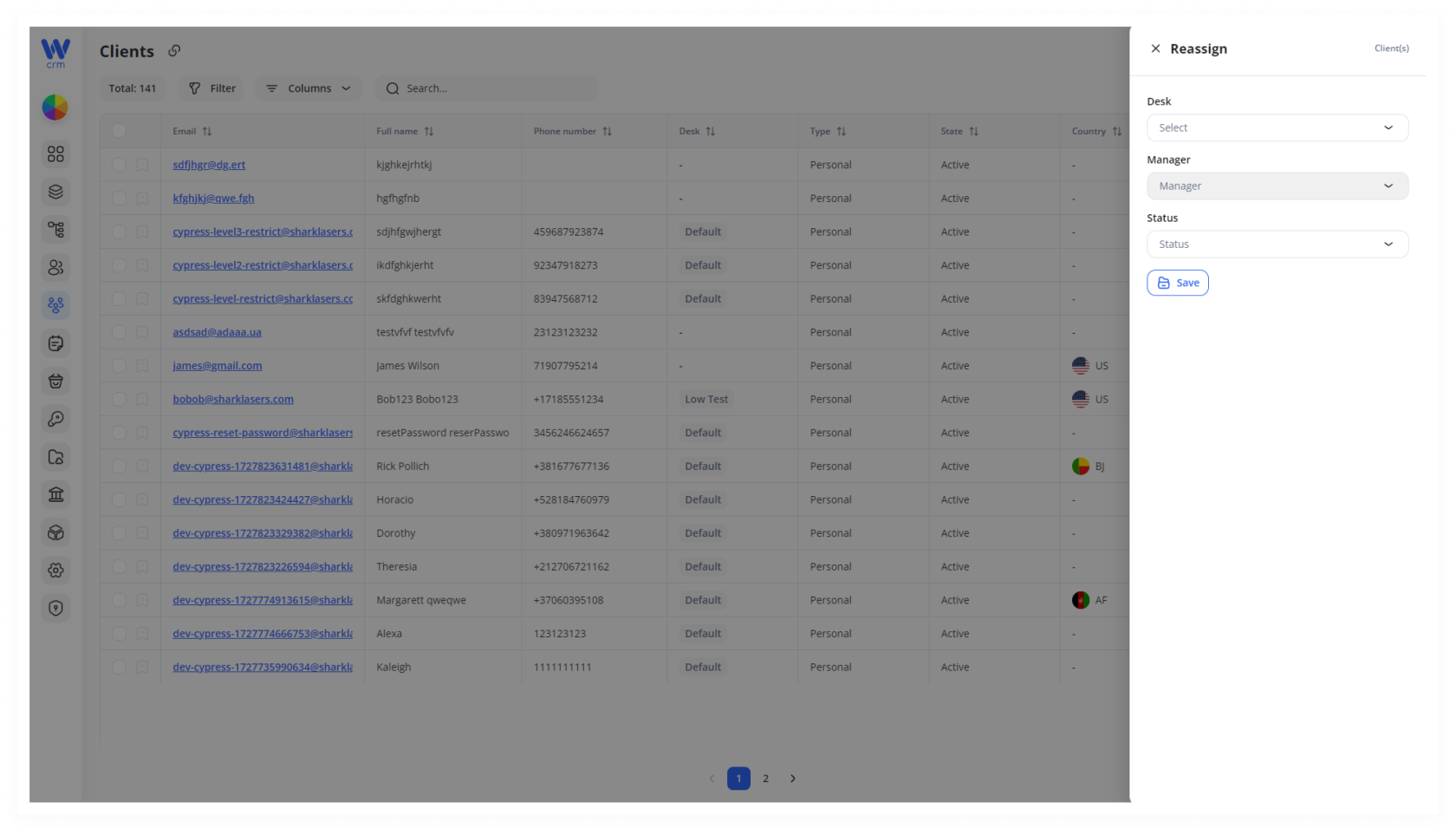
5. Click Save to apply the changes.
1.
2.
3.


Note: The manager assigned to the client cannot be changed.