
4. How to Edit an Employee
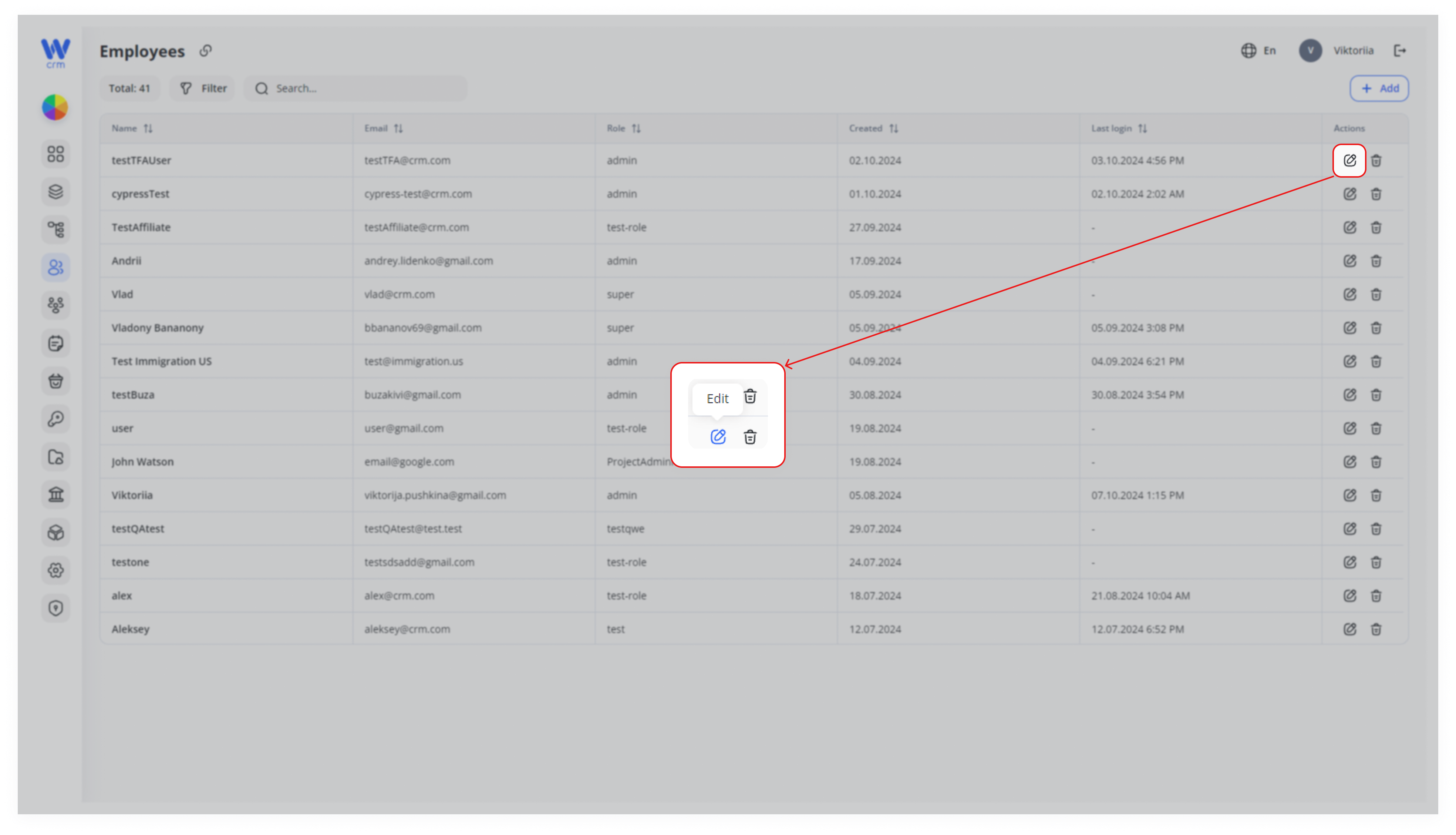
To edit an employee, click the edit icon in the Actions column of the specific employee's row:
In the Edit window, you can:
-
Change the name, role, email, and password of the employee.
-
Assign the employee to new projects and desks.
Note: You cannot remove projects to which an employee has already been assigned. Instead, go to the Projects tab and remove specific members from the project.