
5. How to Delete a Project
We need to delete this page
info available in https://wiki.wi.services/books/wifox-business-suit/page/4-how-to-edit-and-delete-a-project
You can delete any projects you have created, but you cannot delete the default project.
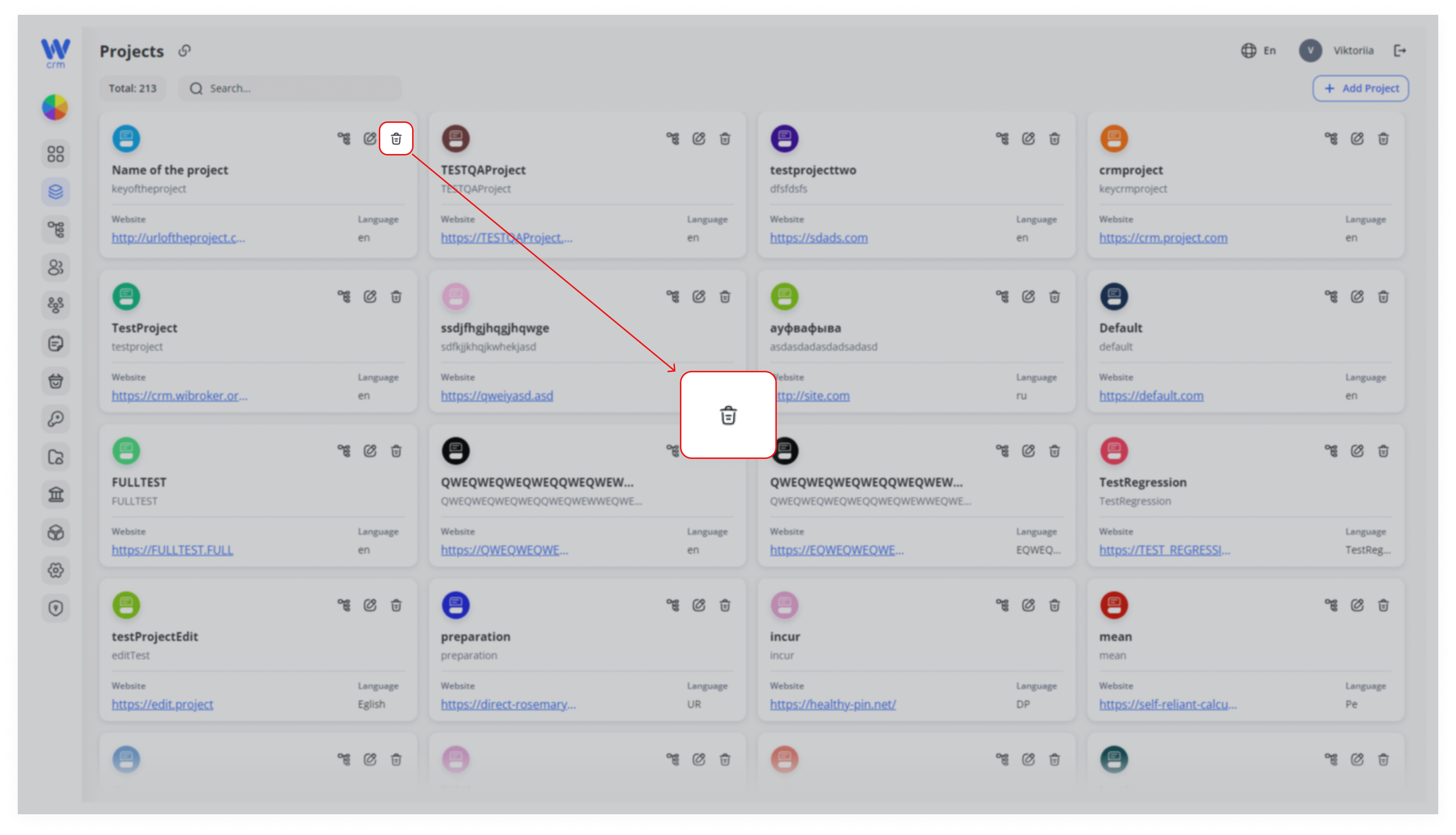
To delete a project: Click the delete icon in the upper right corner of the specific project window.
Warning: The system’s Default Project cannot be deleted. Deleted projects cannot be restored.
You may remove any non-default Project when it is no longer needed.
Locate the Project
On the Projects tab, find the card of the Project you wish to delete.
Click the Delete Icon
In the top-right corner of that Project card, click the 🗑️ (trash) icon.
Confirm Deletion
A confirmation prompt will appear. Review the warning and click Confirm to proceed.
Note: you can delete the project’s member only after you’ve deleted them from the desk they have been assigned to. Read more about Desks here.