
4. Malware Reports
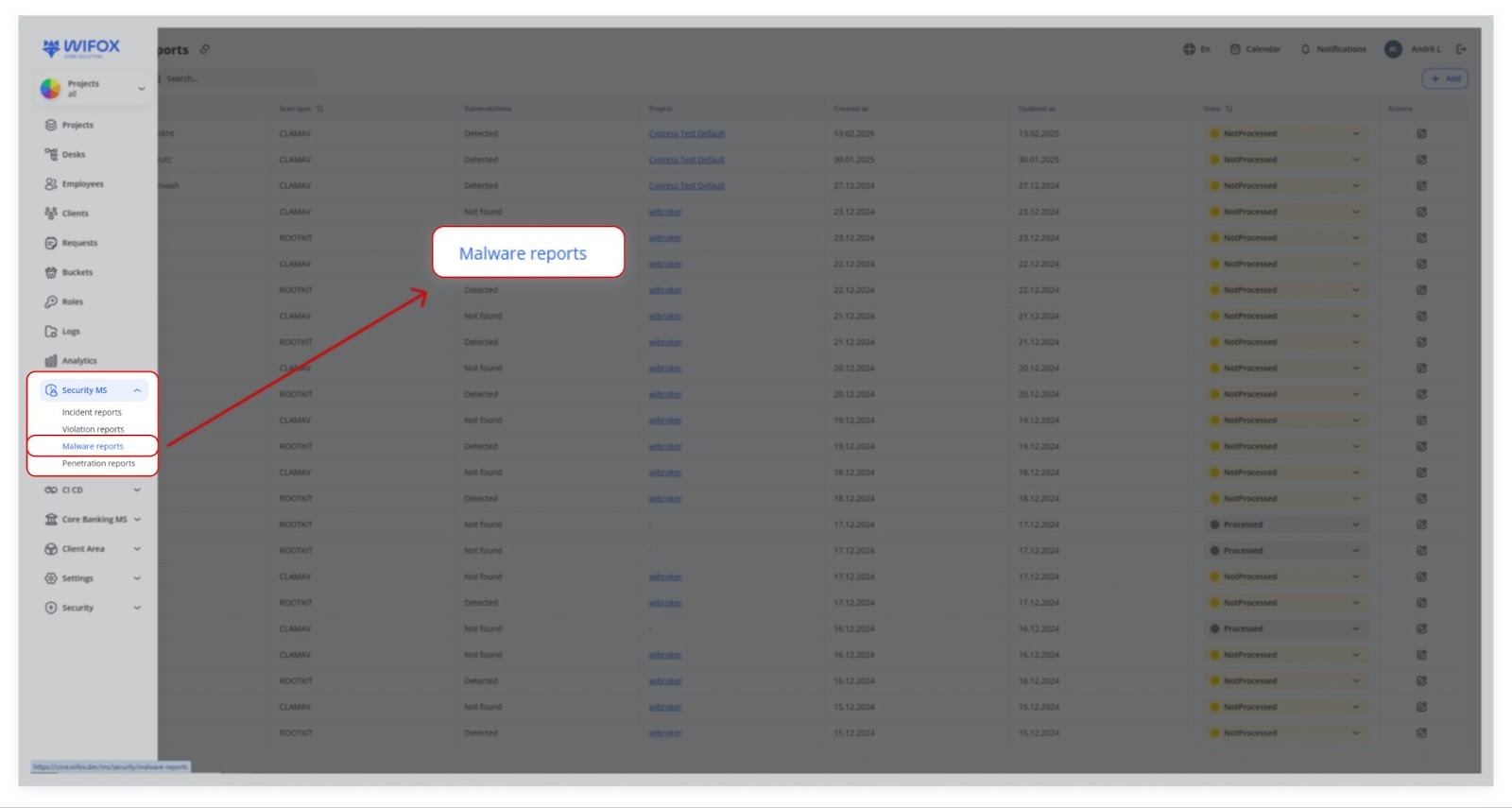
Malware Reports track the output of antivirus or anti‐malware scans on servers. Common tools include:
- ClamAV (open‐source antivirus)
- Rootkit detection scripts
Use Cases
- Detecting Server Malware
A CLAMAV scan detects malware in email attachments. Security isolates the files and marks the report as "In progress" for further analysis. - Rootkit Detection
A ROOTKIT scan finds hidden malicious processes. Engineers remove the infected files and mark the report as "Resolved". - Scheduled Security Checks
Weekly malware scans report no issues. Security logs the "Found = false" status and archives the report. - Emergency Malware Response
Malware is detected during a live incident. The security team performs an immediate investigation, quarantines infected files, and completes a system clean-up.
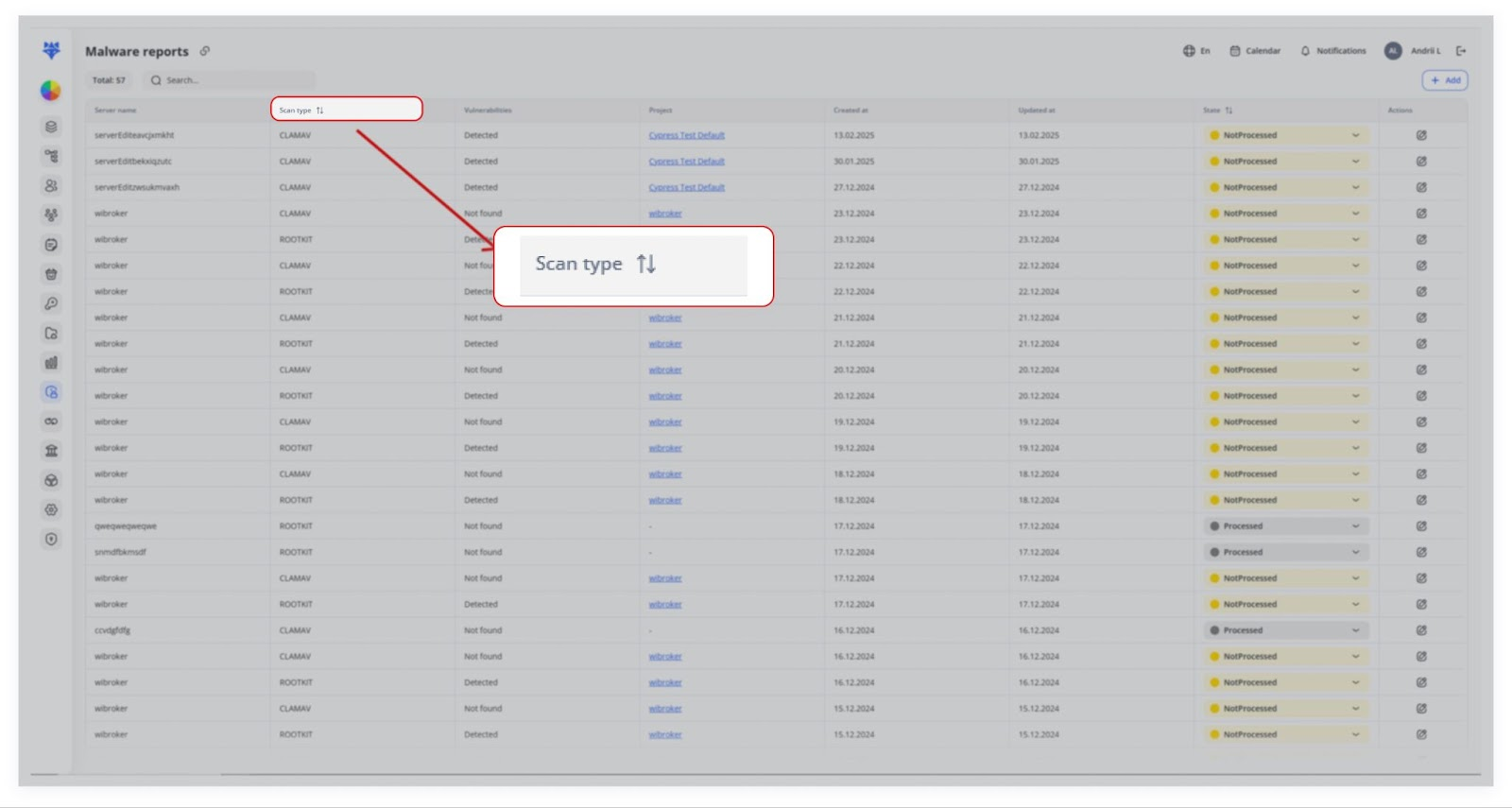
These scans typically run on a schedule (nightly, weekly, etc.) and log:
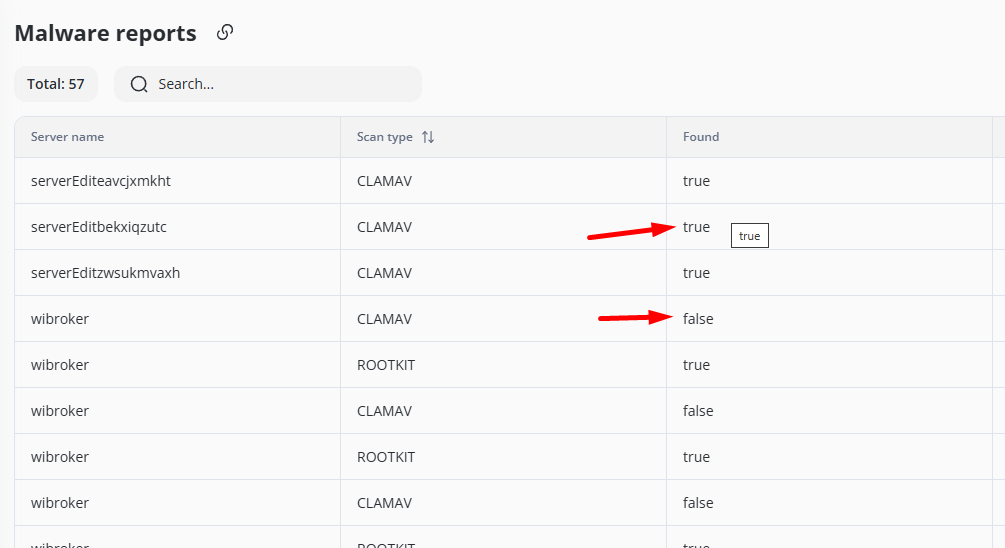
- Found = true if suspicious files are detected.
- Found = false if everything is clean.
Security engineers then mark the report as “In progress” to investigate or “Resolved” if no further action is needed.
Typical Workflow
1. Automated Anti‐Malware Scans
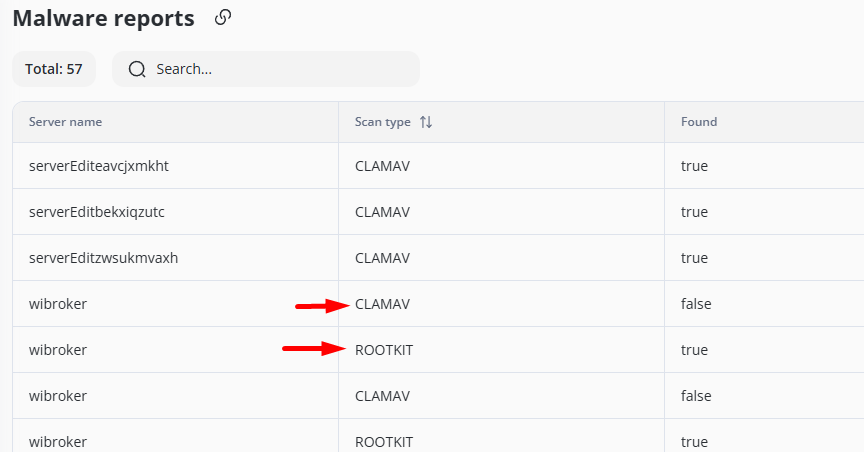
Tools like CLAMAV or ROOTKIT run on each server.
CLAMAV (Clam AntiVirus)
- Purpose: CLAMAV is an open-source antivirus engine designed to detect malware, viruses, trojans, and other malicious threats on servers.
Key Features:
- Scans files, emails, and web content for threats.
- Regularly updated virus databases for the latest malware definitions.
- Supports command-line scanning for easy integration into server workflows.
Usage: Commonly used in mail servers and web hosting environments to prevent malware infections and ensure data security.
ROOTKIT (Rootkit Detection Tools)
- Purpose: Rootkit detection tools are designed to identify and remove rootkits—malicious software that hides unauthorized access to a system.
Key Features:
Usage: Essential for server security, as rootkits can enable persistent, stealthy access by attackers, compromising data integrity and system control.
They detect potential viruses, rootkits, or other malicious files.
2. Report Details
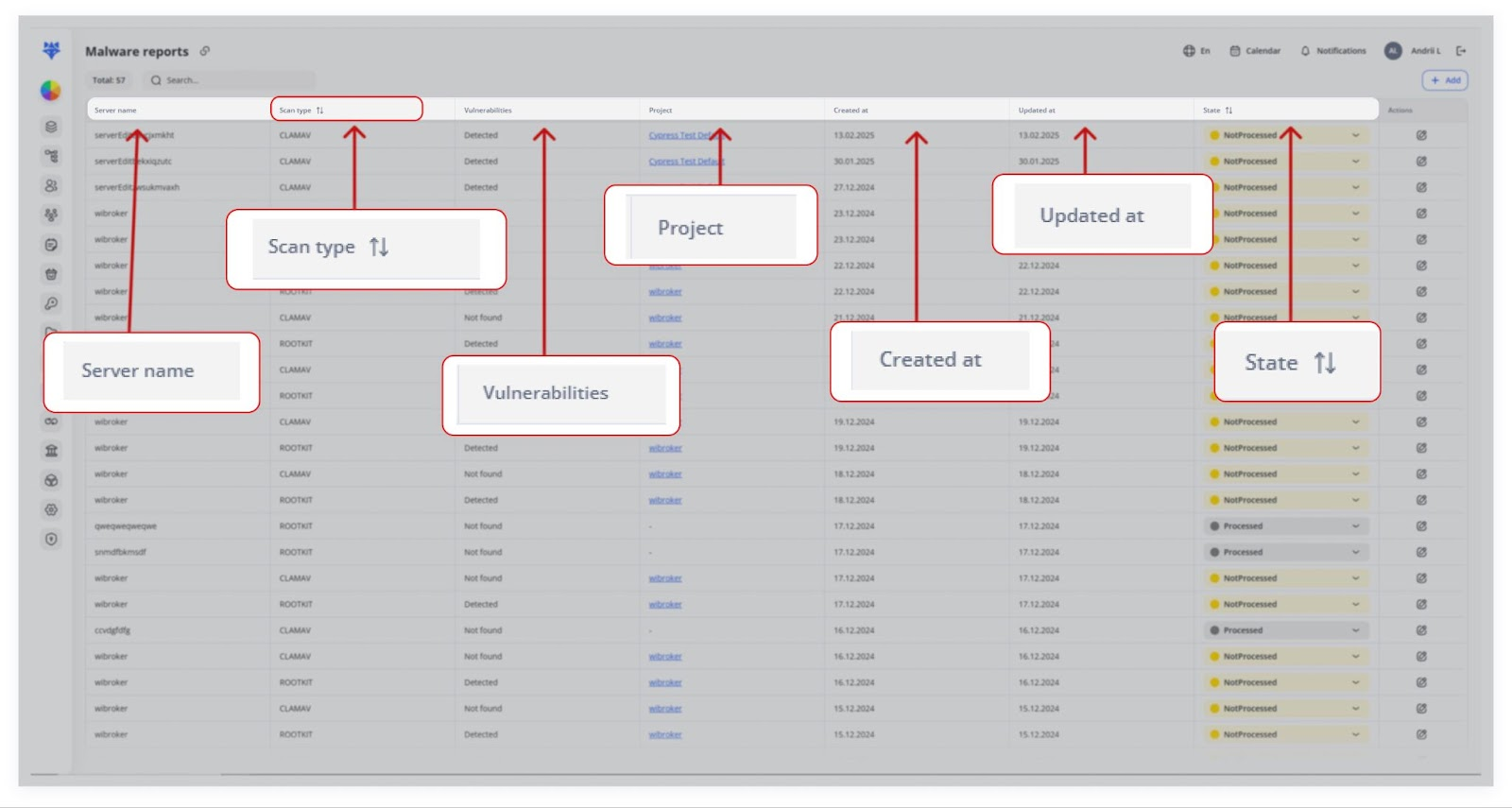
Server name: Identifies which machine was scanned.
Scan type: Shows which tool or antivirus (e.g., CLAMAV, ROOTKIT).
Found: Indicates if any suspicious files or malware were detected (true/false).
State: “Not processed,” “In progress,” or “Resolved,” etc.
Description: A summary of the scan results (e.g., number of files checked, suspicious files).
Created at / Updated at: Timestamps for the record’s lifecycle.
3. Follow‐Up
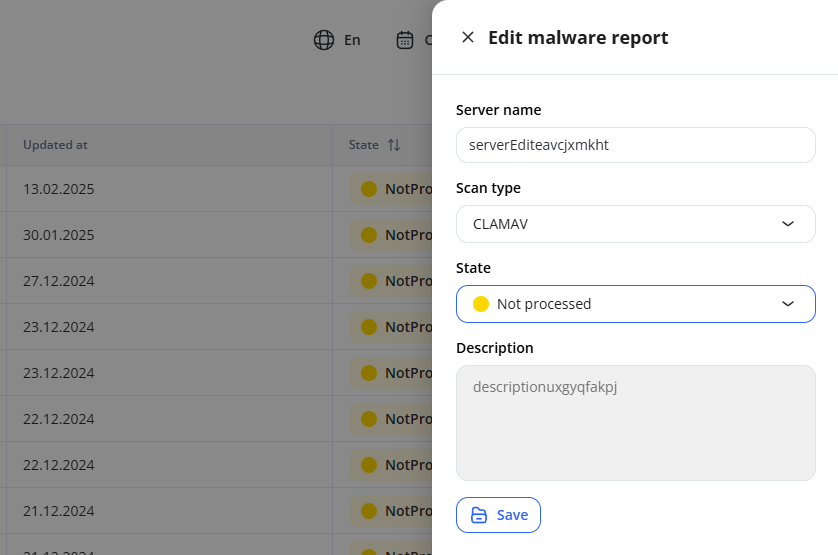
A security engineer reviews the logs in the Description.
If action is required, they set the State to “Processed” or “Not Processed.”