3.4. How to Edit a Desk
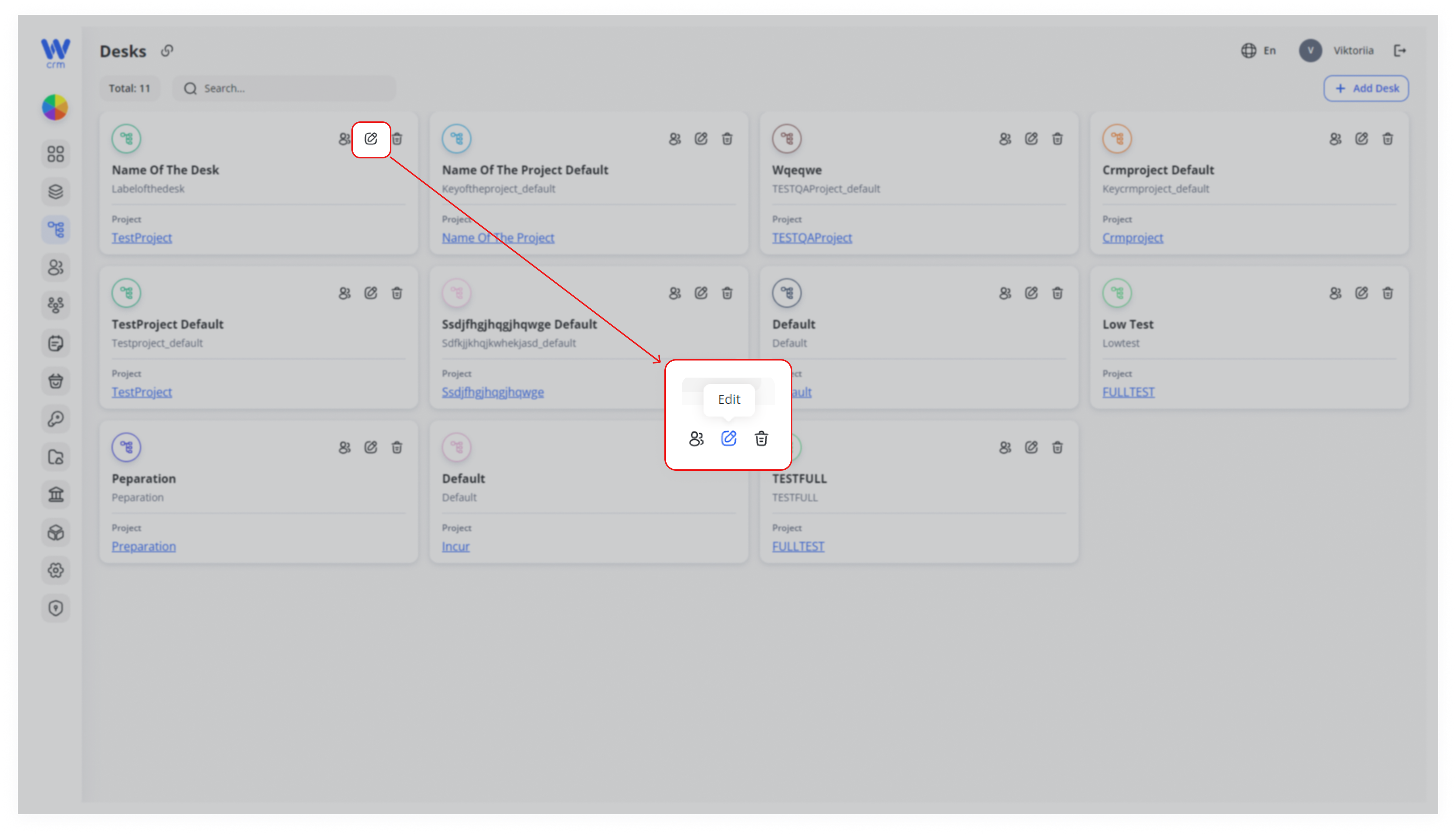
After creating a desk, the editing window will open automatically. To open the edit window from the Desks tab, click on the edit icon in the upper right corner of the specific desk window:
In the Edit window, you can:
-
-
Change the name of the desk.
-
Add or delete members of the desk.
-
To add a new member to the desk:
-
-
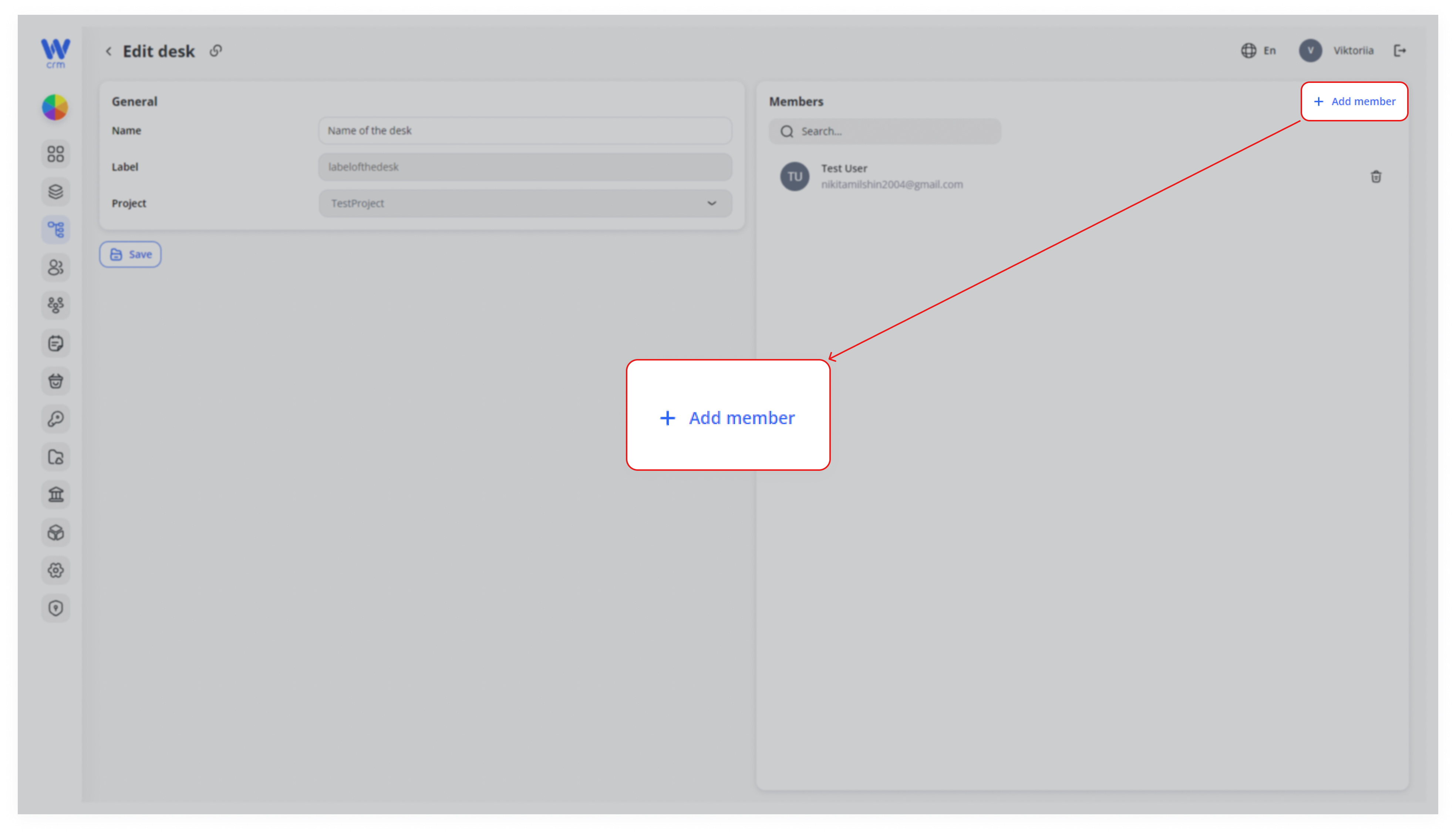
Click the Add Member button in the upper right corner of the tab:
-
2. Choose a member from the list. You can use the Search function to find a user by email.
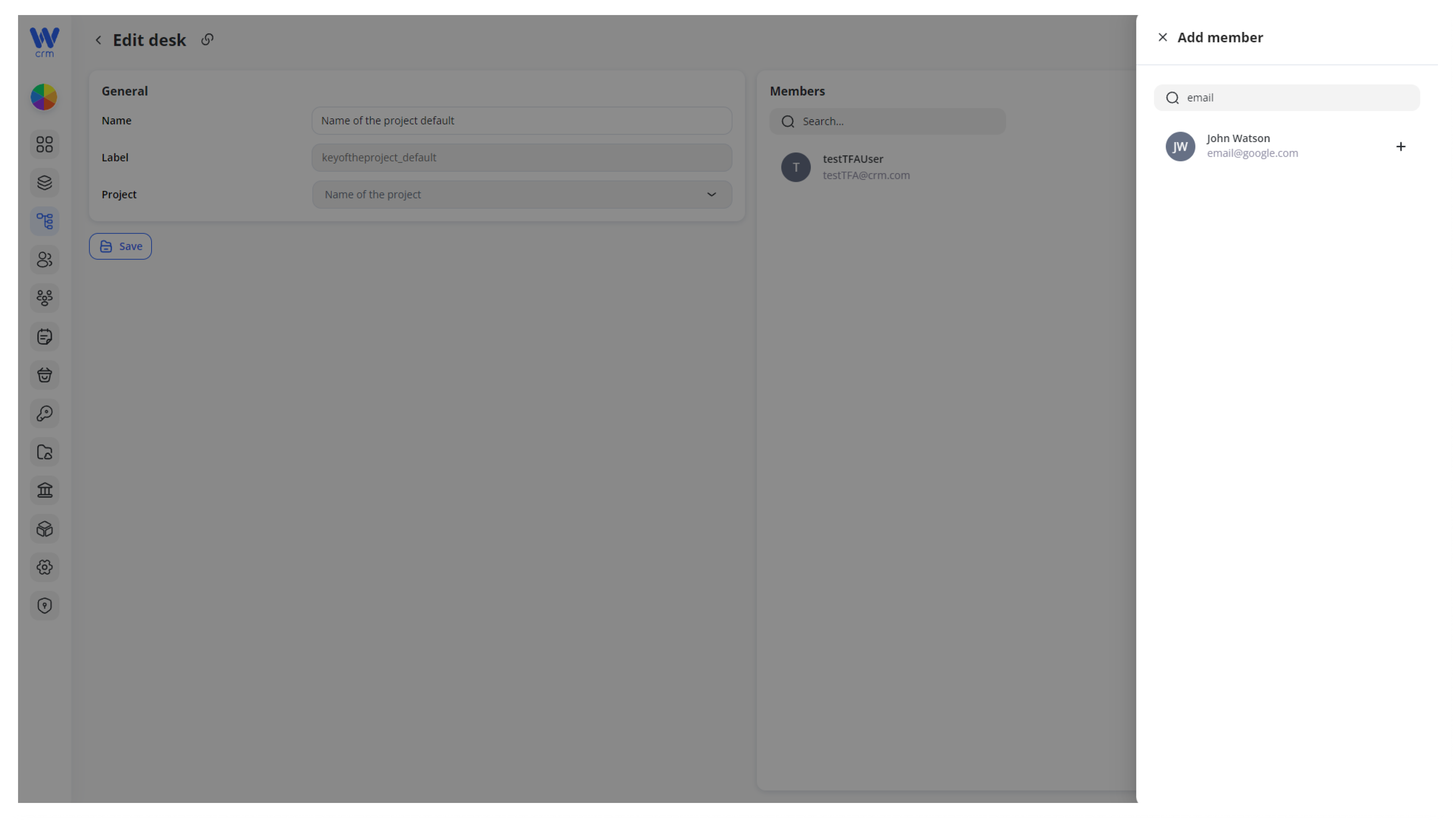
Note: The list consists of members who are included in the connected project. To add a new user to this list, go to the Projects tab and add the member to the relevant project.
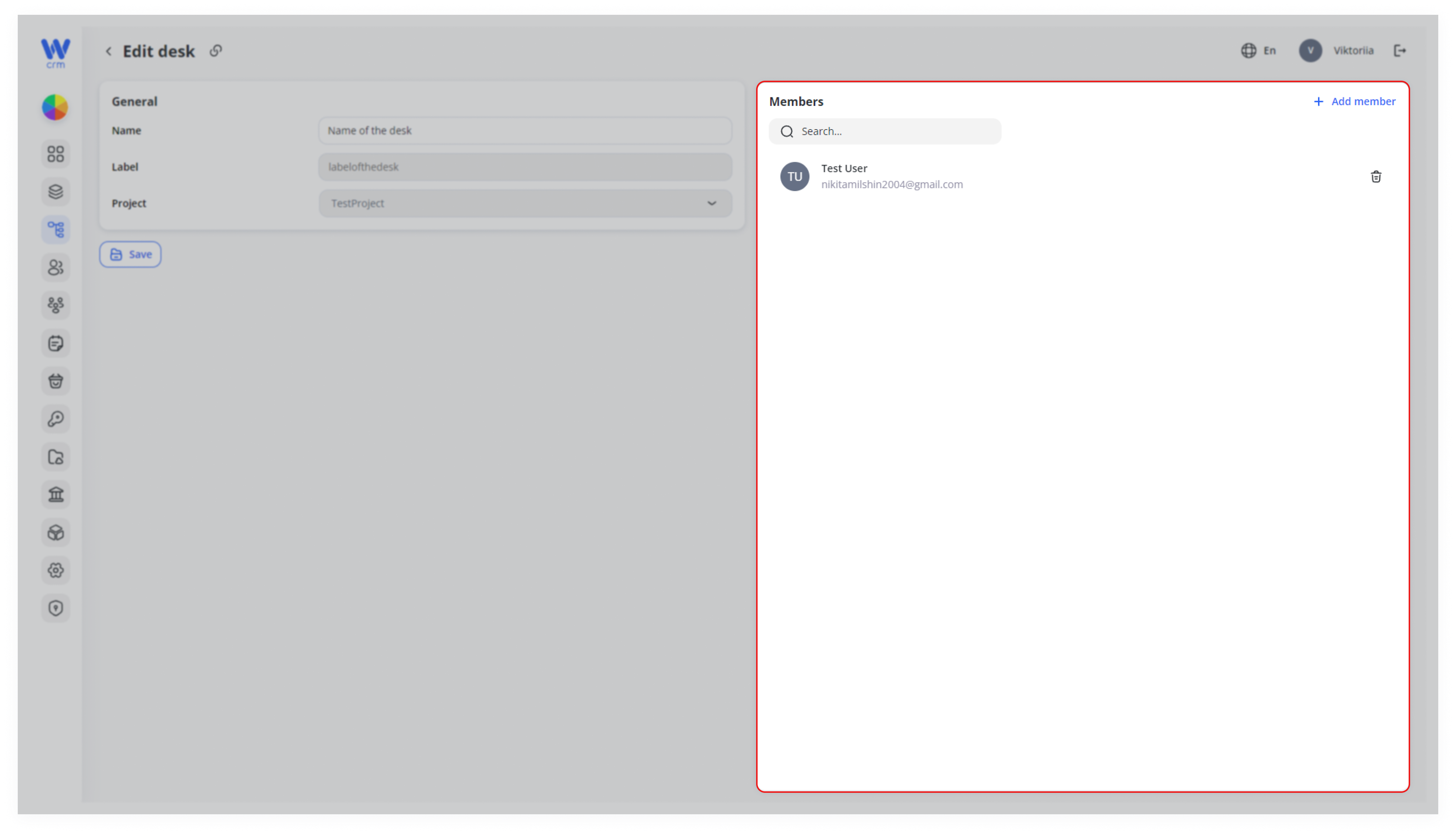
3. Click the plus sign next to the user’s name. You will be able to see the list of the desk members in the Members tab:
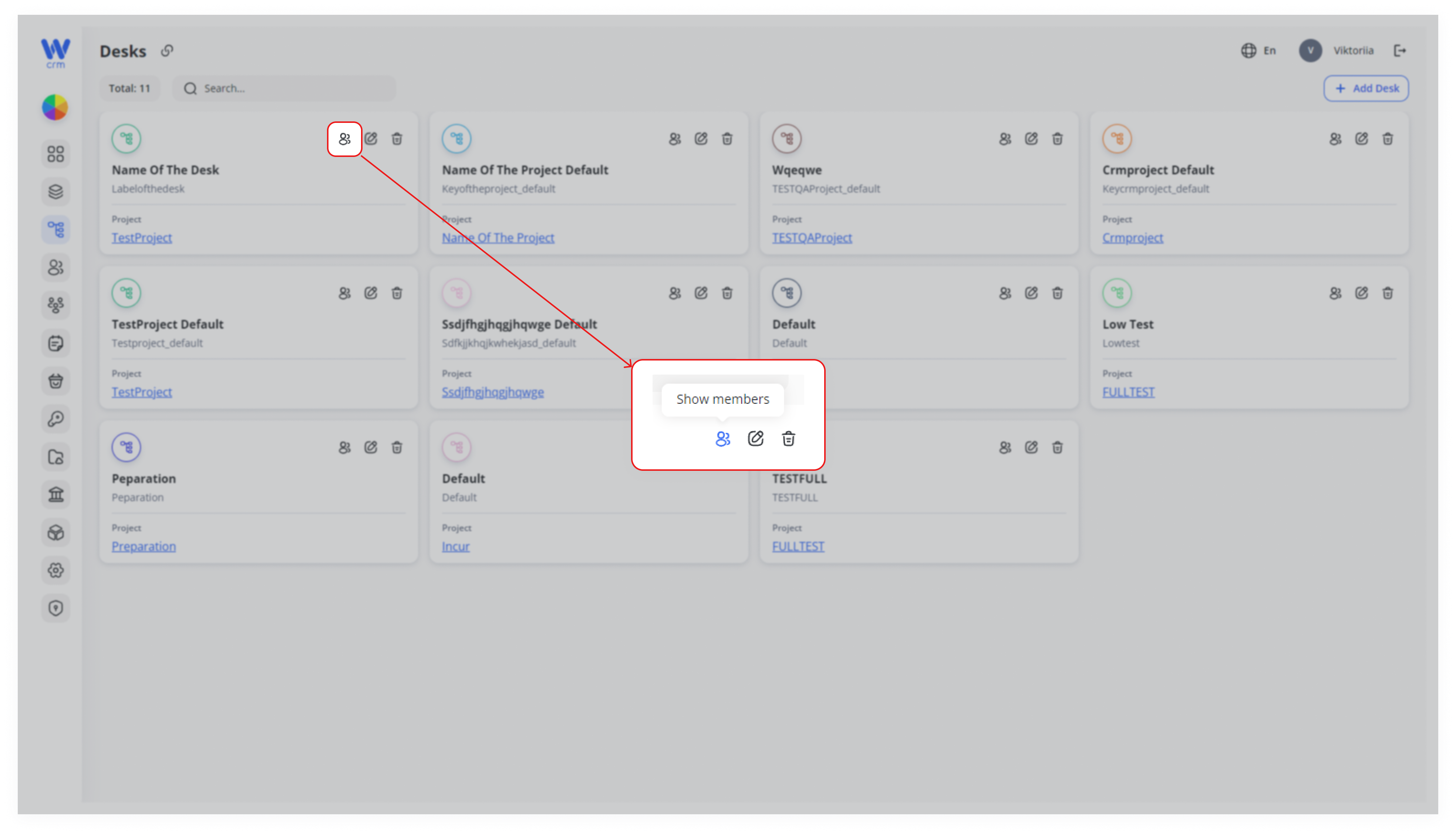
You can also see the full list via the Desks tab. For that, click on the Show members icon in the window of the specific desk:
To delete a member:
-
- Click the delete icon next to the member’s name:
- Click the delete icon next to the member’s name: