
4.3. How to Assign an Employee to the Project and Desk
Note: If you have assigned a role that allows an employee to view all projects in the system, you do not need to assign a specific project and/or desk to that employee. In other cases (roles with viewing only their own projects and desks), it is mandatory to assign a project to an employee.
To assign the employee to a specific project and desk:
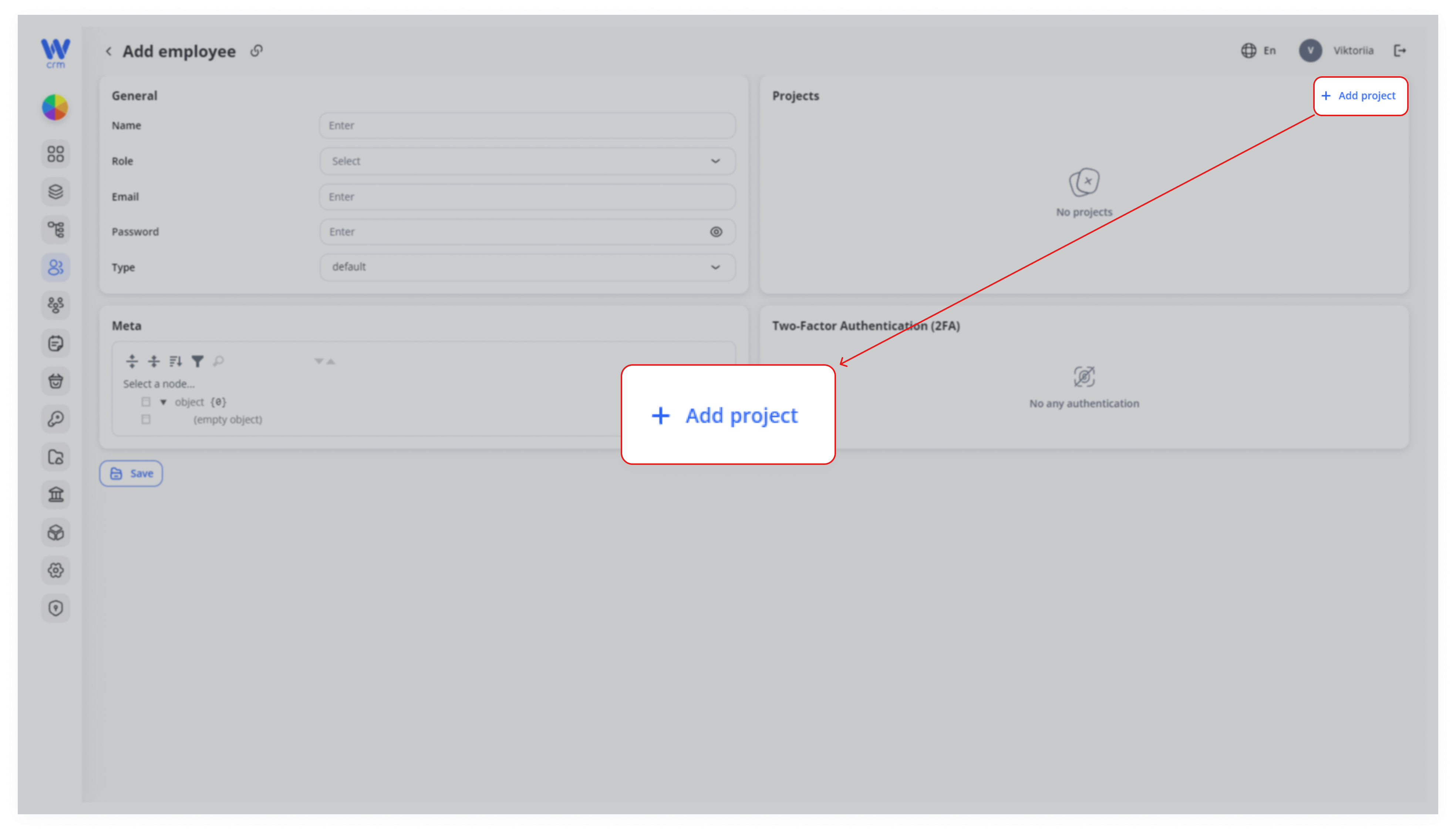
1. Click the Add Project button at the top right of the Add employee tab:
2. Choose the project and, if needed, the desk from the drop-down list:
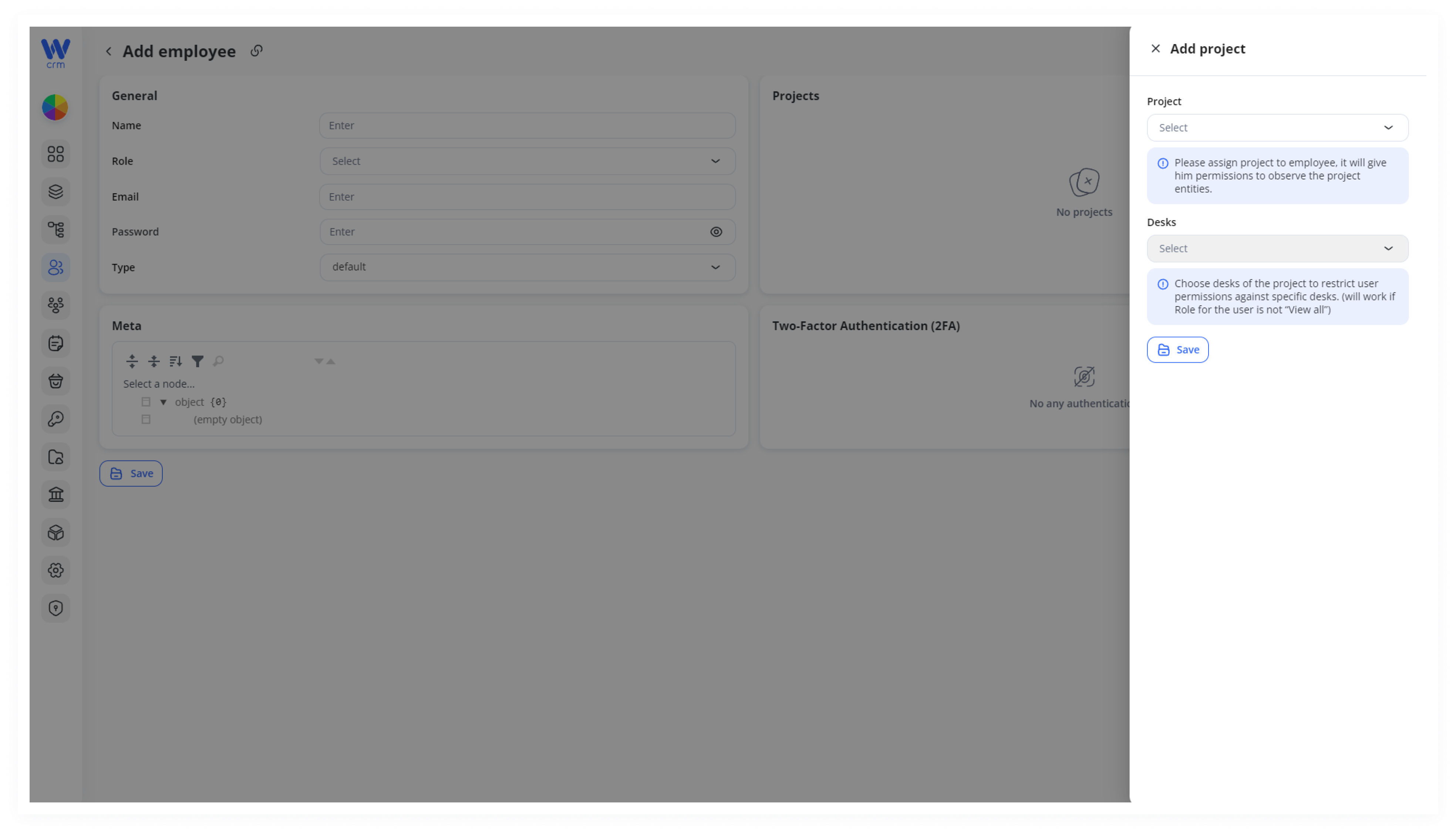
3. Click Save to assign the project and the desk.