
2. Pipelines
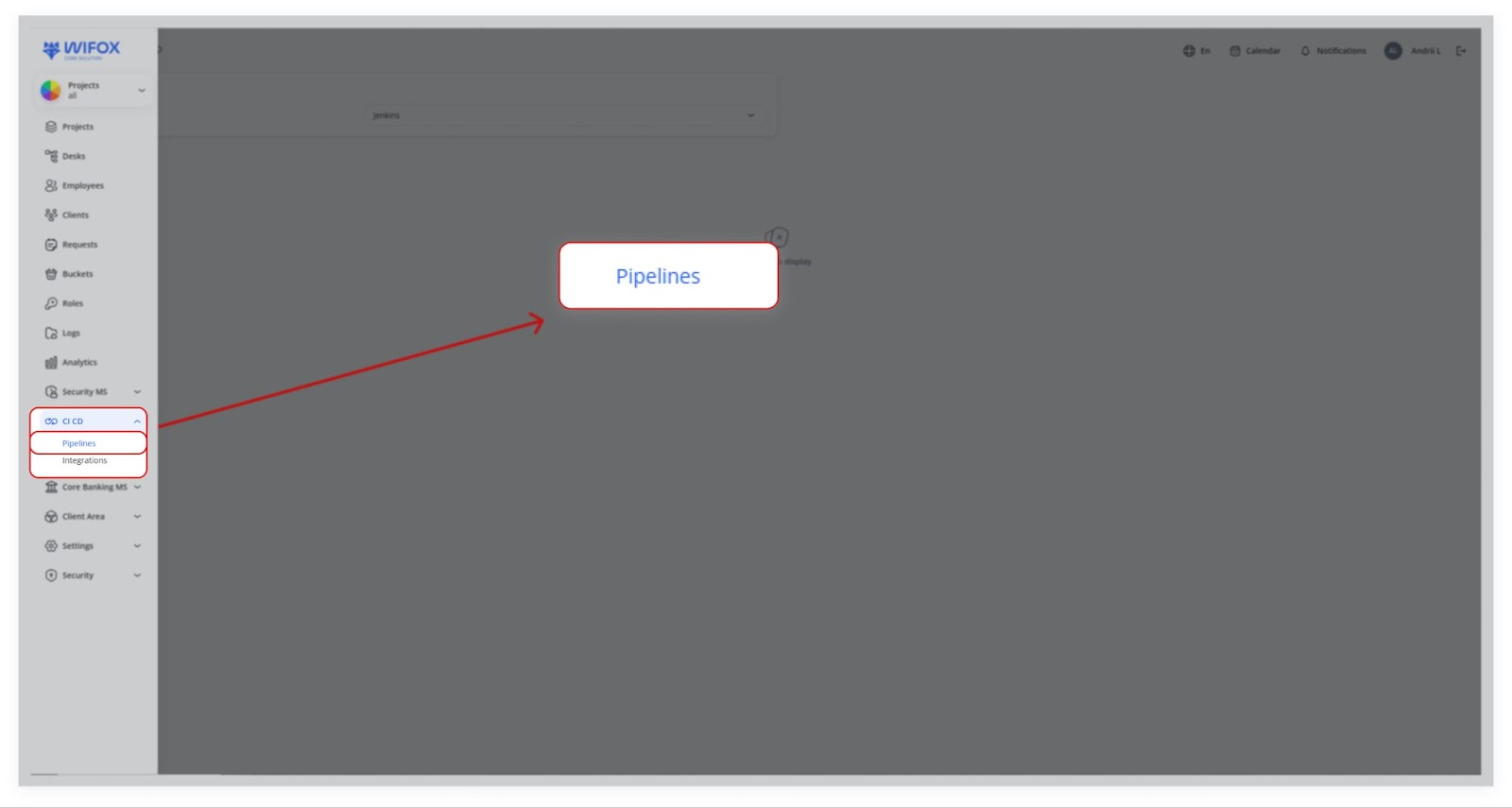
1. Accessing Pipelines
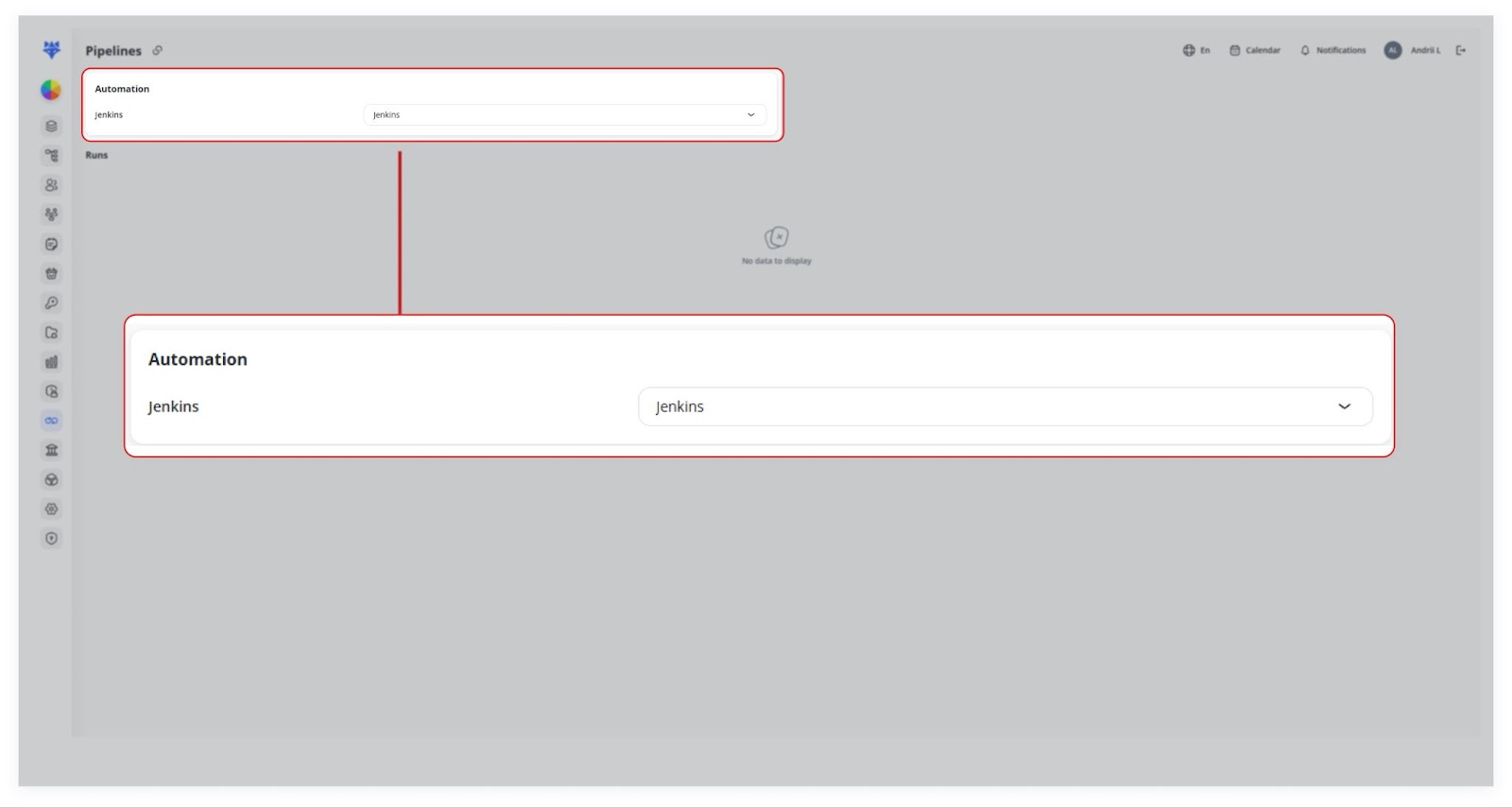
You can choose an existing integration (e.g., Jenkins) from the Automation dropdown.
2. Runs
Once your integration is set up, any build runs or jobs you create in the external CI system (e.g., Jenkins) can appear here.
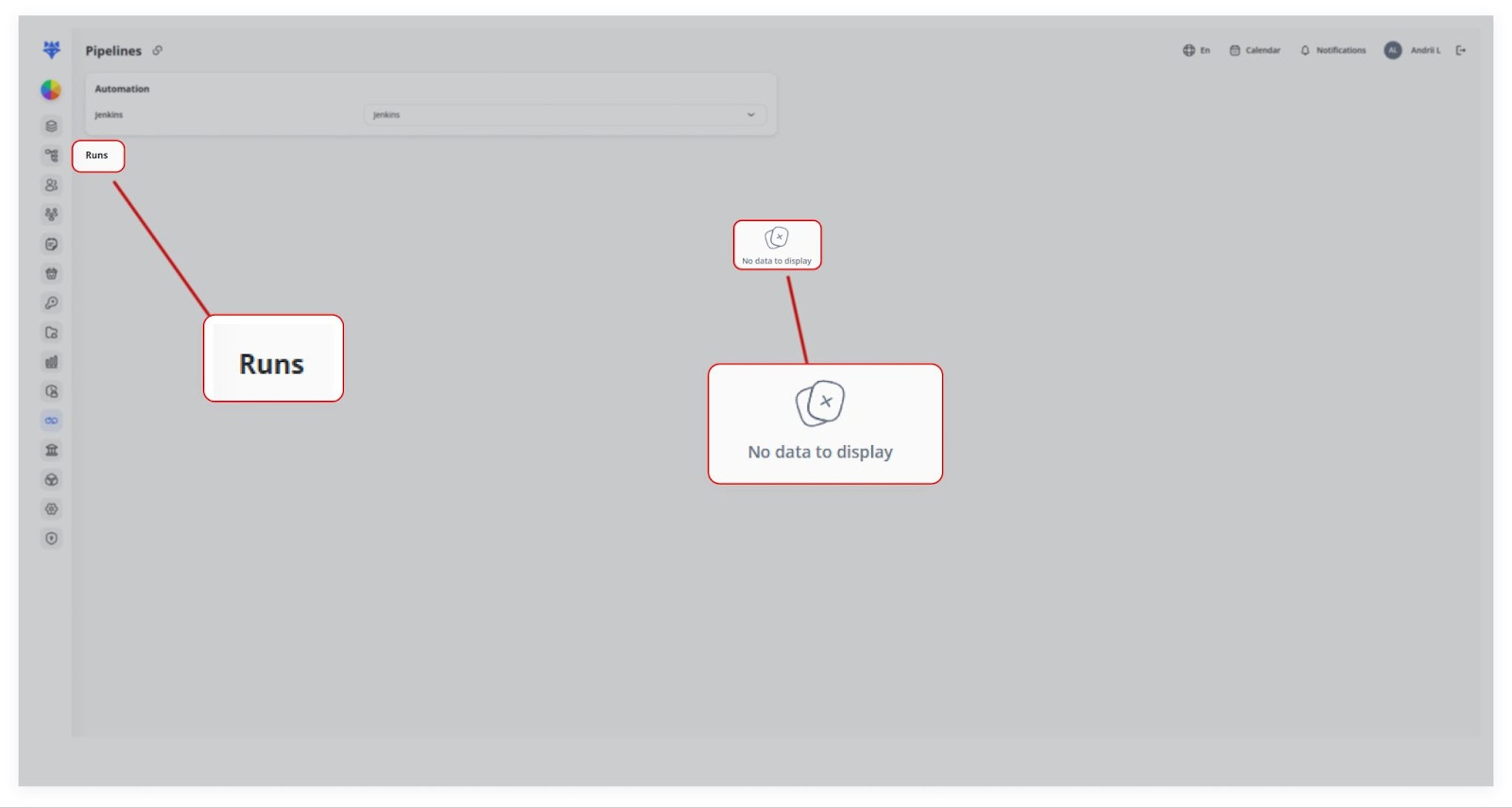
In the provided screenshots, no runs are currently displayed (“No data to display”), but in a real scenario, you’d see a list of pipeline executions, their status, timestamps, and other relevant data.
3. Future Expansions
If you need to integrate a different CI/CD platform (e.g., GitLab CI, Travis CI), our platform can be extended to support it. Just provide the API keys and URLs for that service.
In short, the CI/CD MS module links your CRM system with external DevOps pipelines. By setting up an integration (e.g., Jenkins), you can authenticate and manage your continuous integration/deployment processes directly from within the system. If your organization uses other CI/CD platforms, our system can integrate with those—just provide the required credentials and endpoints.