4.2. How to Create an Employee
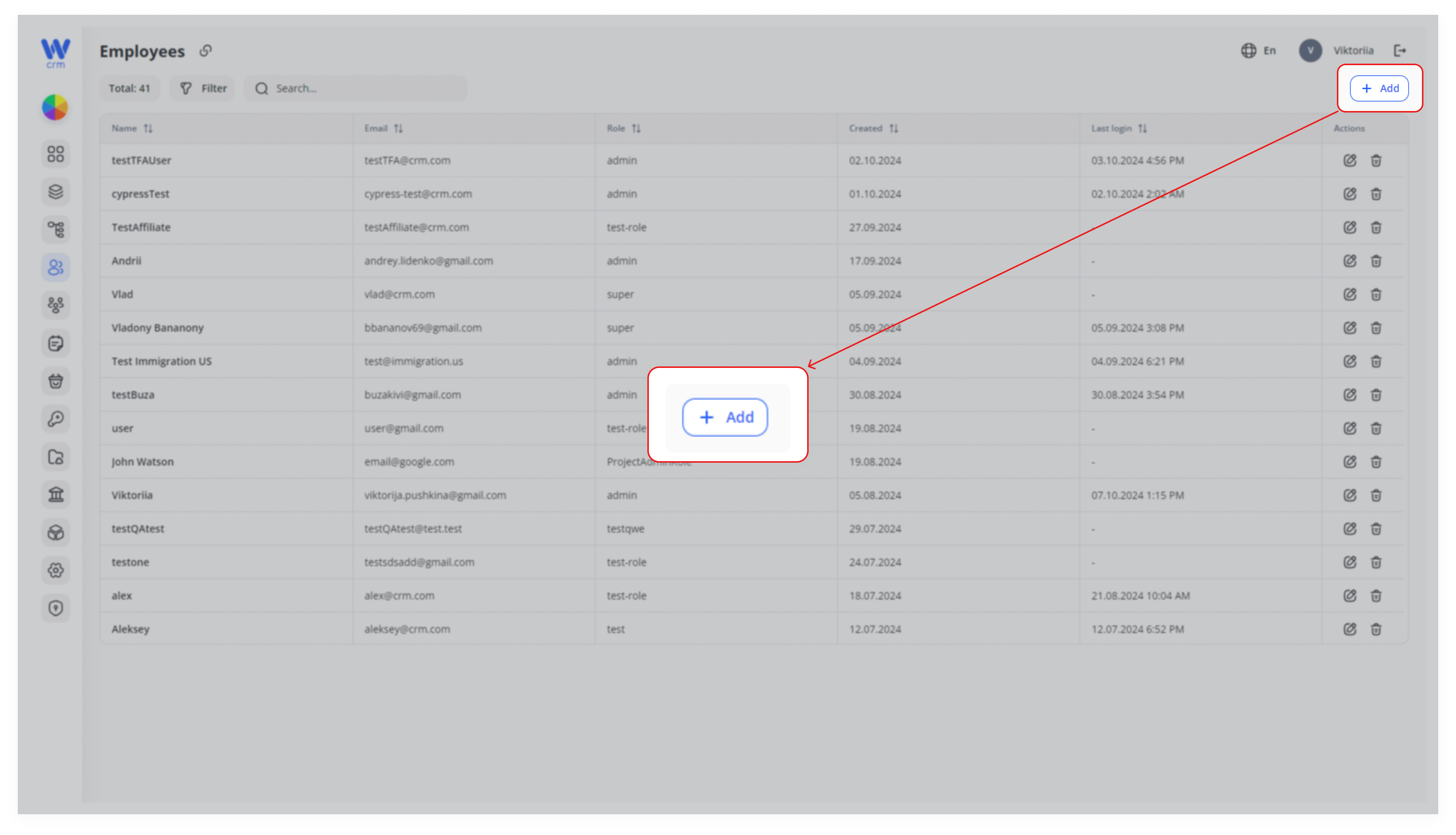
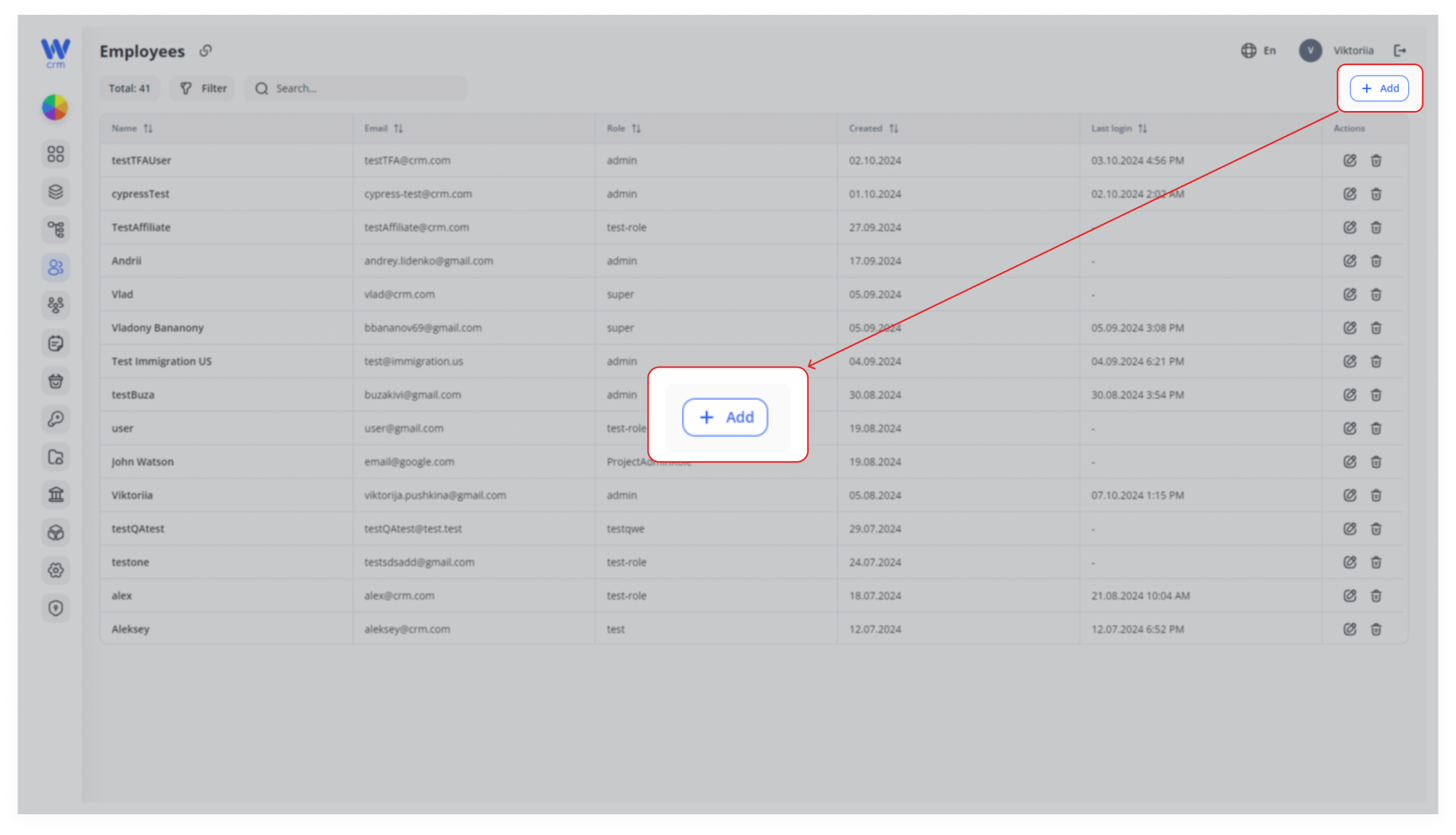
- To create an employee, click the Add button at the top right of the Employees tab:
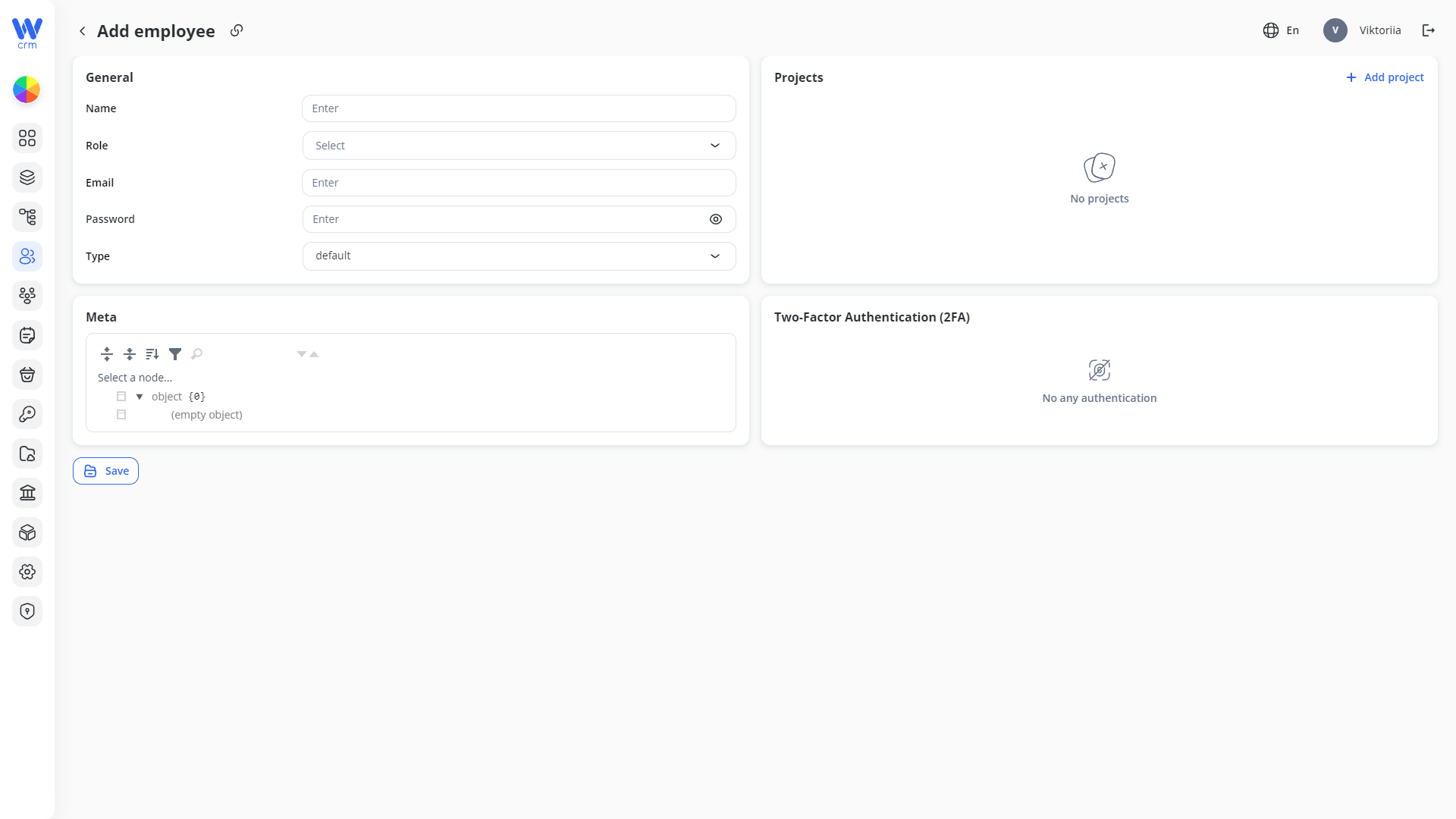
2. A window will open where you can fill in the employee's details. Enter or select from the drop-down list:
-
-
- Name: The full name of the employee.
- Role: The role of the employee, which defines their access and limitations in the system. This includes determining which Projects and Desks an employee can view: all or only their own. You can set roles in the Roles module. Instructions on how to do that are [here]
- Email: The employee's email in the
[name]@[domain]format. - Password: The password of the employee, which must be at least eight characters long and include at least one digit, special character, uppercase, and lowercase letter.
-
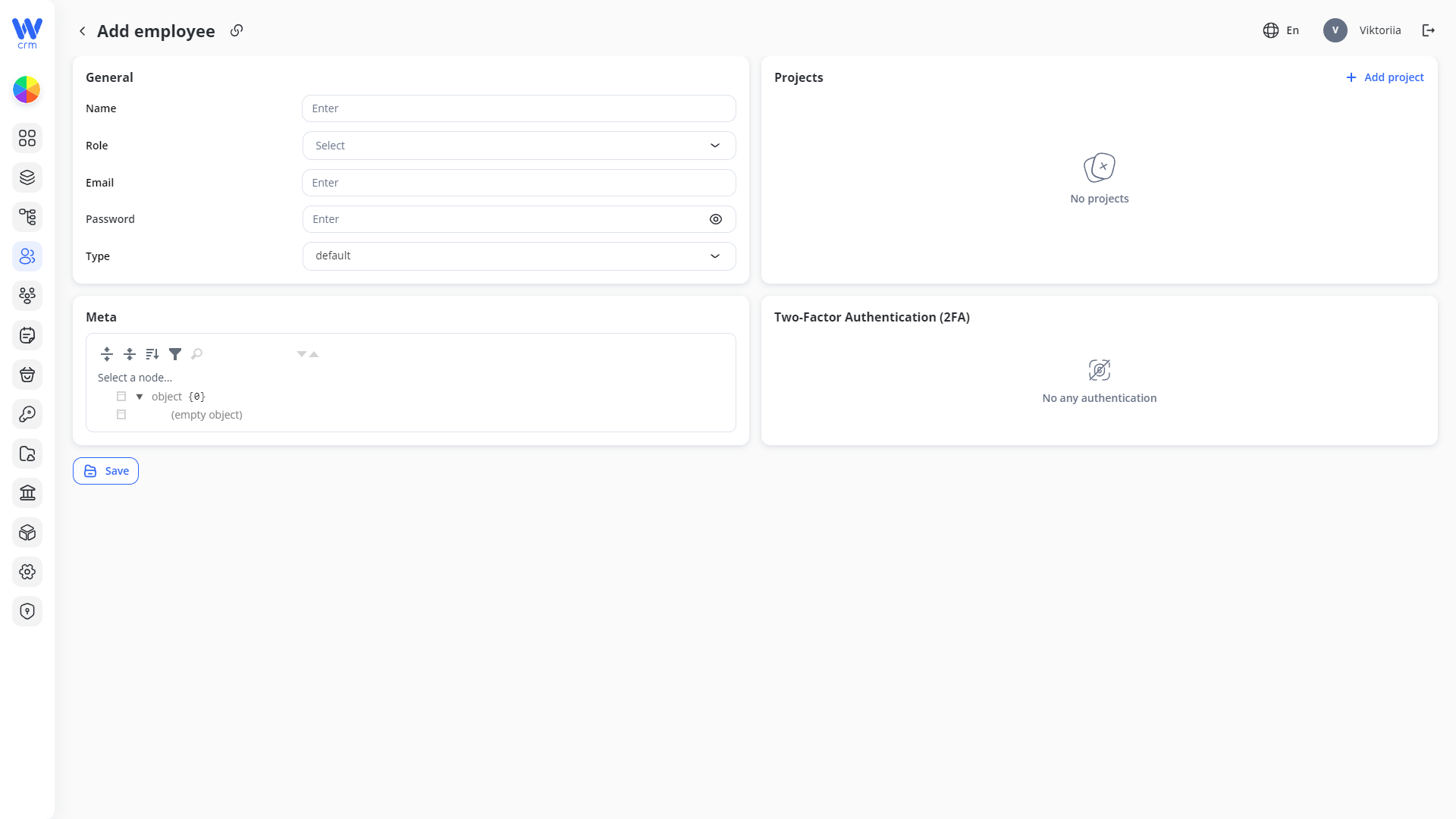
3. Click Save to apply the changes.
-
1.