
3.3. How to Create a Desk
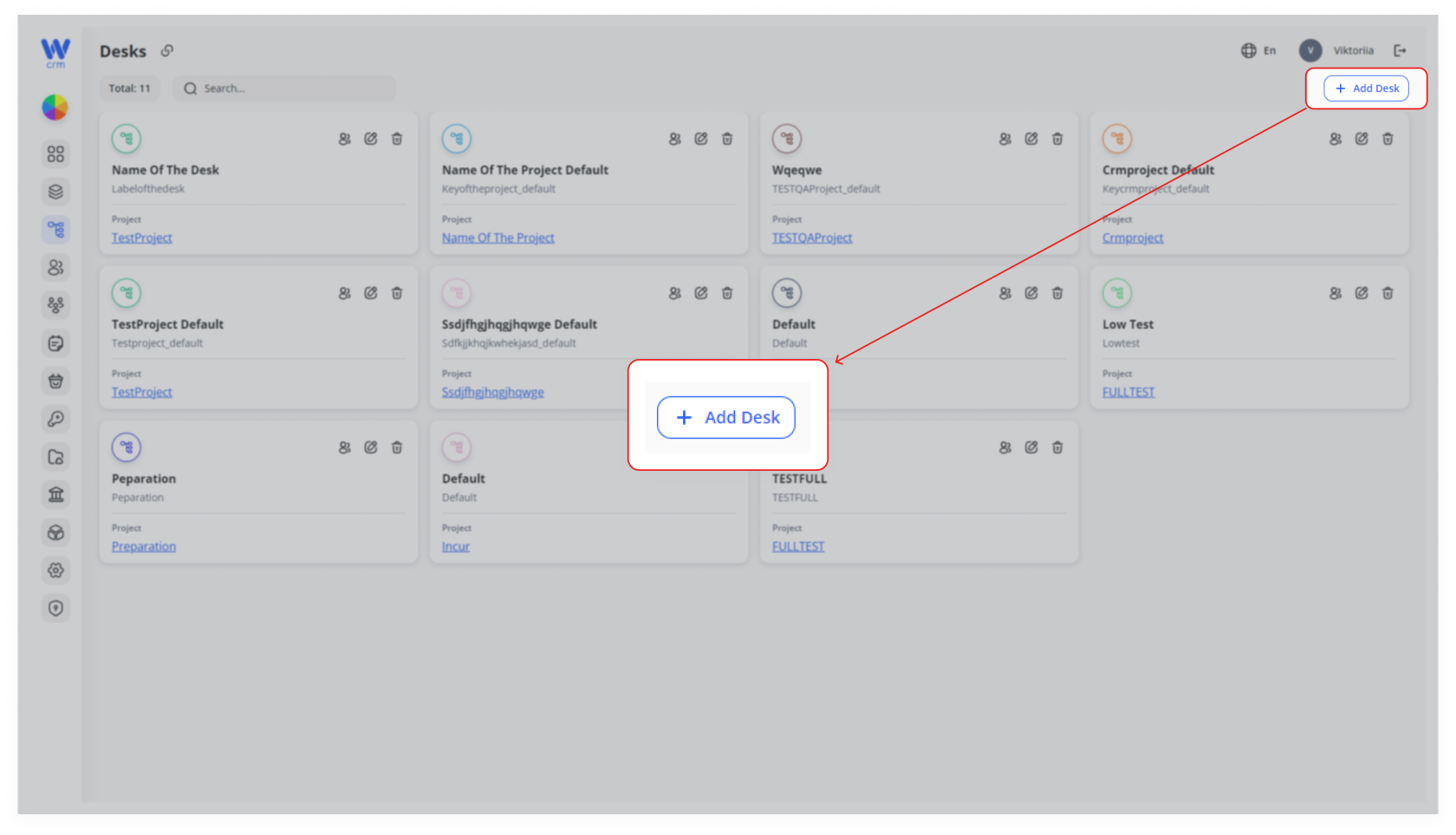
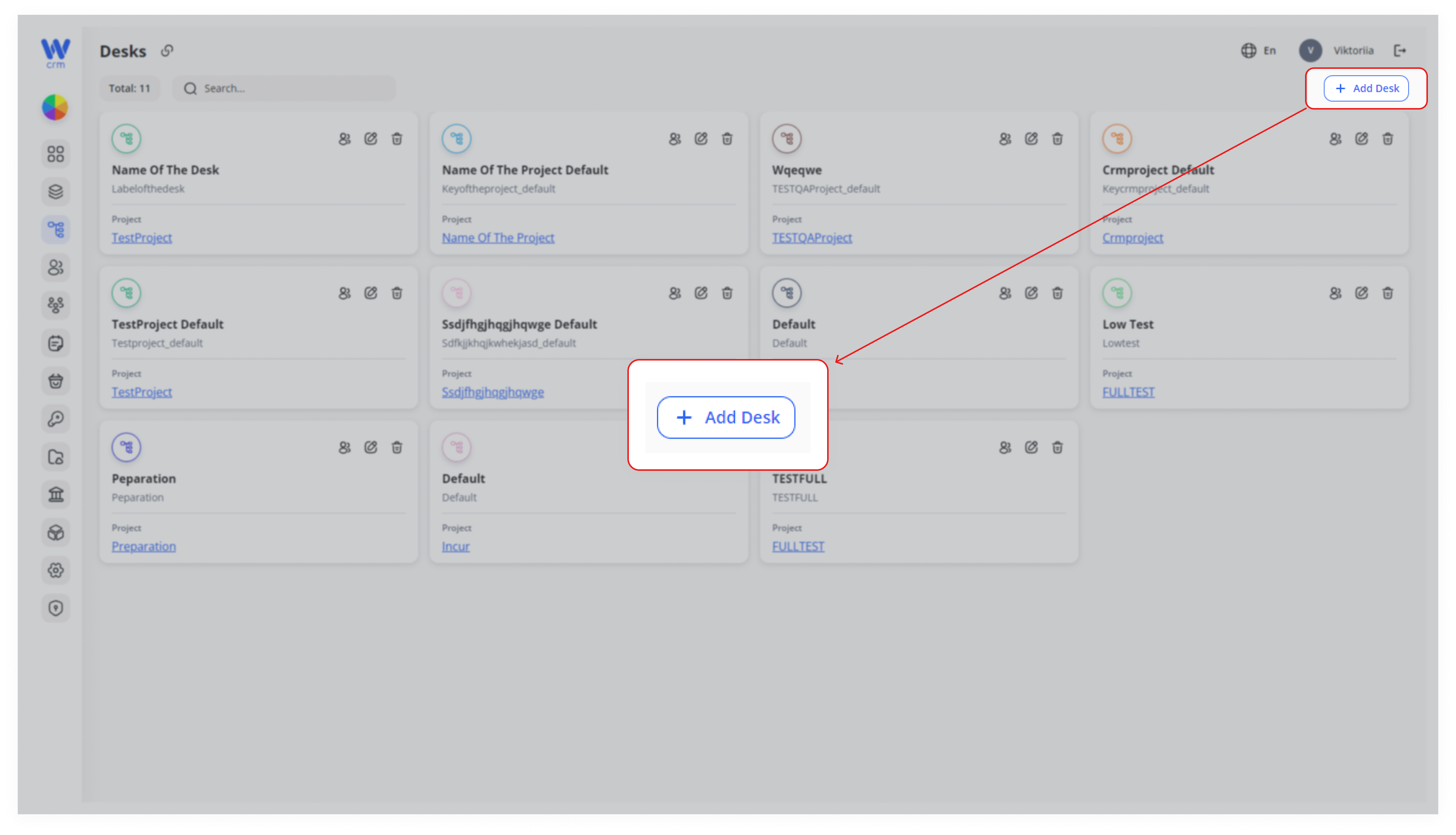
To create a desk, click the Add Desk button at the top right of the Desks tab:
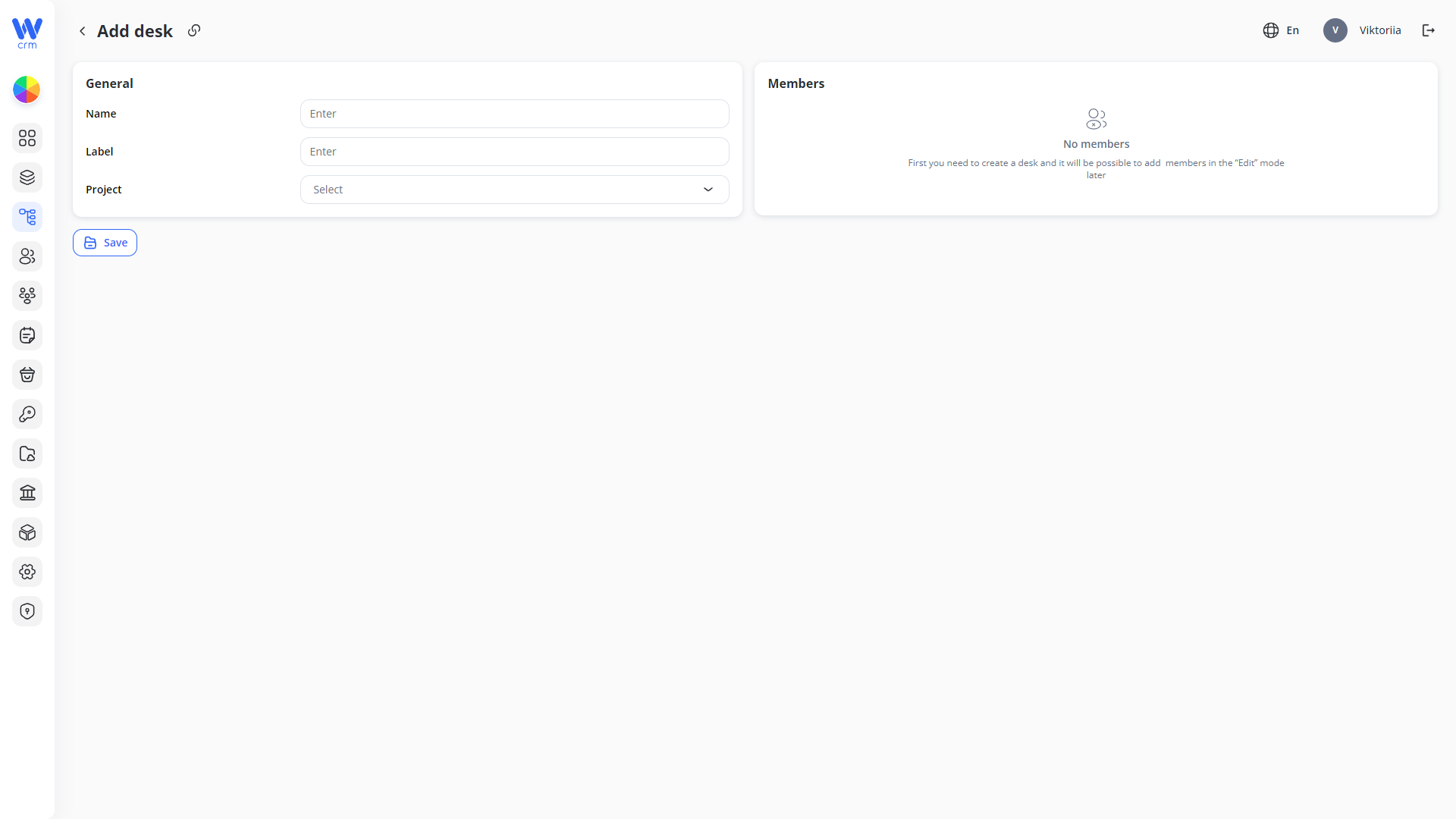
2. A window will open where you can fill in the desk parameters. Enter or select from the drop-down list:
-
-
-
Name: The name of the desk.
-
Label: The unique identifier of the desk.
-
Project: The project to which the desk is assigned.
-
-
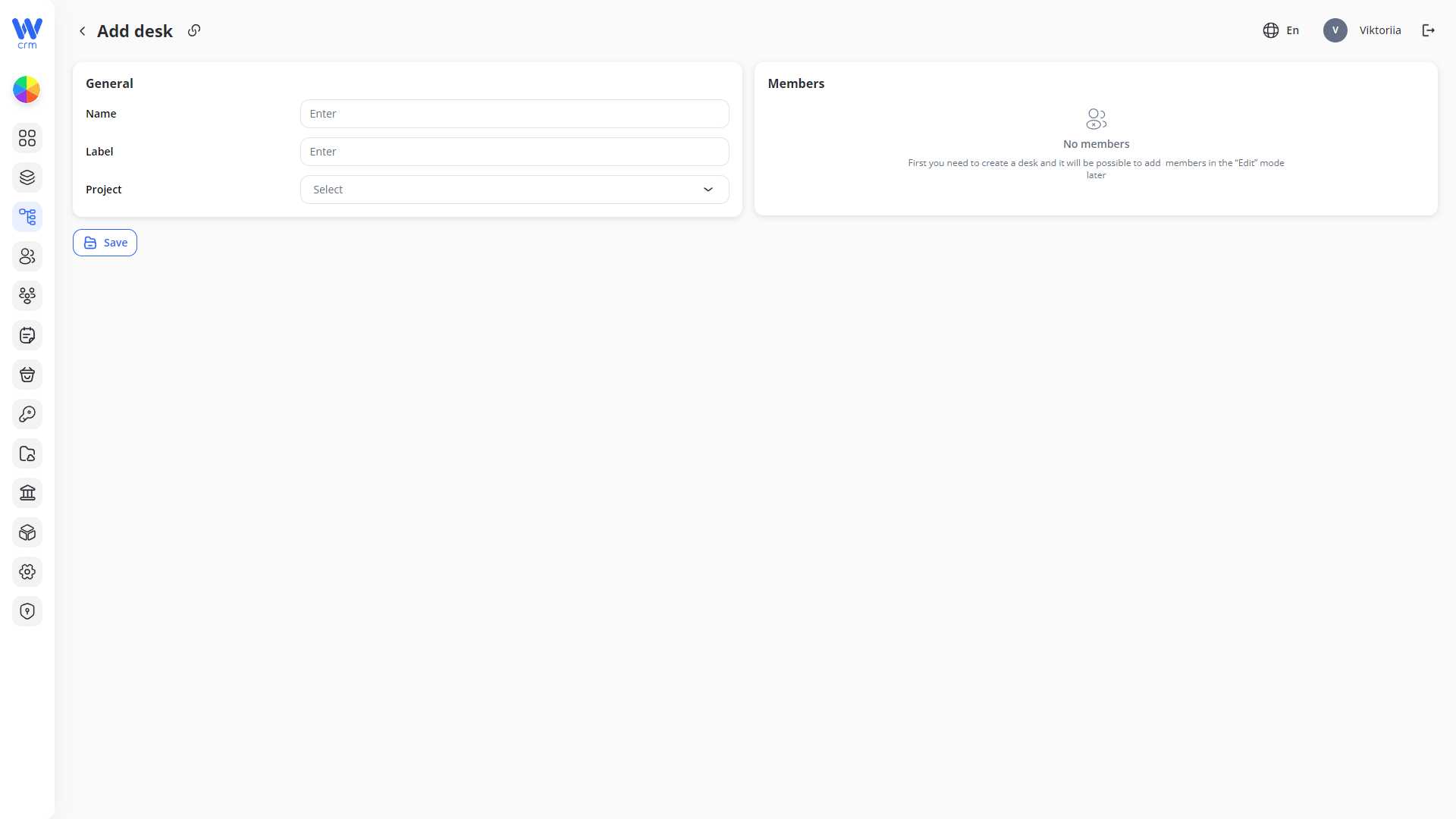
You will also see the Members tab here, but you will only be able to add new members to the desk in the Edit mode.
-
Click Save to apply the changes. Note that after the saving, you will be able to change the name of the desk, but not the label or project.
1.


3.