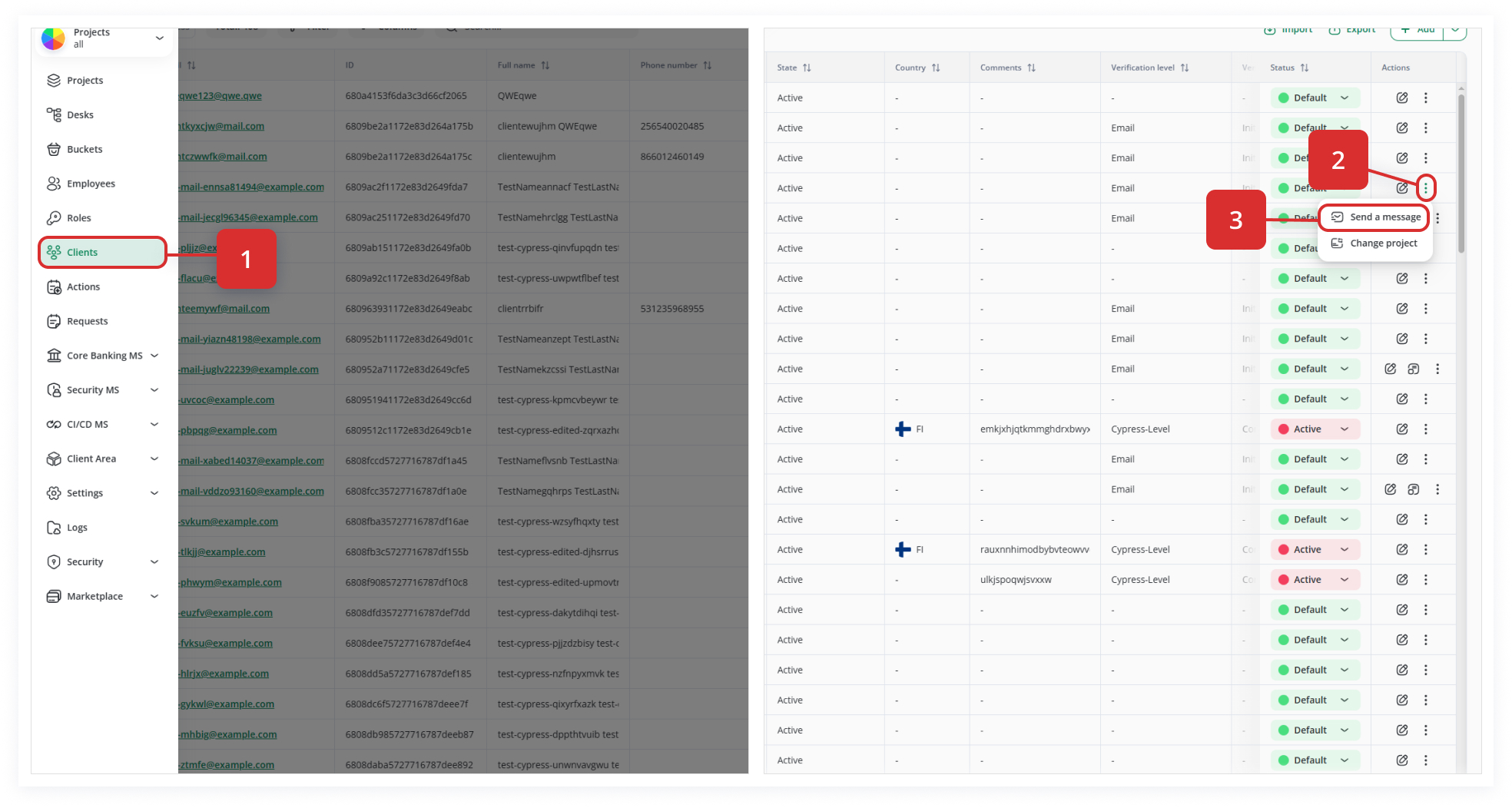
13. How to Send Messages to Clients
«Send a message» allows you to send a private message from the system directly to a client. The client receives a notification (e.g., via their online cabinet or any integrated notifications system), letting them know you’ve sent them a message.
Messages and notifications can be integrated into the client’s environment via API, so clients see your messages in their portal or other integrated system.
Why Use “Send a Message”?
Instantly reach out to clients to resolve support issues, confirm details, or share updates without leaving the CRM interface.
Through API integration, messages appear in any client-facing application (web portal, mobile app, etc.), increasing visibility and reducing “missed” communications.
Only users granted the Send a private message permission can access this feature. Every message is logged with sender metadata for compliance, auditing, and traceability.