
11. Core Banking Project-Based Configurations
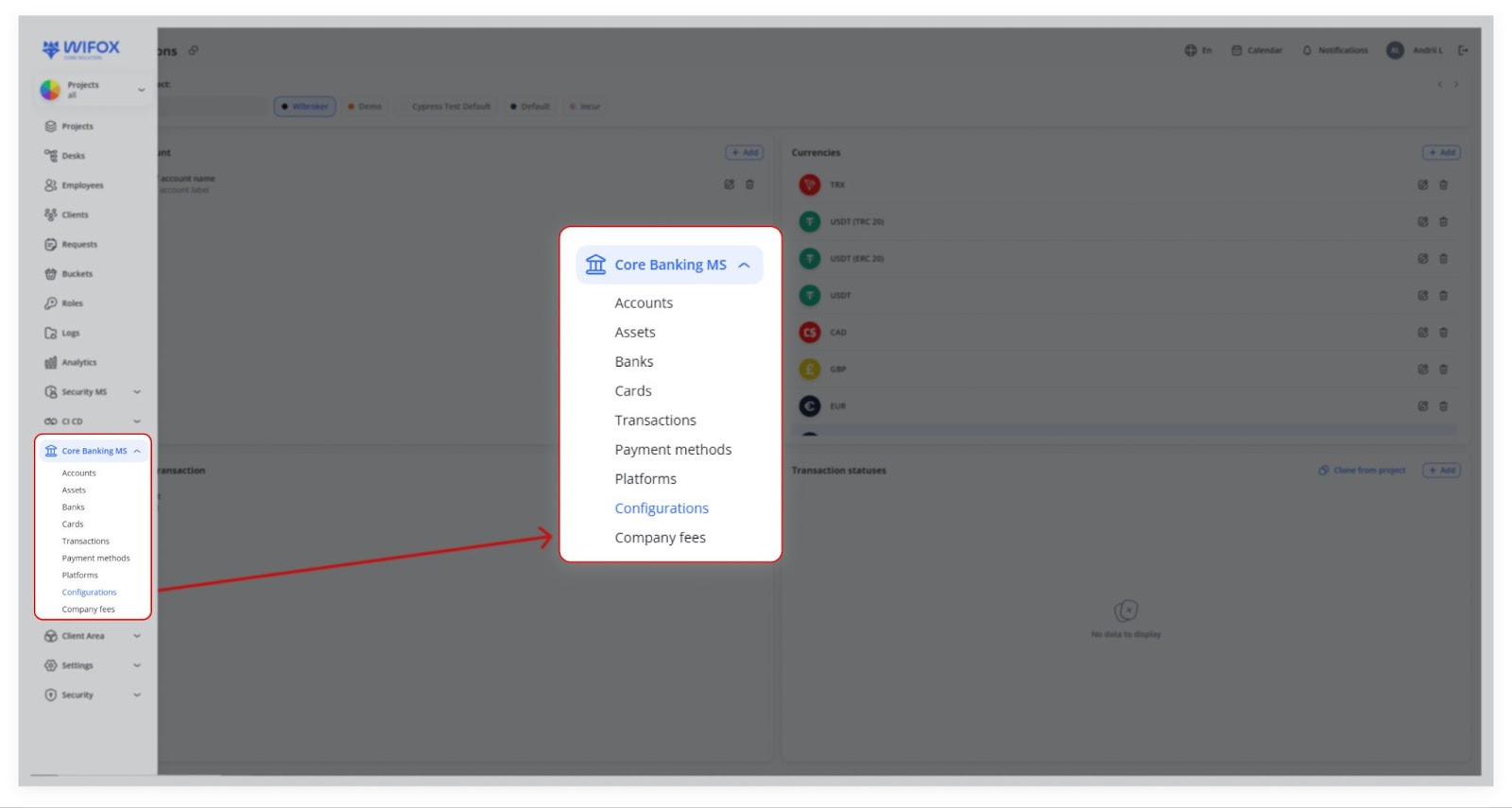
The Configurations module in Core Banking allows managing project-specific settings. Unlike a global configuration affecting all projects simultaneously, this system ensures that each project has its own independent settings. This modular approach enables better organization, customization, and scalability.
Use Cases
- Switching Between Projects
Users can quickly switch between projects, with the system displaying configurations specific to the selected project. If no settings are defined, the section shows "No data to display" until configurations are added. - Cloning Configurations for New Projects
When creating a new project, users can use the "Clone from project" feature to copy configurations (e.g., currencies, transaction sub-types, or account types) from an existing project, saving time and ensuring consistency. - Cloning Currency Configurations
Users cloning currency settings (e.g., USD, EUR, USDT, TRX) from one project (e.g., Wibroker) to another (e.g., Incur) avoid manual currency additions, enabling faster project setup.
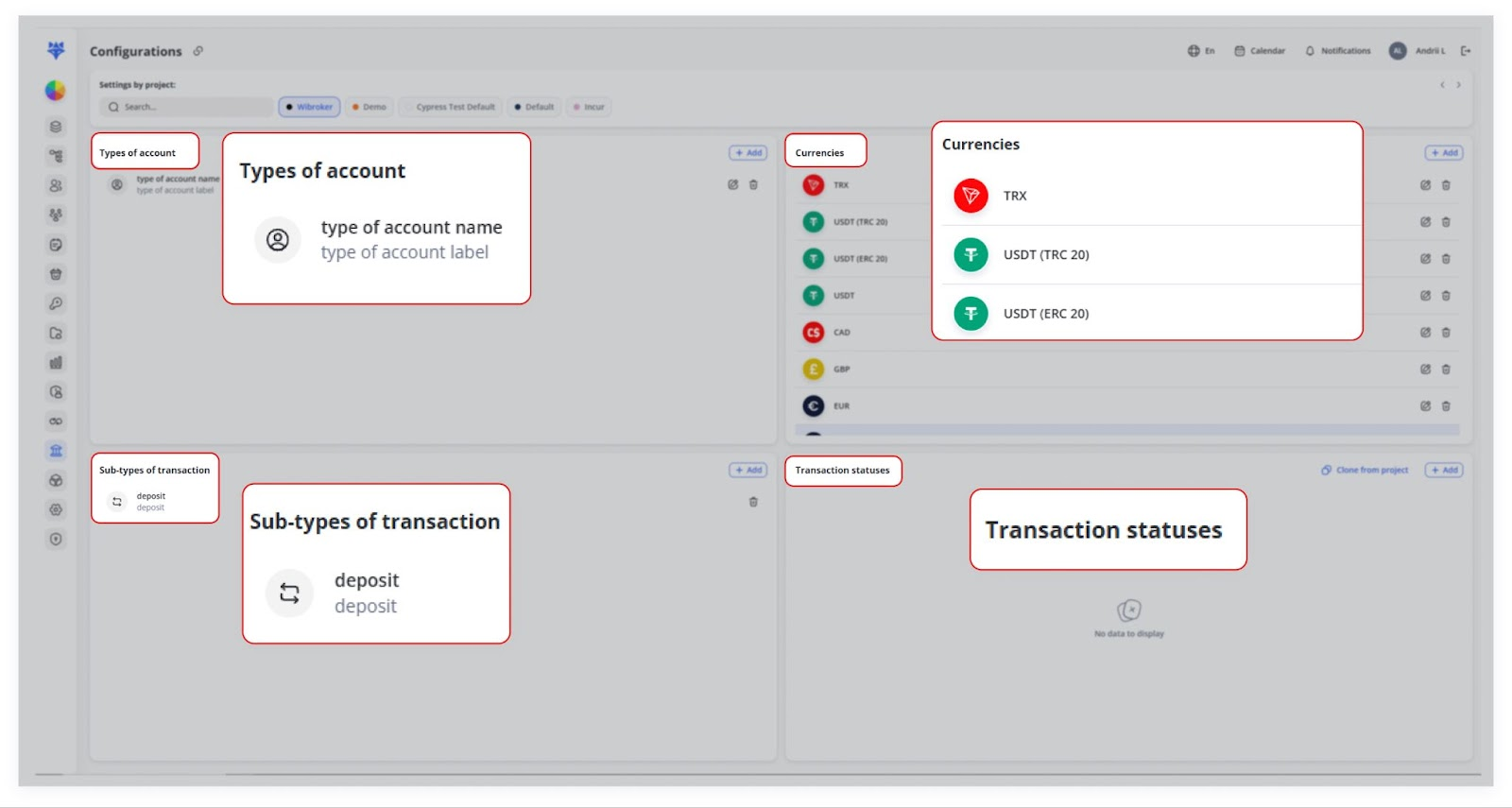
Each project can have specific settings for:
- Types of accounts
- Currencies
- Sub-types of transactions
- Transaction statuses
This modularity helps businesses handle multiple projects with ease, allowing them to customize financial settings for each project separately.
1. Switching Between Projects
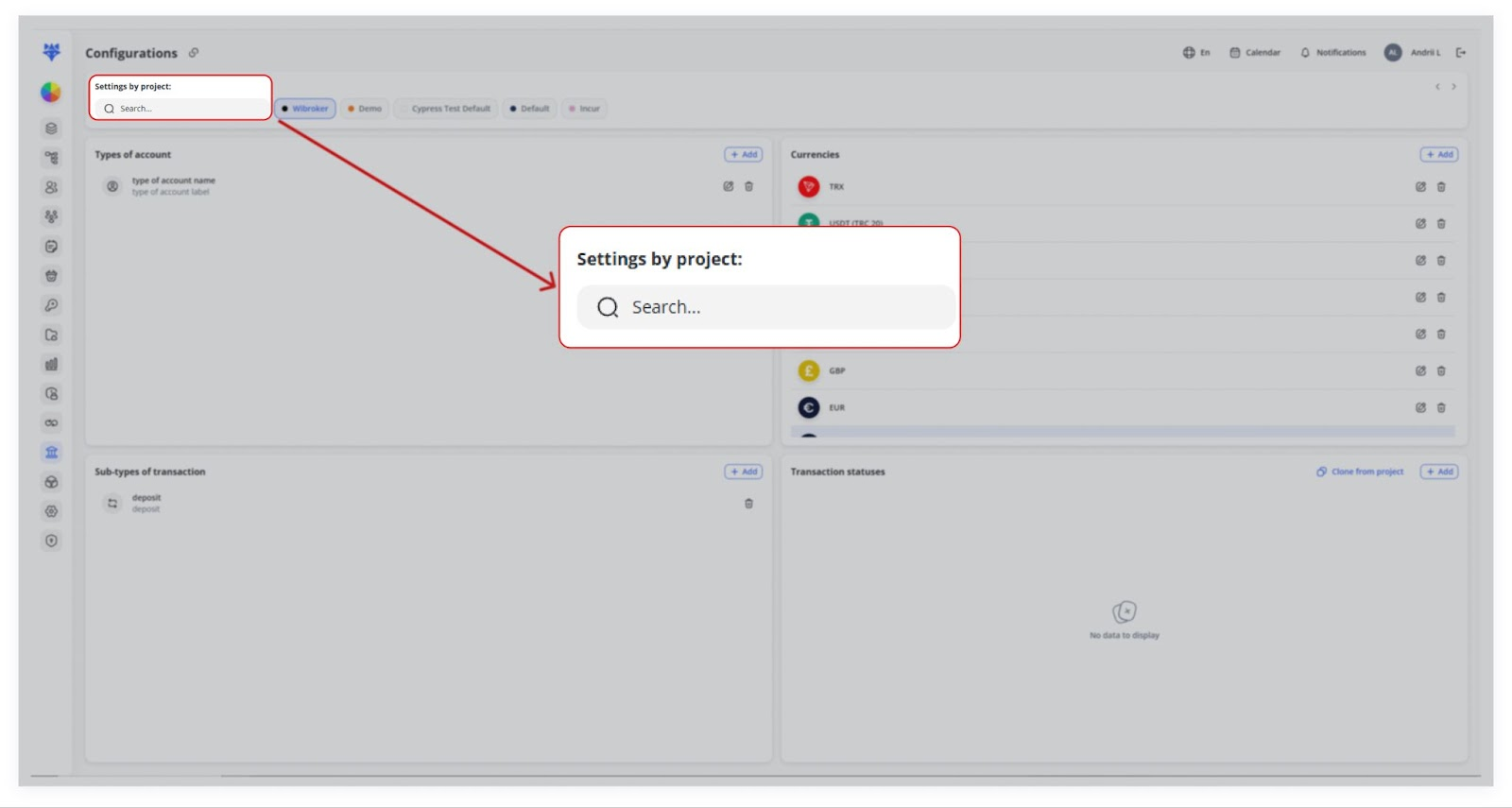
Each project can have unique configurations. When selecting a project, the system updates the displayed settings specific to that project.
If a project doesn’t have any settings defined yet, it will show “No data to display” for its sections.
2. Cloning Configurations from Another Project
To make configuration setup easier, the system includes a Clone from Project functionality.
How It Works
1. The user selects a section, such as Currencies, Sub-types of Transactions, or Types of Accounts.
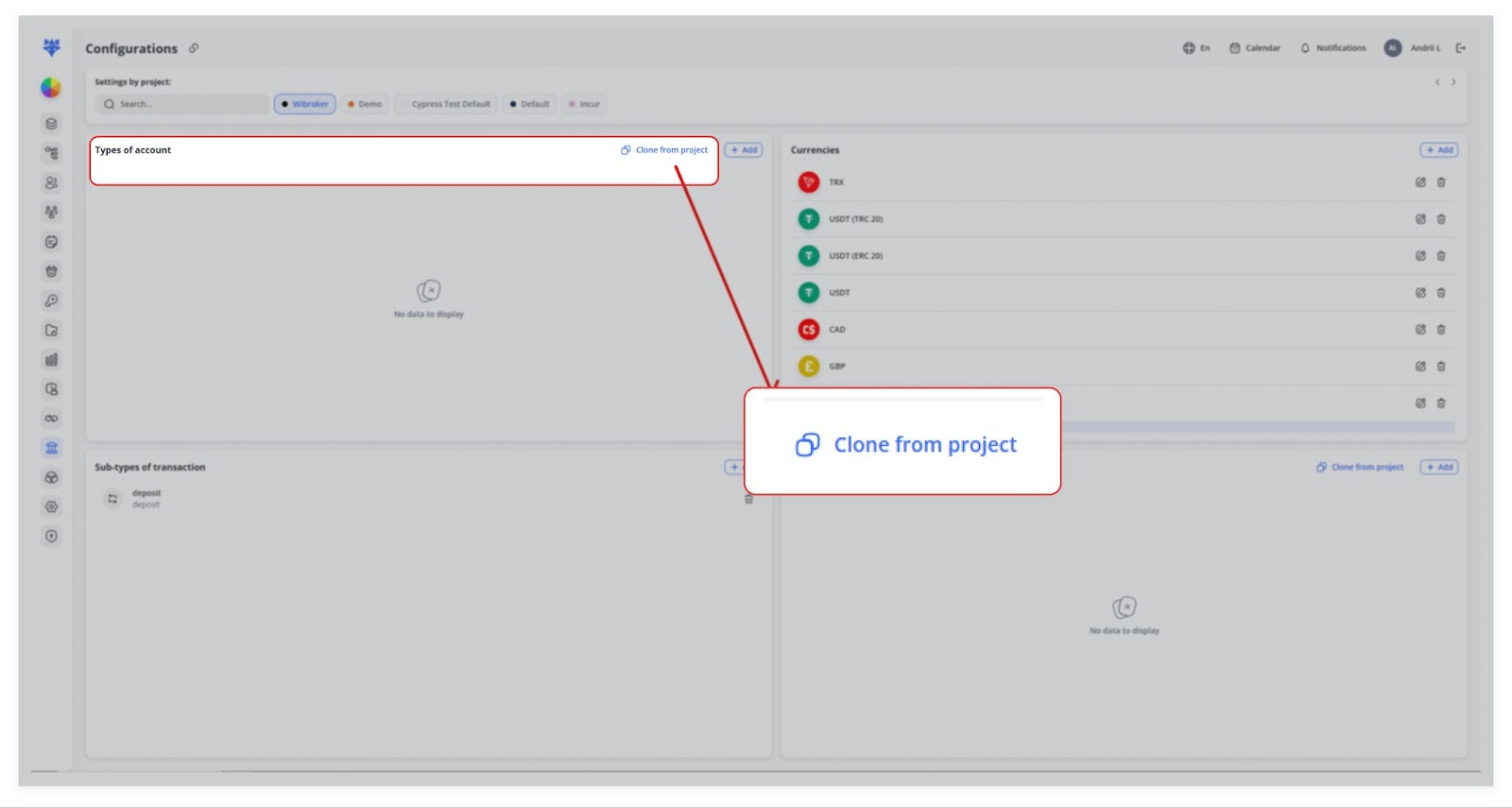
2. Click “Clone from project” in that section.

3. A popup appears where the user selects a project from which they want to clone data.
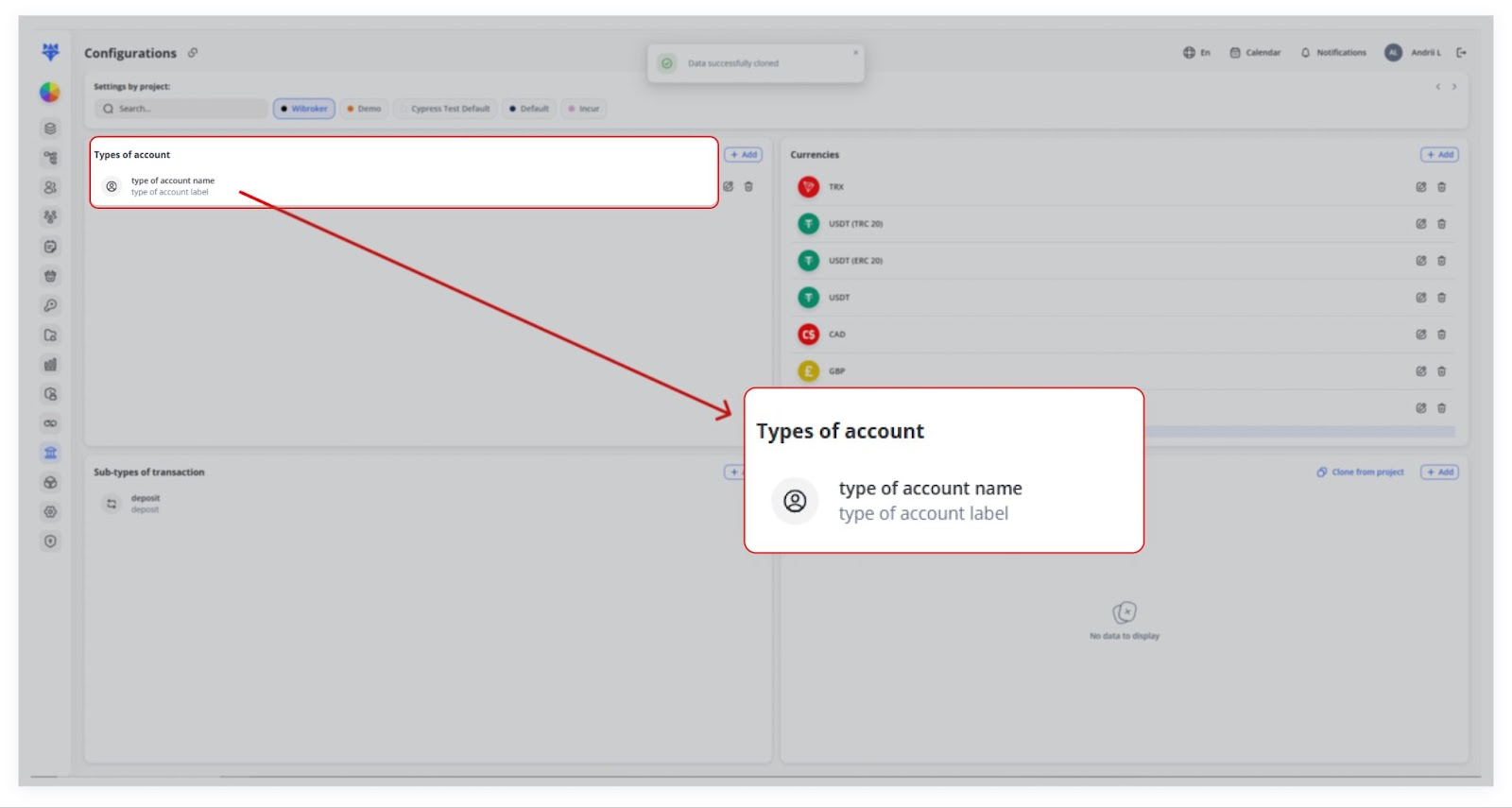
4. Clicking “Clone” copies all configurations from the selected project to the current project.
If data has already been cloned (or created manually), the Clone button disappears to prevent duplication.
3. Cloning Example: Currencies
For example, the user clones currency configurations from Wibroker into the Incur project.
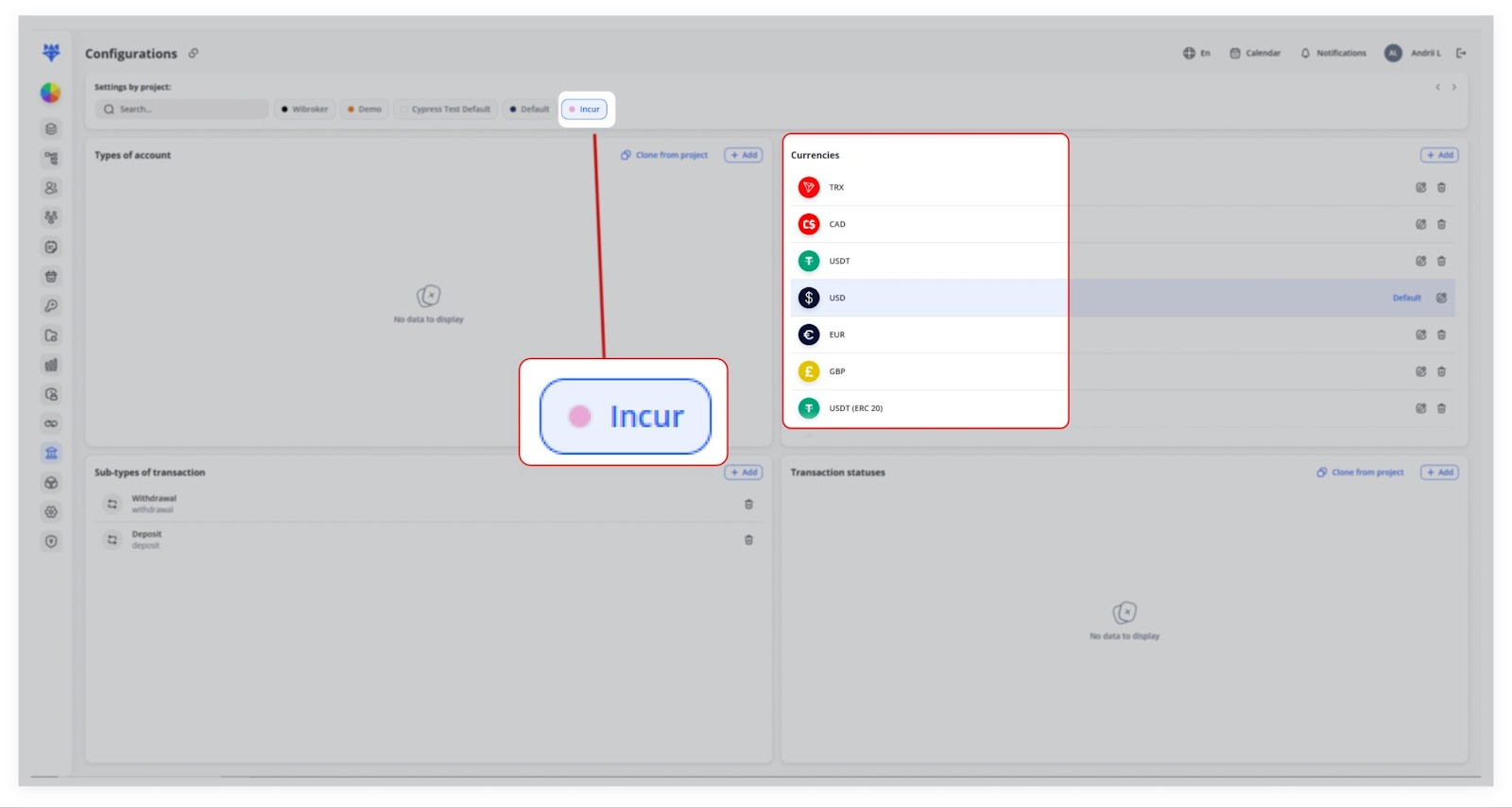
Once cloned, the system automatically displays the available currencies (e.g., USD, EUR, USDT, TRX).
This prevents the need to add each currency for new projects manually.
4. Cloning Other Configurations
- The same cloning process applies to Sub-types of Transactions and Types of Accounts.
- For instance, the user clones Sub-types of transaction from Cypress Test Default into Incur.
- Once cloned, the configurations instantly appear under the selected project.
This saves time and ensures consistency across projects while allowing each one to operate independently.