
11. Clients Duplicates
The Duplicates action identifies cases where a client registers more than once, typically using the same email or other key data. This can happen if a client forgets they already have an account or signs up again via different marketing campaigns.
Use Cases
By viewing duplicates, you can track how or why a client re‐registered and maintain a complete record of their sign‐up history.
Not all clients have duplicates—only those registered multiple times will appear here.
How It Works
1. Automatic Detection
When the system recognizes that a newly registered client matches an existing client record, it flags the new entry as a duplicate.
2. Duplicates Icon
In the Clients list, some entries display a Duplicates icon.
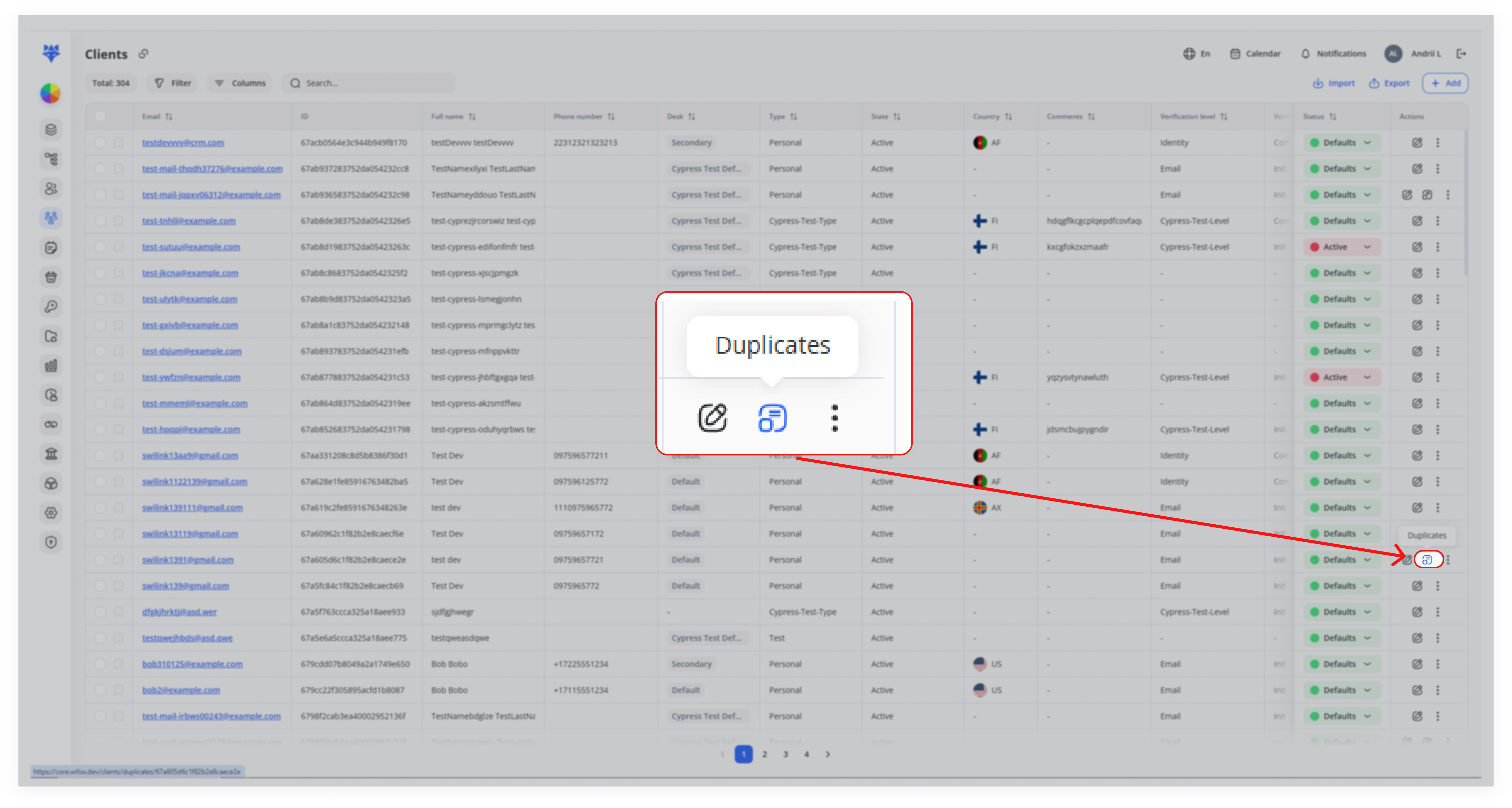
Clicking this icon opens a page showing all known duplicate accounts associated with that primary record.
3. Details
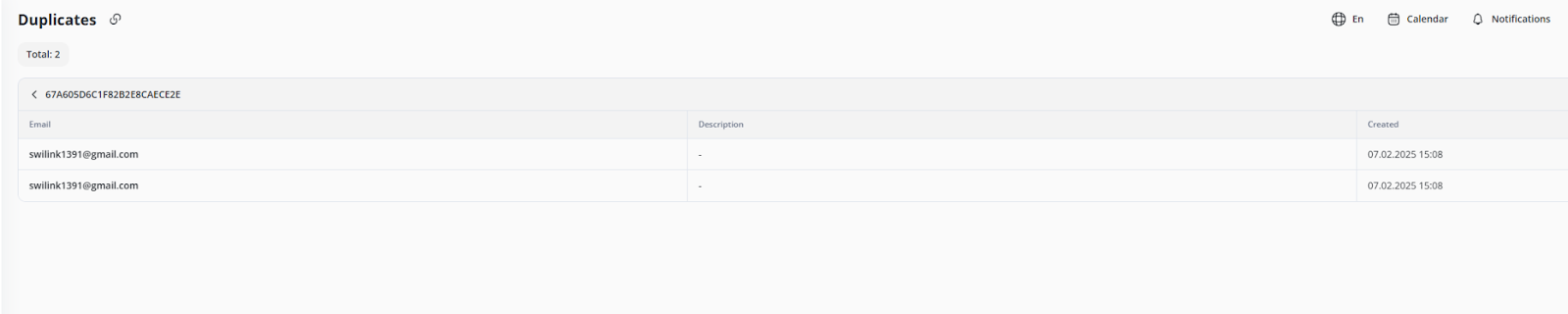
The Duplicates page provides details such as email address, creation date, or any other parameters associated with each duplicate entry.
In short, Duplicates action helps you manage and consolidate multiple registrations from the same individual, preserving important information while avoiding confusion in your CRM.