
11. How to Delete a Bucket
When a bucket is no longer needed, you can permanently remove it. Be careful—deleted buckets and all their configuration (sources, postbacks, snippets, automation rules, and leads) cannot be recovered.
To delete a bucket:
-
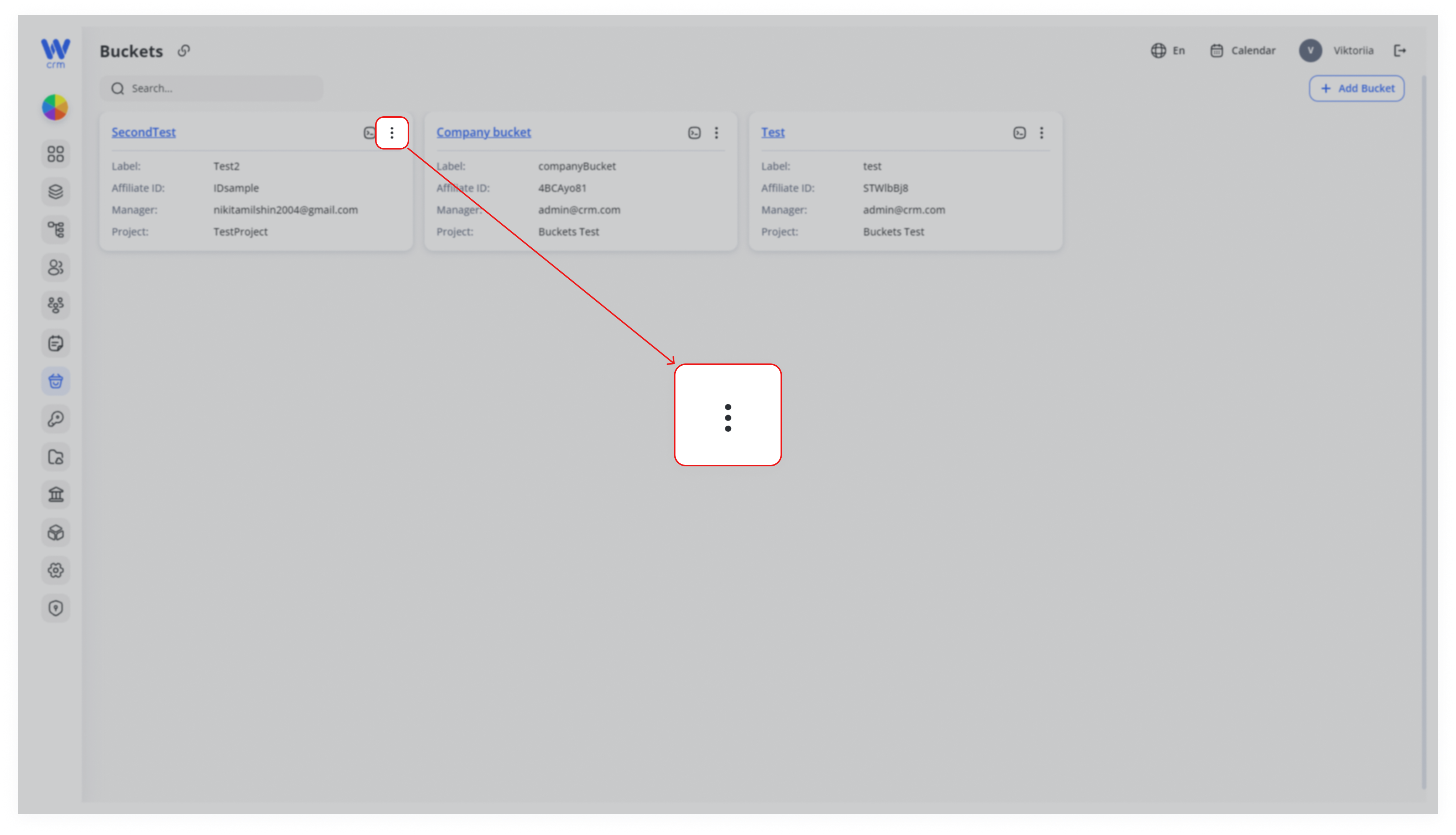
Open the bucket’s menu
In the Buckets list, hover over the bucket you wish to delete and click the three-dot (•••) menu in its top-right corner.
-
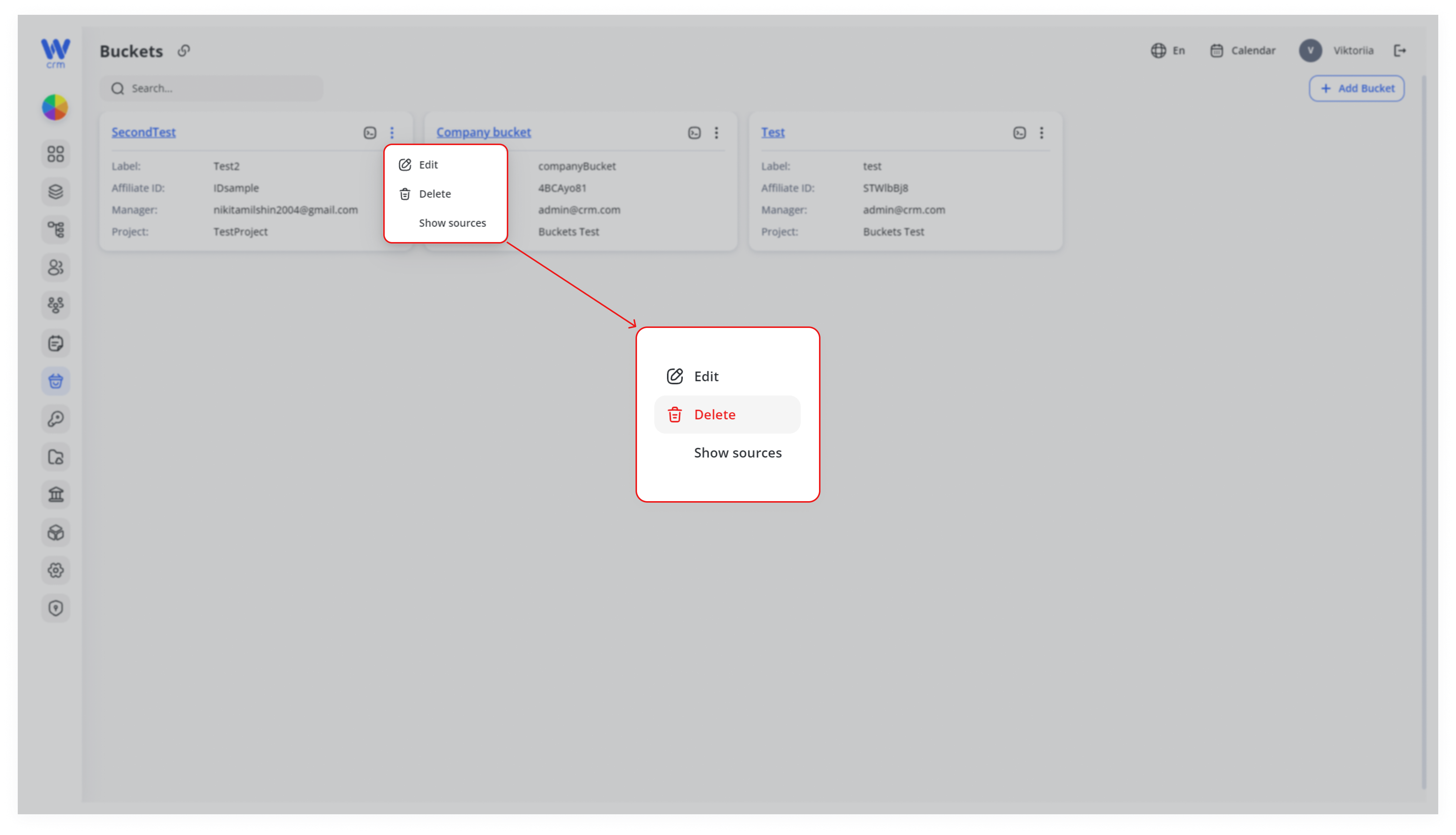
Select “Delete”
- Confirm deletion
A confirmation dialog will appear. Confirm that you want to delete the bucket. Once deleted, it cannot be restored.
Warning: Deletion is permanent. Make sure you no longer need any data or configurations associated with this bucket before proceeding.