12.1. WebAuthn
WebAuthn is a method of identity verification that utilizes the security features of the device the user logs into the CRM with. Examples of such features include:
-
-
Face ID
-
Fingerprint
-
Password
-
PIN
-
Note: Verification using biometrics is preferred due to its higher security level.
In Configurations, you can choose between two options for authentication:
-
-
Internal login and WebAuthn – adds another layer of protection by requiring both methods.
-
Internal login or WebAuthn – allows the user to choose their preferred method.
-
How it works:
1. The first time you log in after enabling WebAuthn in Configurations, you will need to enter your login and password.
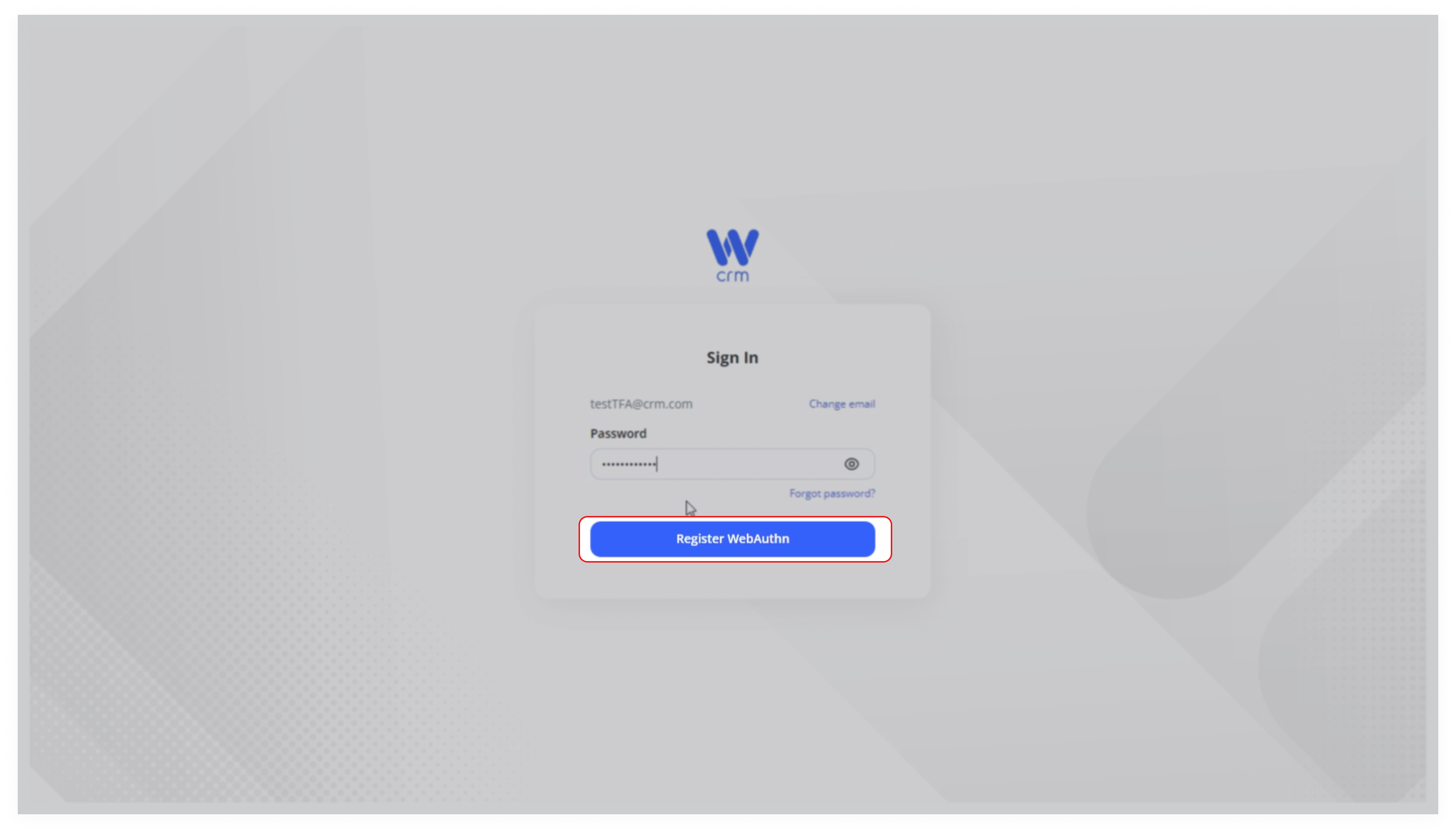
2. A Register WebAuthn button will appear. Click on it.
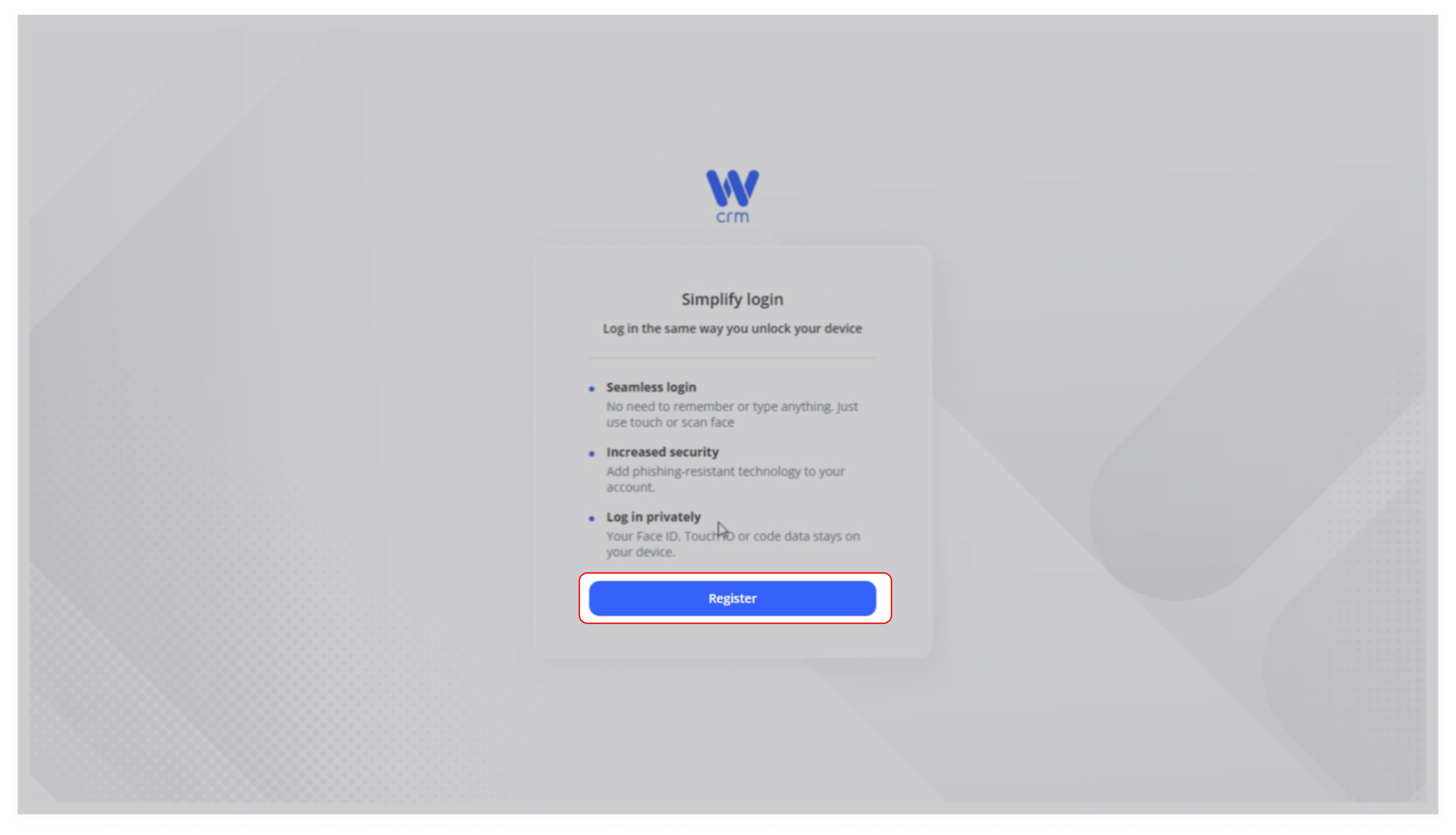
3. Read the information in the window and click Register.
4. The WebAuthn key will be created automatically by your browser's or PC’s internal functionality. Follow the steps by clicking Next when prompted.
5. Enter your PIN, attach your fingerprint, or provide any other form of authentication installed on your device.
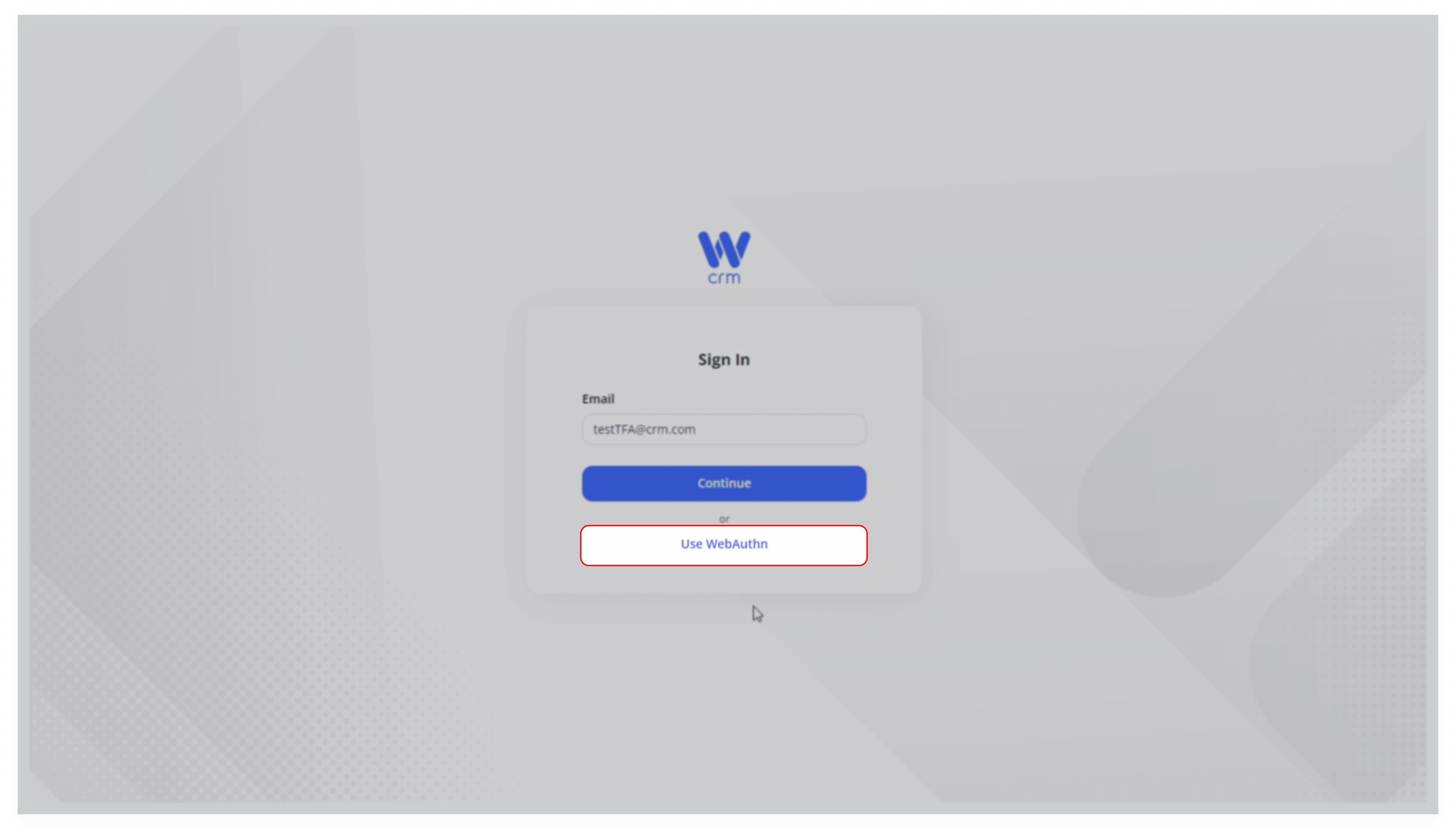
6. For all future logins, the system will request this proof of identity. If you choose Internal login or WebAuthn, providing it is optional. If you choose Internal login and WebAuthn, it is mandatory.
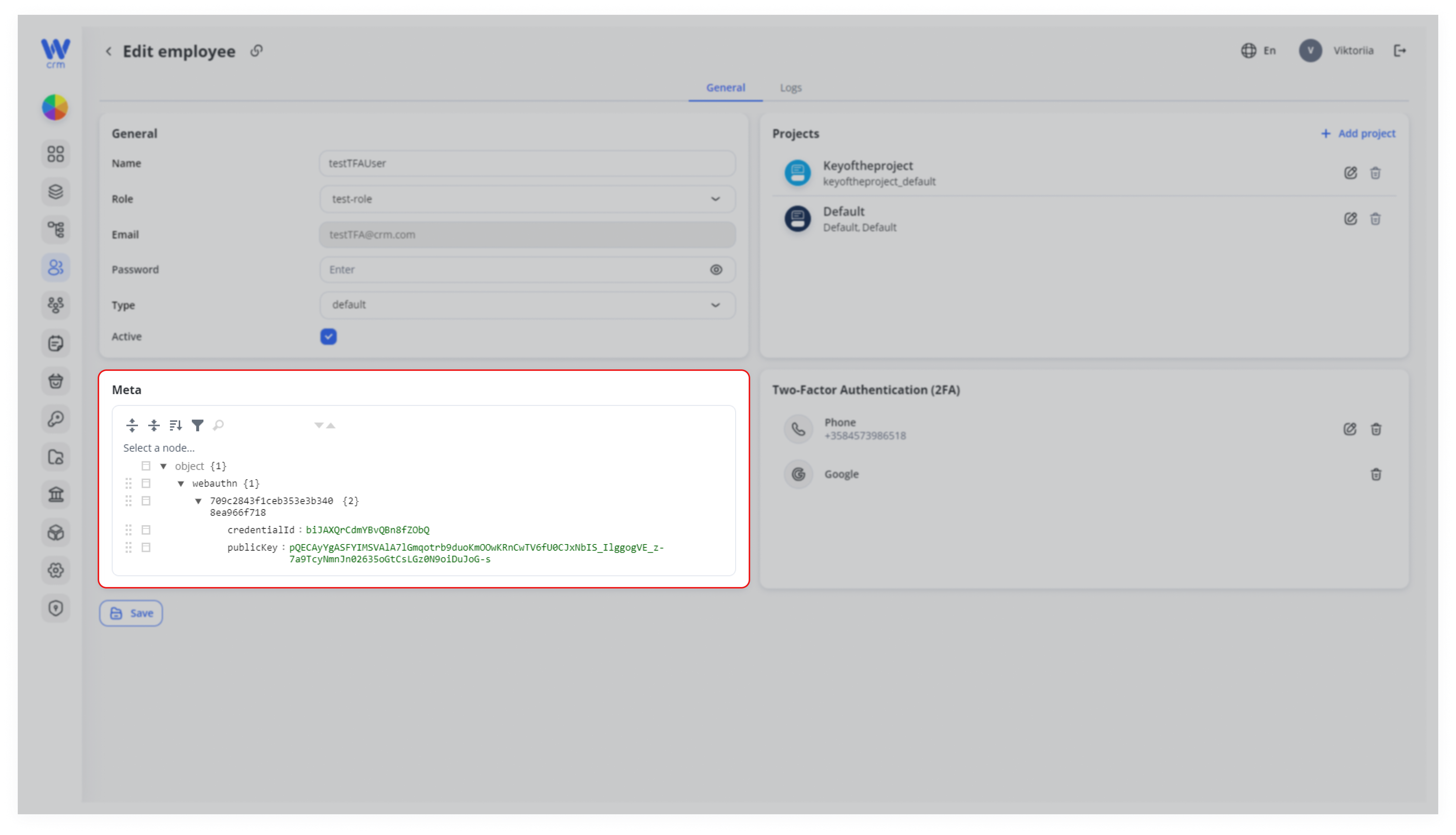
You can view and edit the WebAuthn data for each employee in the Edit employee section.