
1. How to Connect to the WBCS API
We provide documentation with examples of API requests, which can be found [here]. The requests are categorized by the modules they are used for, including working with Core Banking, Client Area, Clients, and others.
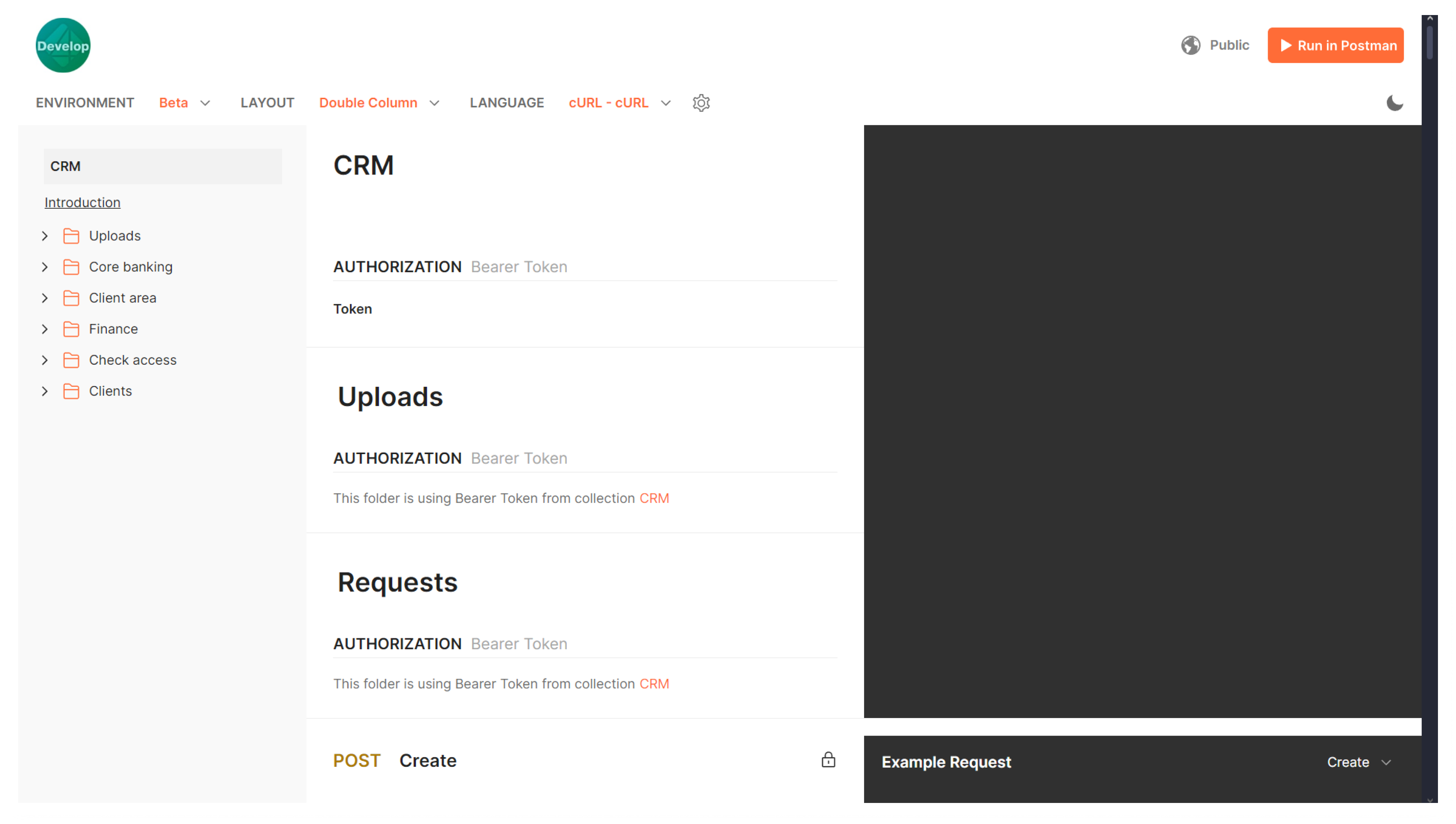
To authenticate most requests, you will need an identification token (an API authorization key for Wi CRM).
To generate an identification token:
2. In the upper right corner, click the +Add token button.
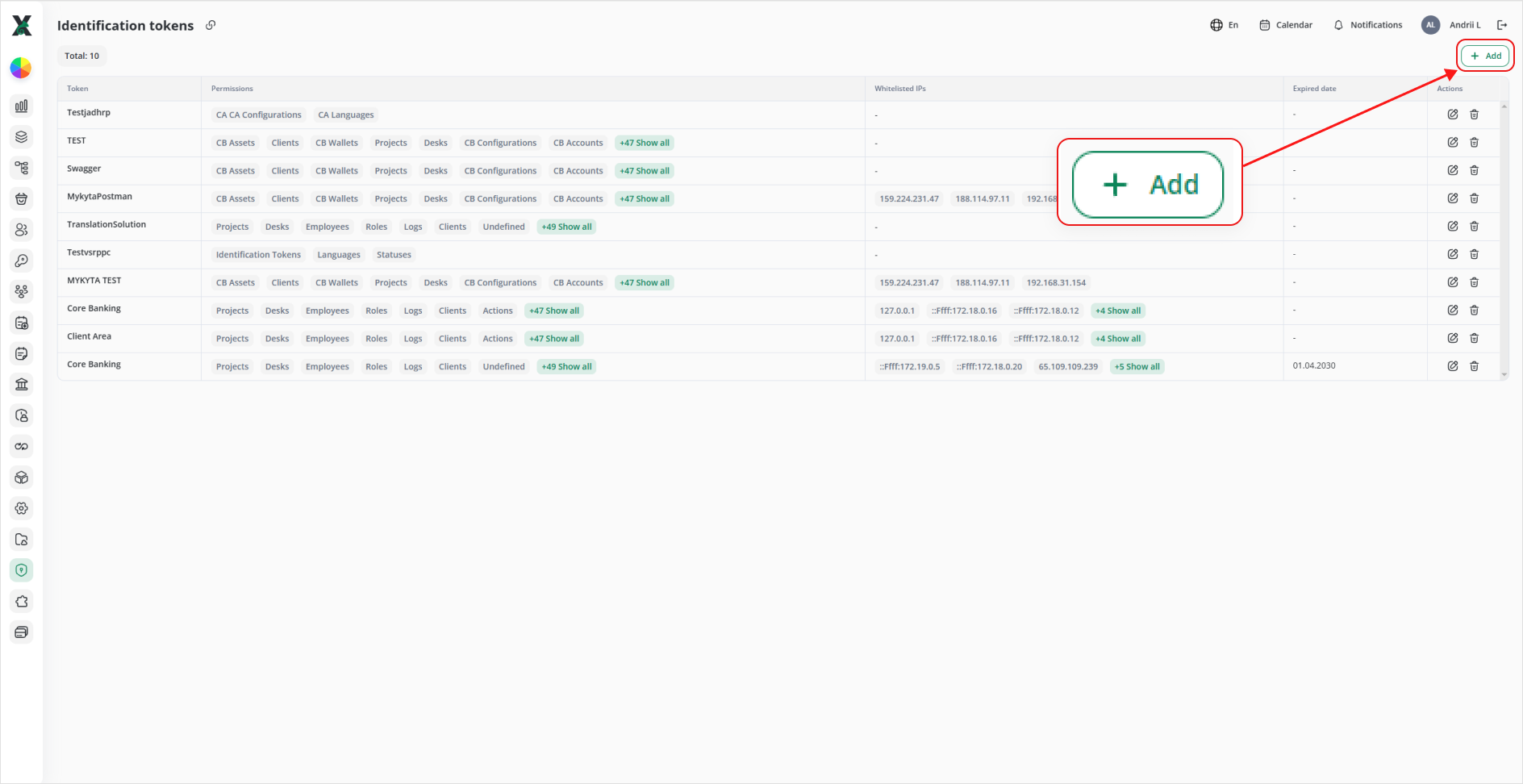
3. Enter a Name for the token.
4. From the drop-down list, select Role. The selected role will determine which CRM modules will be accessible when using this token. You can read more about setting up roles roles [here].
5. If necessary, set an expiration date for the token. If no expiration date is specified, the token will remain valid indefinitely.
6. Optionally, specify a Whitelist: a list of IP addresses for which the token will be valid. If no whitelist is provided, the token will be valid for any IP address that has the token.
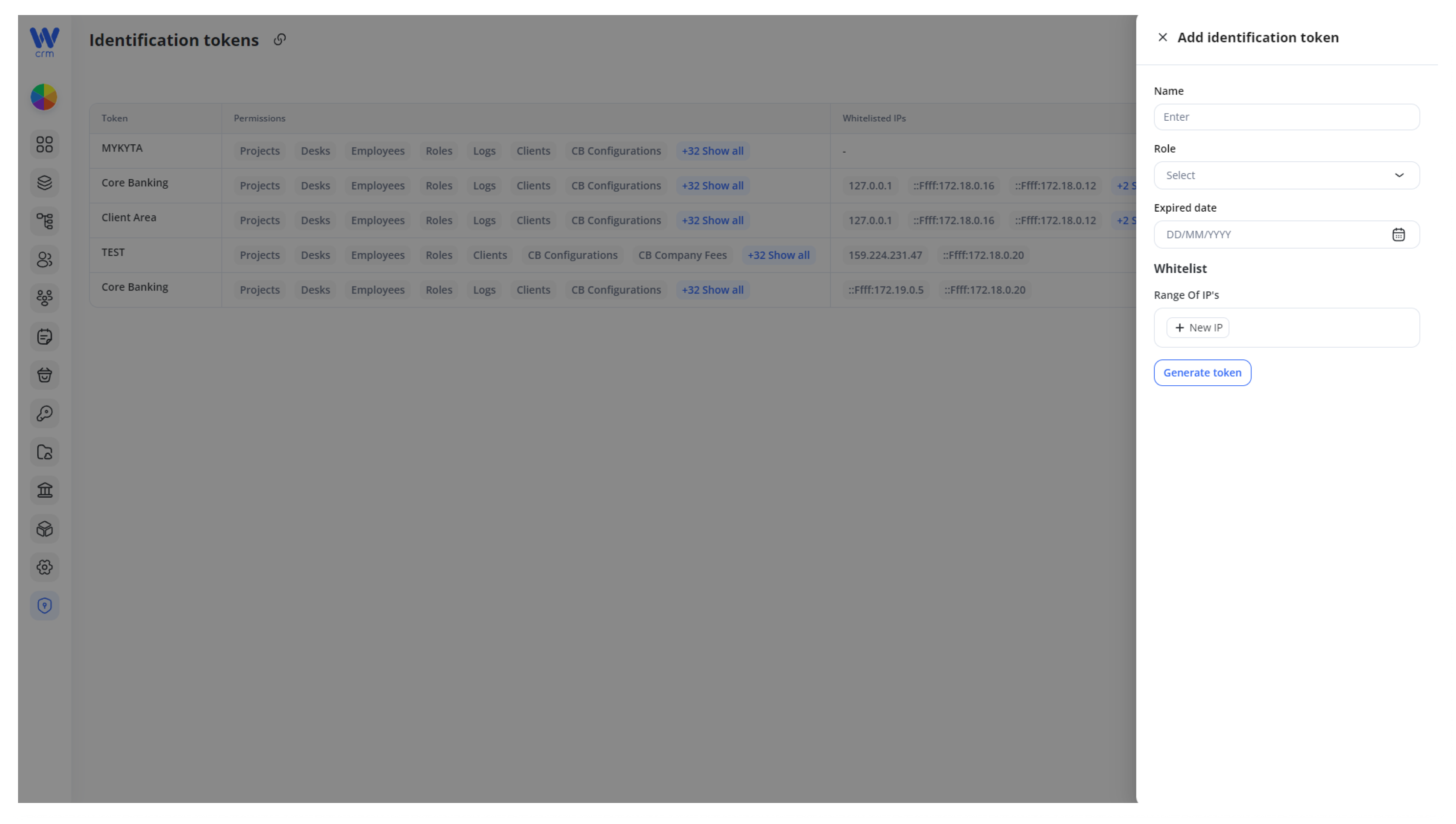
7. Click on the Generate token button.
Important:Important: The identification token is displayed only once—immediately after clicking the Generate token button. Be sure to copy and store it securely, as it cannot be viewed again. Do not share this token with anyone, and make sure you don’t lose it.
Created tokens can be modified by adding or removing IP addresses from the whitelist. Other parameters of the token cannot be edited.
Tokens can also be deleted, but once deleted, they cannot be restored.