
1. CI/CD Core Overview
Continuous Integration (CI) and Continuous Deployment (CD) are practices that help you quickly and reliably deliver software updates to customers. CI/CD MS module provides an interface to connect with external tools (e.g., Jenkins) for automating builds, tests, and deployments.
Use Cases
- Set Up a Jenkins Integration
Go to CI CD → Integrations → + Add.
Enter “Jenkins” for name/label, add the Jenkins server URL, and fill in credentials (API token, username, secret key).
- Check Pipelines
Click Pipelines, select “Jenkins,” and see any existing Jenkins jobs or runs.
- Monitor Builds
As Jenkins triggers automated builds/tests, the system displays or updates the run statuses.
Integrations
1. Accessing Integrations
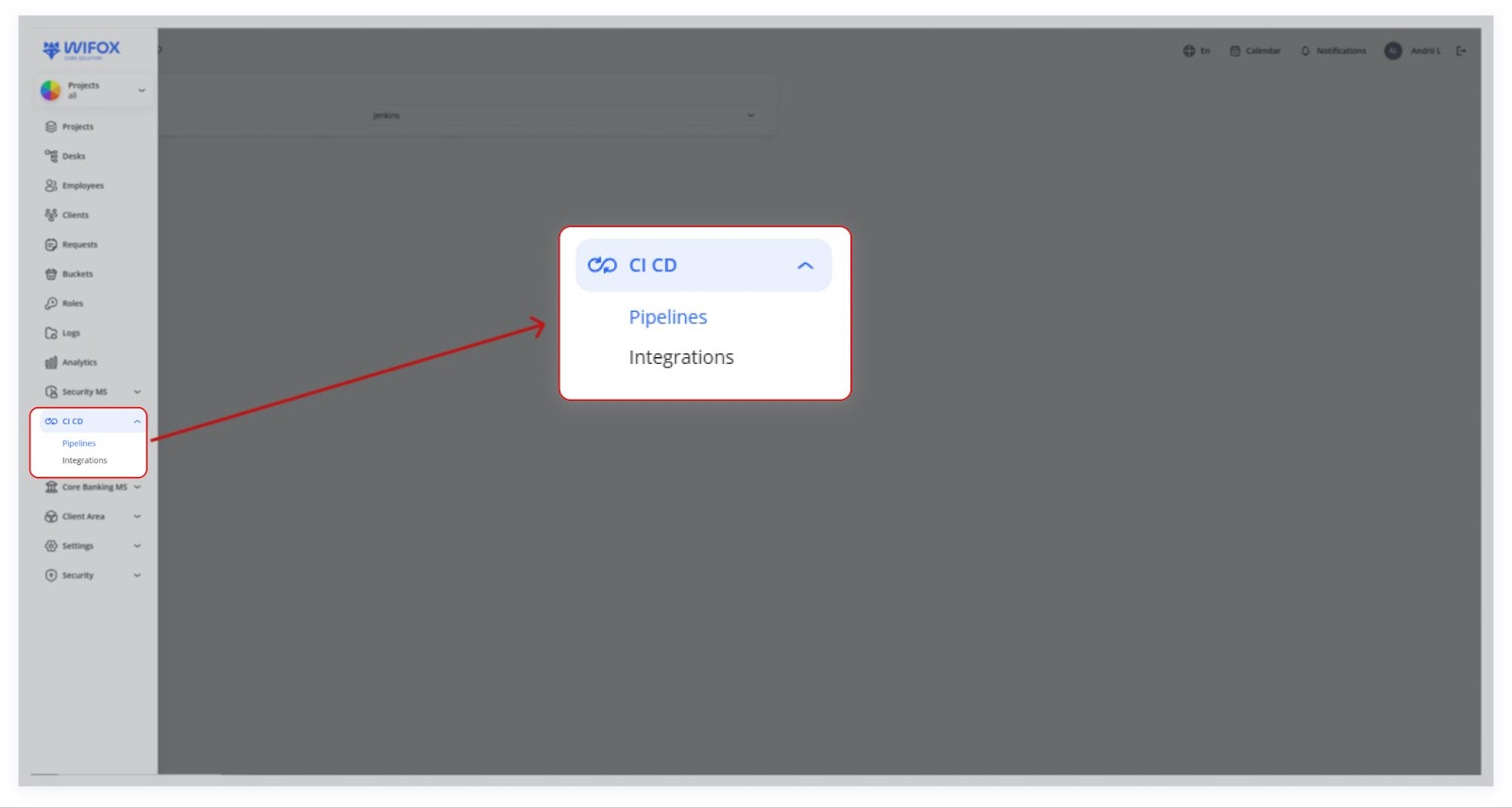
In the left‐hand menu, expand CI CD and click Integrations.

A list of configured integrations appears (e.g., “Jenkins”).
2. Adding or Editing an Integration
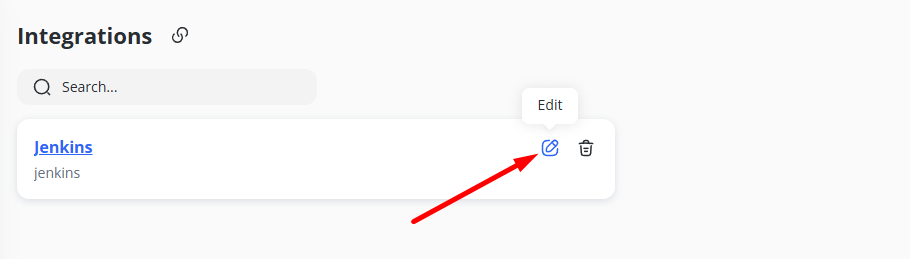
Click + Add (if visible) to create a new integration, or click the Edit (pencil) icon on an existing one.

Name / Label: Provide a friendly name for the integration (e.g., “Jenkins”).
URLs: Add one or more URLs and corresponding keys (e.g., apiUrl: https://...).
Credentials: Input tokens, usernames, secret keys, or other authentication data required by your CI/CD tool.
Click Save to store your changes.
3. Why Integrations Matter
The system can authenticate with your CI/CD tool (e.g., Jenkins) and trigger or monitor pipelines/jobs by entering valid credentials.
Invalid credentials or URLs will prevent successful integration.