6. How to Delete a Page
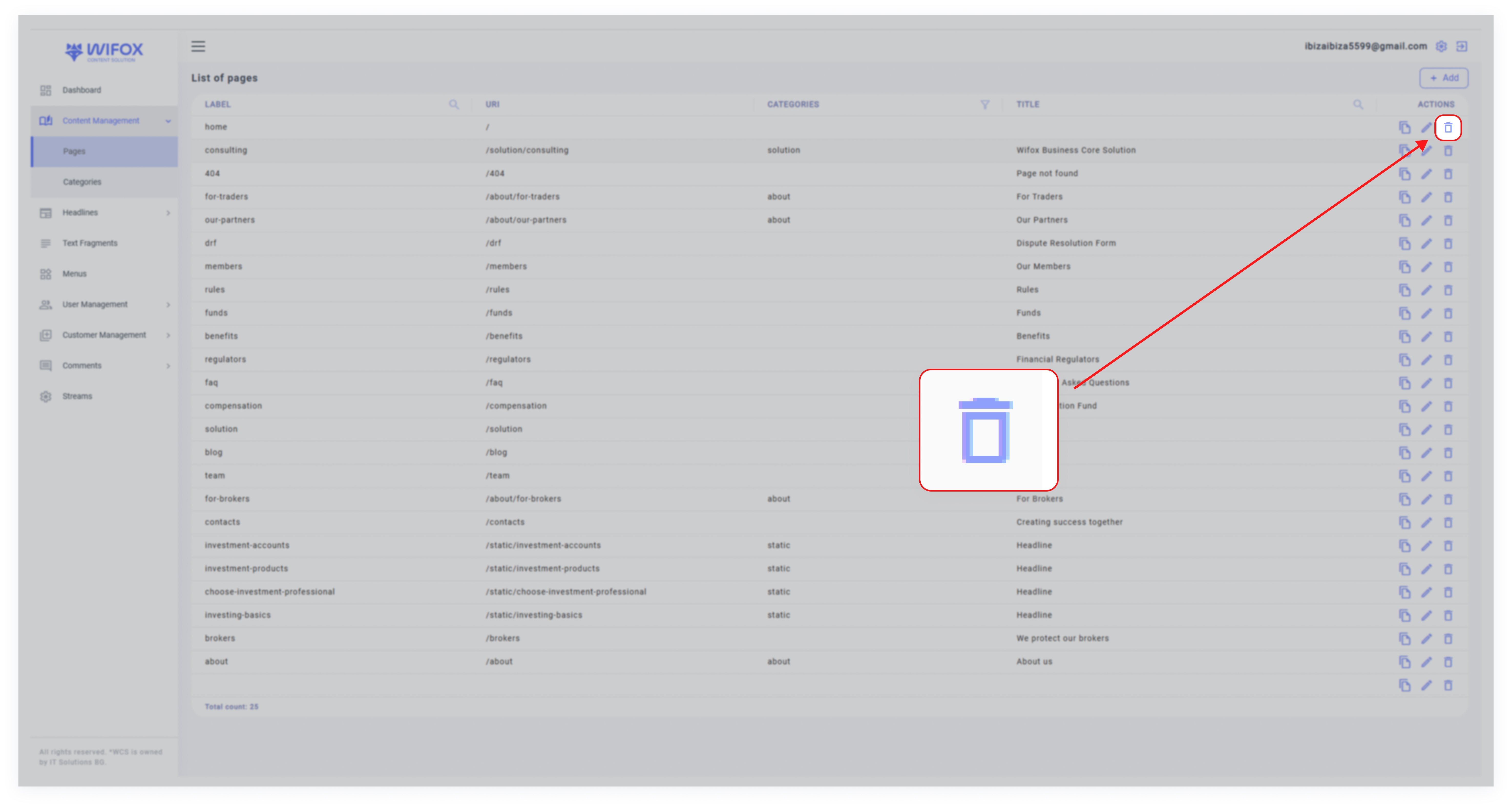
1. Locate the page in the list view.
2. Click the Delete icon in the "Actions" column.
3. Confirm the deletion.
Note: Deleted pages cannot be restored.
1. Locate the page in the list view.
2. Click the Delete icon in the "Actions" column.
3. Confirm the deletion.
Note: Deleted pages cannot be restored.