5. How to Edit a Text Entry
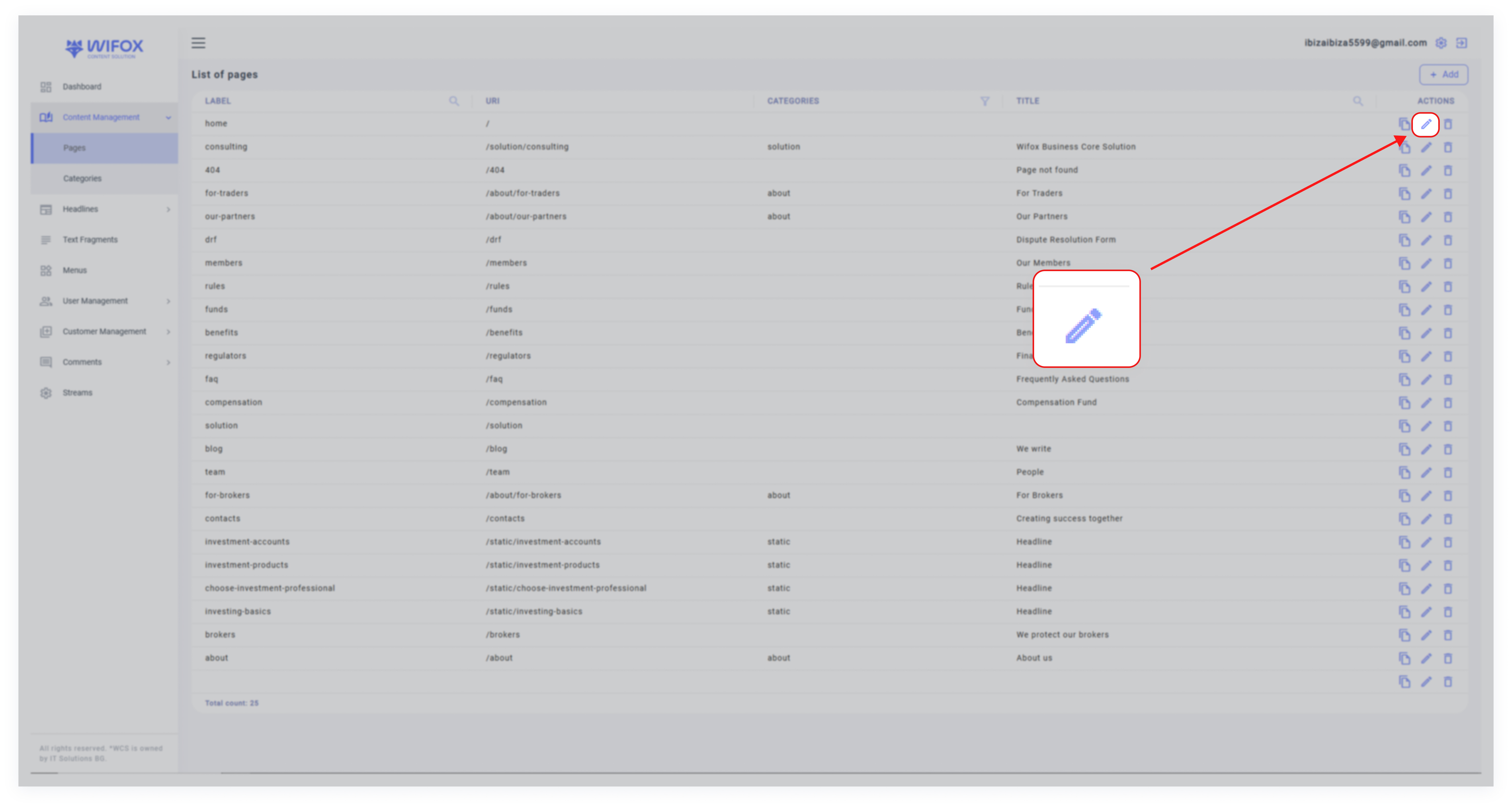
1. Locate the text entry in the list view.
2. Click the Edit Icon next to the desired entry.
3. Modify the Label, Title, or Content as needed.
4. Click Save to apply the changes.
1. Locate the text entry in the list view.
2. Click the Edit Icon next to the desired entry.
3. Modify the Label, Title, or Content as needed.
4. Click Save to apply the changes.