4. How to Edit a Customer
1. Select the Client
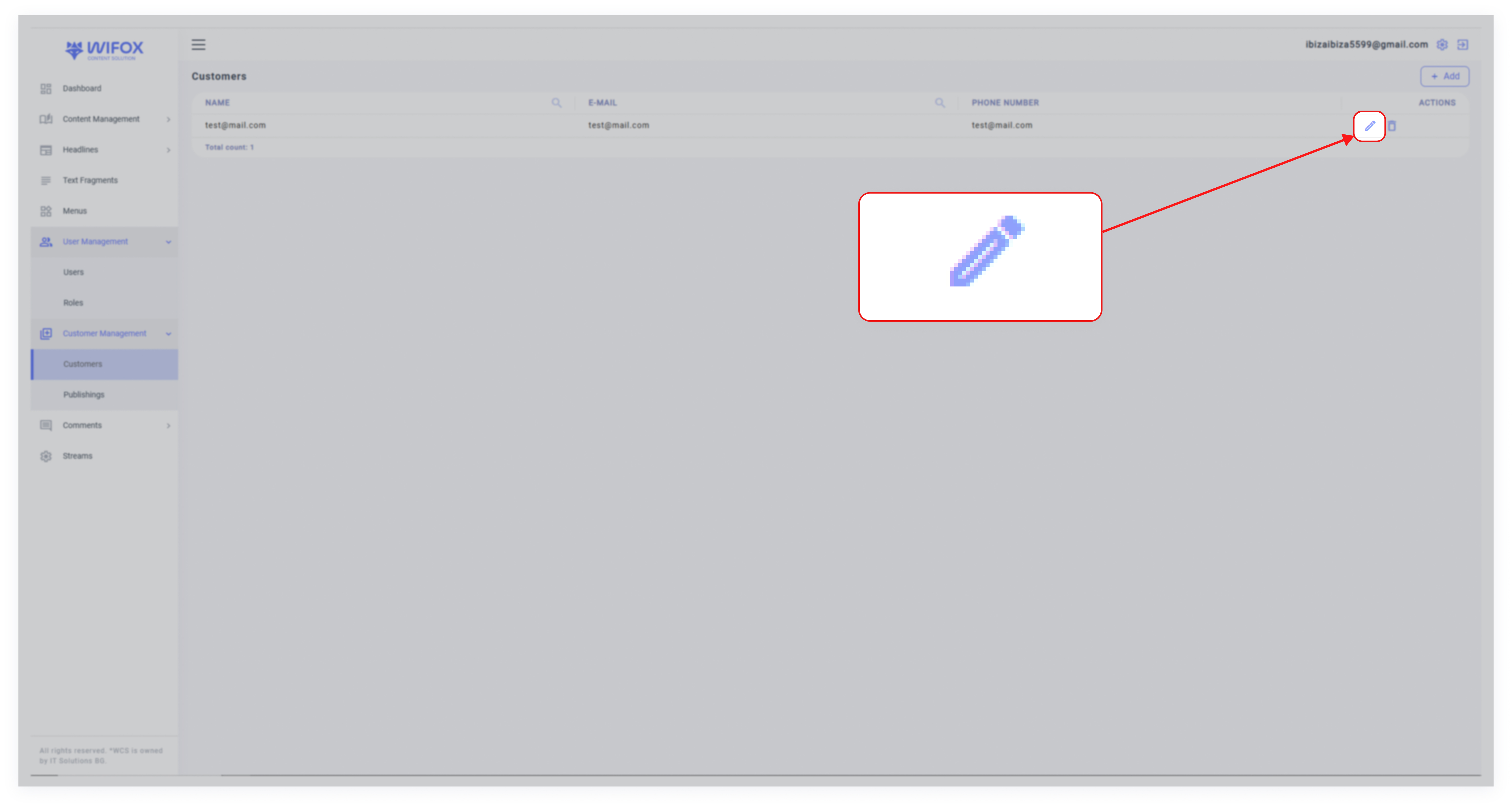
Locate the client in the Clients list and click the pencil icon.
2. Update Details
Modify any required fields, such as email, password, or comments.
Adjust or append dynamic data in the Properties section.

3. Save Changes
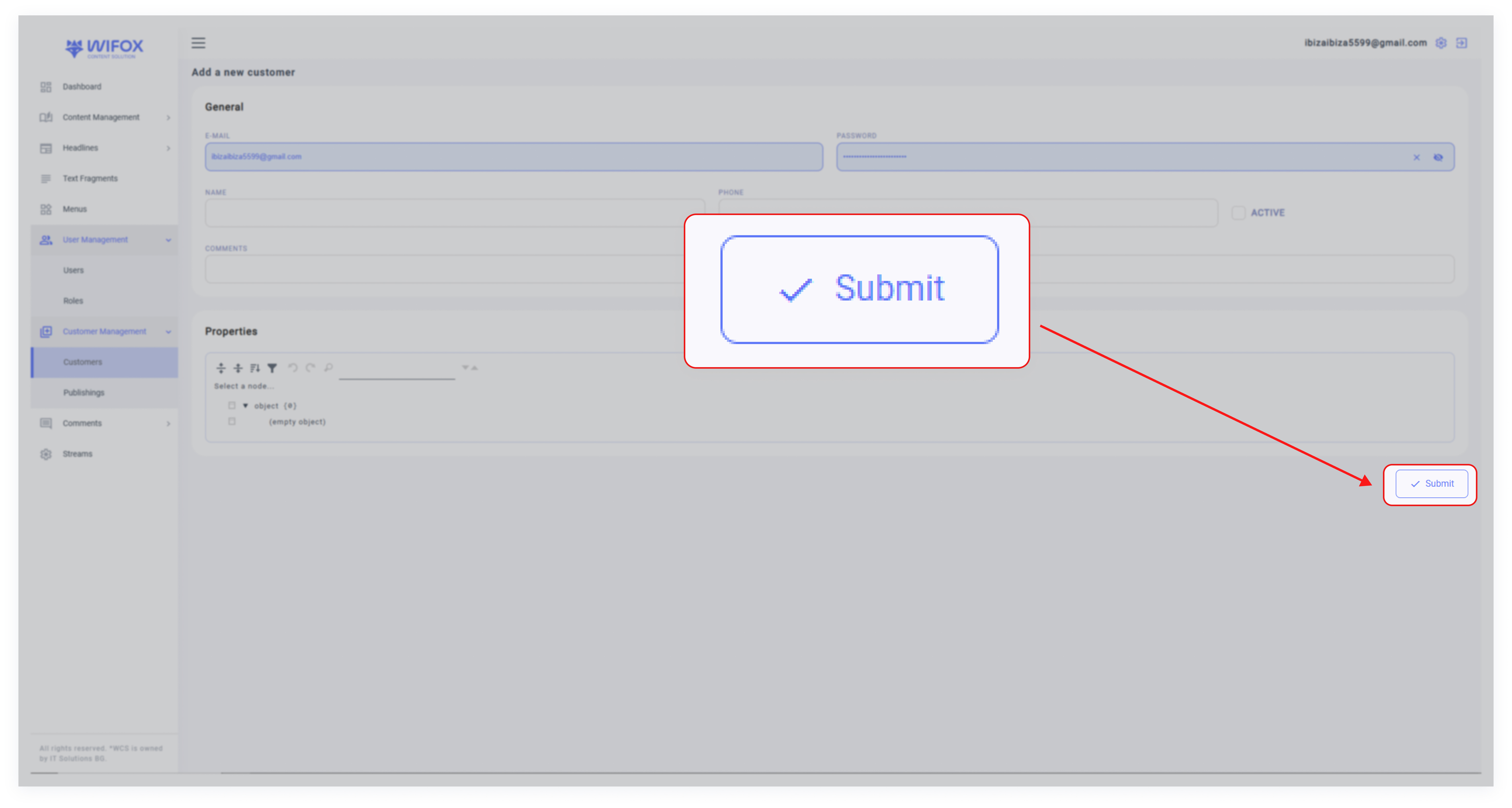
Click Submit to apply the changes.