Page Content Management
- 1. Pages: Overview
- 2. Pages: Features and Use Cases
- 3. Filters in Pages Post
- 4. How to Add a New Page
- 5. How to Edit a Page
- 6. How to Delete a Page
- 7. Tree of Page Categories
1. Pages: Overview
The Page Content module in Wifox Business Content Solution is a versatile tool designed to manage, organize, and structure website or application pages effectively. It simplifies the process of creating and maintaining pages, allowing users to keep their content strategy streamlined while supporting both front-end visibility and API integration.
The following actions are available in the Page Content module:
2. Pages: Features and Use Cases
The module is primarily used to:
-
Create and Manage Pages: Define and update various types of pages, such as informational ("About", "Contact"), functional ("404 Error"), or specialized ("For Traders").
-
Enhance SEO: Manage meta tags and optimize pages for search engines.
-
Structure Content: Organize pages into categories to maintain clarity and purpose, separating different content types for better manageability.
-
Enable API Integration: Categorize pages for API endpoints, allowing specific sets of entities to be accessed via the API.
Key Features
-
Categorization: Group pages into logical categories, such as "Static", "Dynamic", or "API-only", for easier navigation and separation of purposes.
-
Content Management: Create individual posts within pages, edit them as needed, or remove outdated content.
-
Actionable Tools: Quickly add, edit, or delete pages using an intuitive interface, streamlining the workflow.
-
API Support: Categories enable better control of API responses by ensuring only relevant pages/entities are accessible when needed.
Use Cases
-
Static Website Pages: Manage key pages like "About Us", "Contact", or "Blog" to ensure they are SEO-optimized and always up-to-date.
-
Dynamic Pages: Control pages with user-generated or frequently updated content, such as "News" or "Offers".
-
404 and Utility Pages: Set up fallback or error-handling pages to provide a better user experience.
-
API-driven Applications: Use categories to filter and deliver specific content through API endpoints, such as delivering "Trader Guidelines" to a third-party system.
The Page Content module serves as a backbone for content strategy in Wifox Business Content Solution , supporting both user-facing and backend requirements with flexibility and precision.
3. Filters in Pages Post
The Filters in Pages Post section in Wifox Business Content Solution provides users with advanced filtering options to locate specific pages quickly. This functionality enhances navigation and helps streamline the management of pages by narrowing down search results based on specific criteria.
Key Features of Filters in Pages Post
1. Search Bar
How to Use:

- Click the search icon (magnifying glass) to activate the search bar.
- Enter keywords or details relevant to the page you want to find.
- Results matching the search criteria will appear instantly.
Reset Search:

To return to the full list of pages, click the restore icon (next to the search bar).
2. Category Filter
How to Use:
Click the Categories dropdown to view available categories, such as "About Us" or "Static."

Select one or more categories to filter pages accordingly.
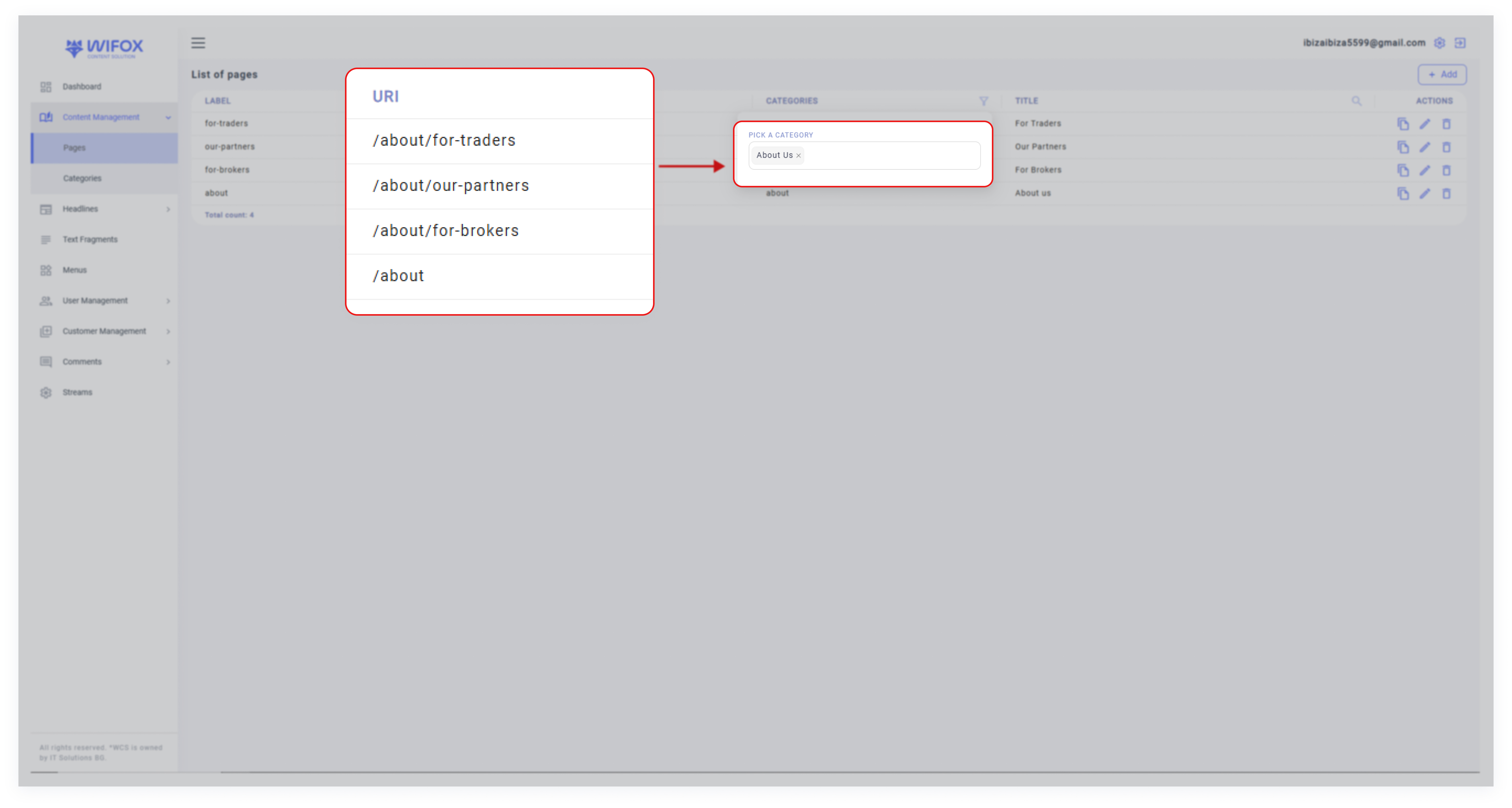
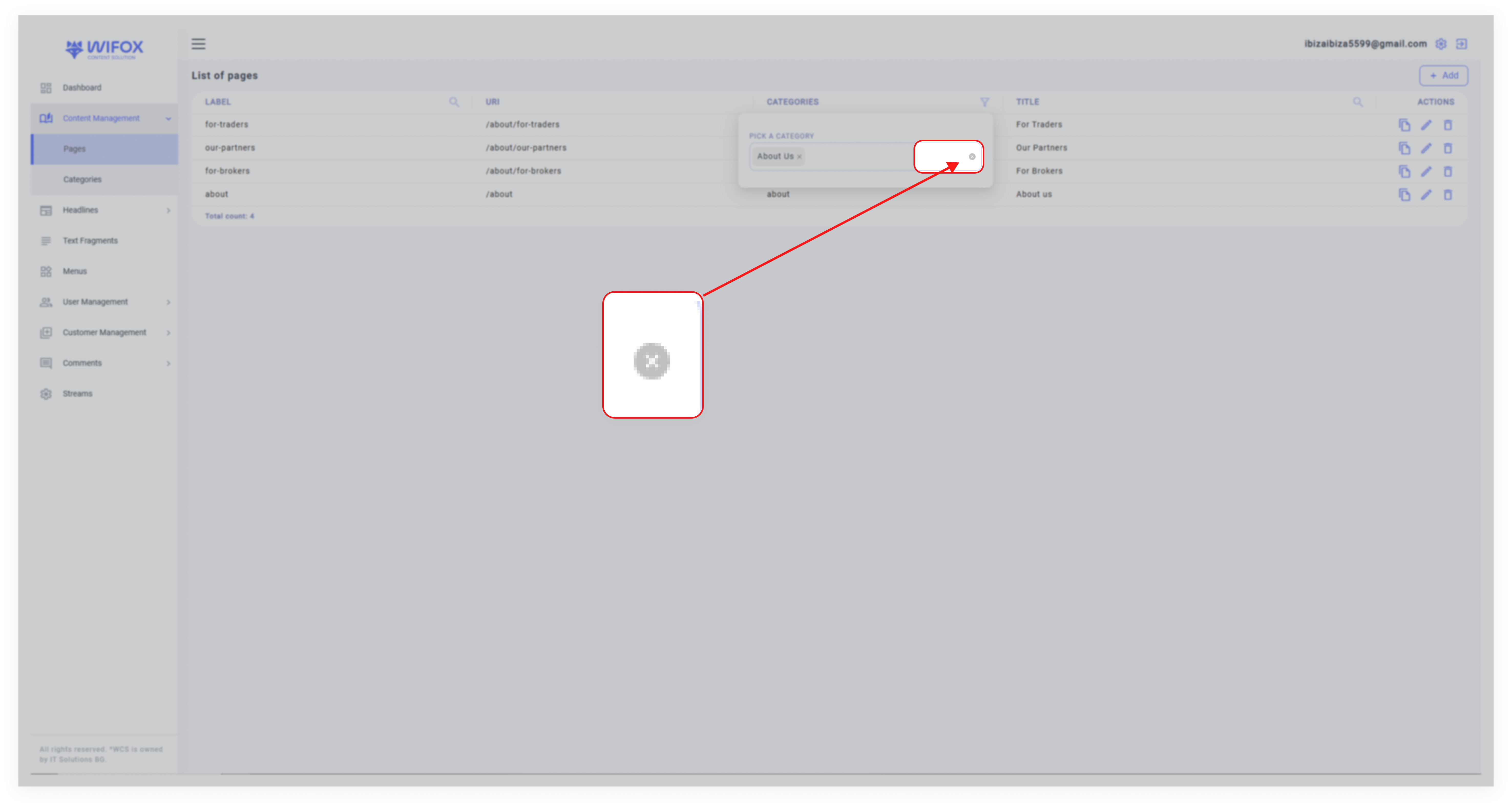
To clear selected categories, remove them from the field using the dropdown.
Benefit: This filter allows users to locate pages tied to specific categories, making it easier to manage grouped content.
3. Title Filter
How to Use:
- Use the Title filter by typing part or all of a page’s title in the dedicated search bar with the magnifying glass icon.
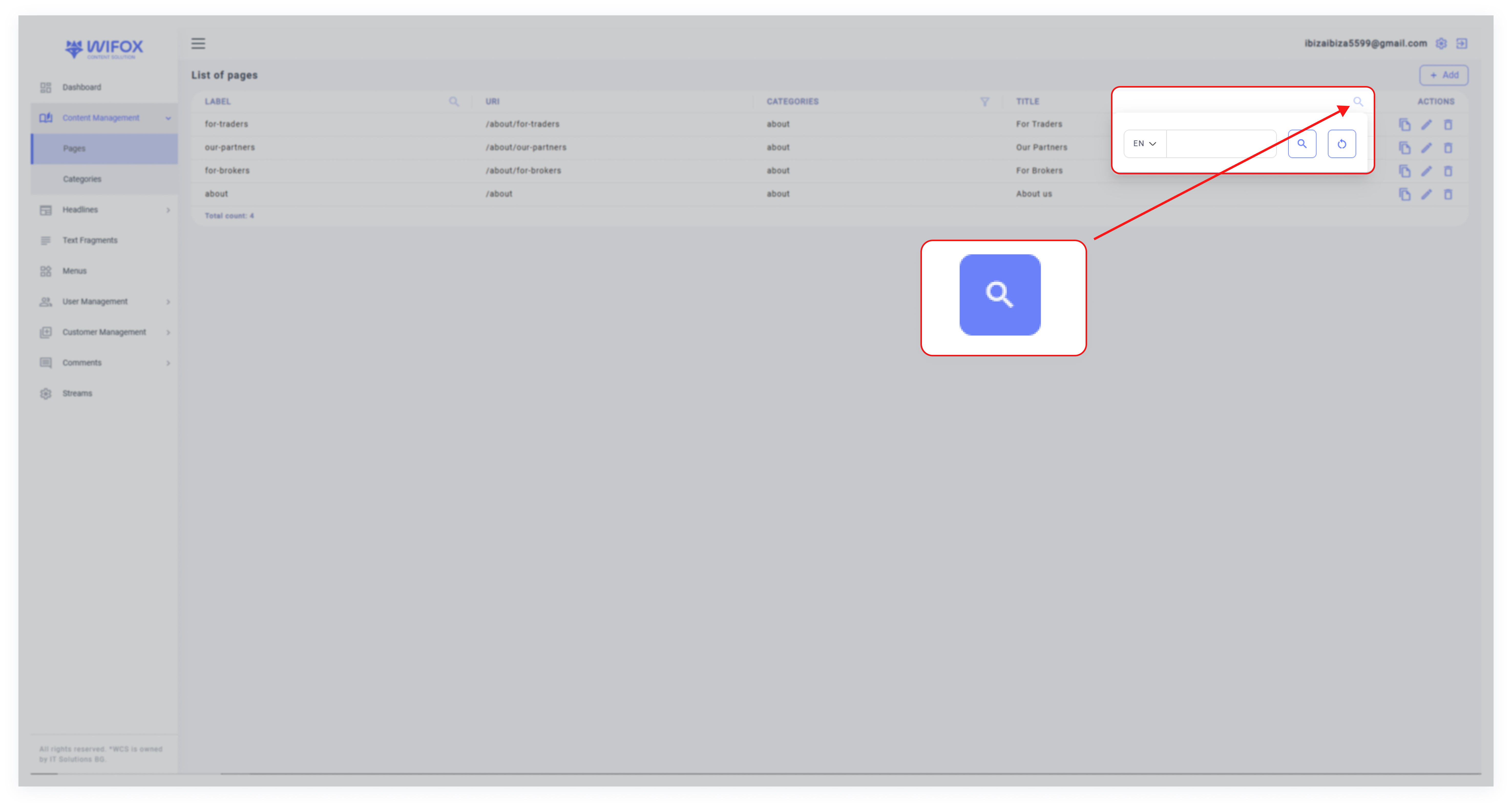
- The system will display pages matching the entered title.
Benefits of Filters in Pages Post
- Precision Search: Users can quickly locate specific pages by entering relevant details in the search bar.
- Flexible Filtering: Supports both single and multi-category selection for more refined search results.
- Time-Saving Navigation: The reset feature and targeted filters save time when working with extensive page lists.
4. How to Add a New Page
The Add New Page functionality in the Page Content section of Wifox Business Content Solution allows users to create and customize web pages with detailed configurations. Below is a step-by-step explanation of the parameters and options available:
Step 1: Access the Add Page Entity
2. Click the "Add" button at the top-right corner of the interface to open the Add Page Entity window.
Step 2: General Settings
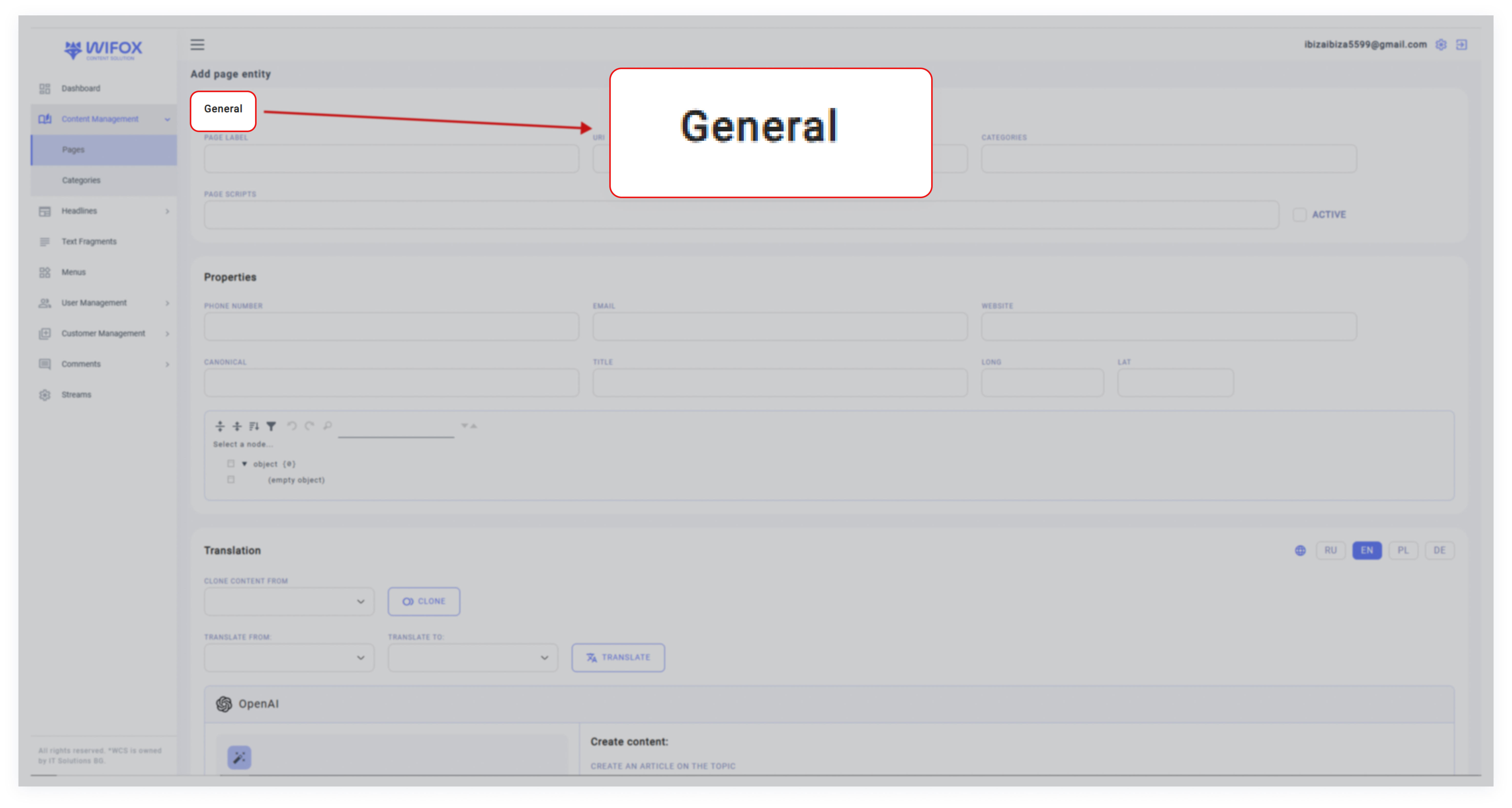
In the General section, configure the core details of the page:
- Page Label: Assign a unique name for the page (e.g., "About Us," "FAQ").
- URI: Specify the unique path for the page (e.g., /about-us, /faq).
- Categories: Select a category to group the page (e.g., "Static," "About").
- Page Scripts: Add any custom scripts for the page, such as JavaScript snippets for enhanced functionality.
Note: Use the Active toggle to enable or disable the page.
Step 3: Properties
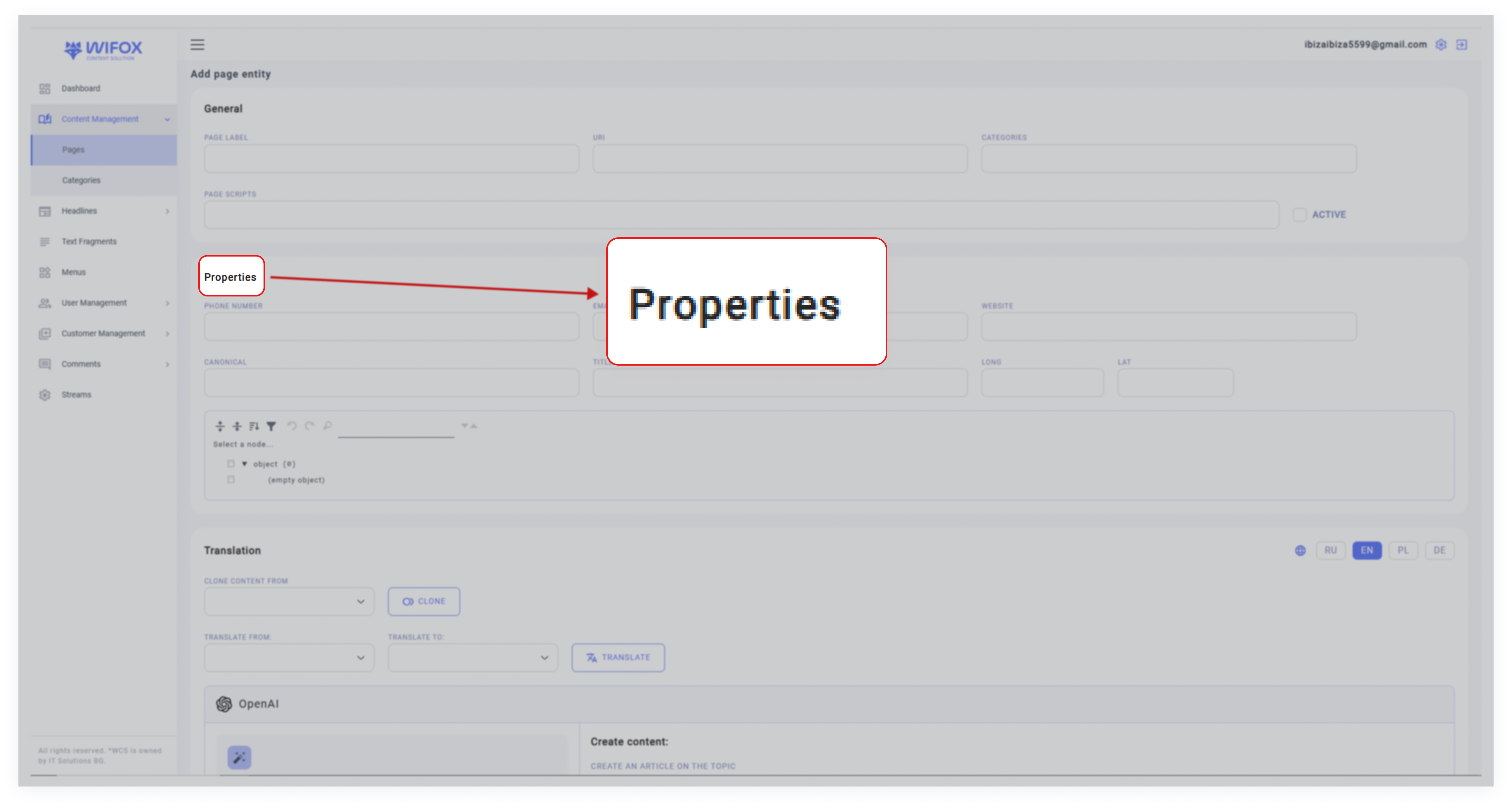
Define key properties related to the page:
- Phone Number: Add a contact phone number for display.
- Email: Provide an email address linked to the page.
- Website: Include the page's associated website URL.
- Canonical: Specify the canonical URL for SEO purposes, ensuring that search engines recognize the primary version of the page.
- Geolocation (Long & Lat): Enter longitude and latitude if the page relates to a specific physical location (useful for maps or local services).
Step 4: Translation

Wifox Business Content Solution supports multilingual content management. In the Translation section:
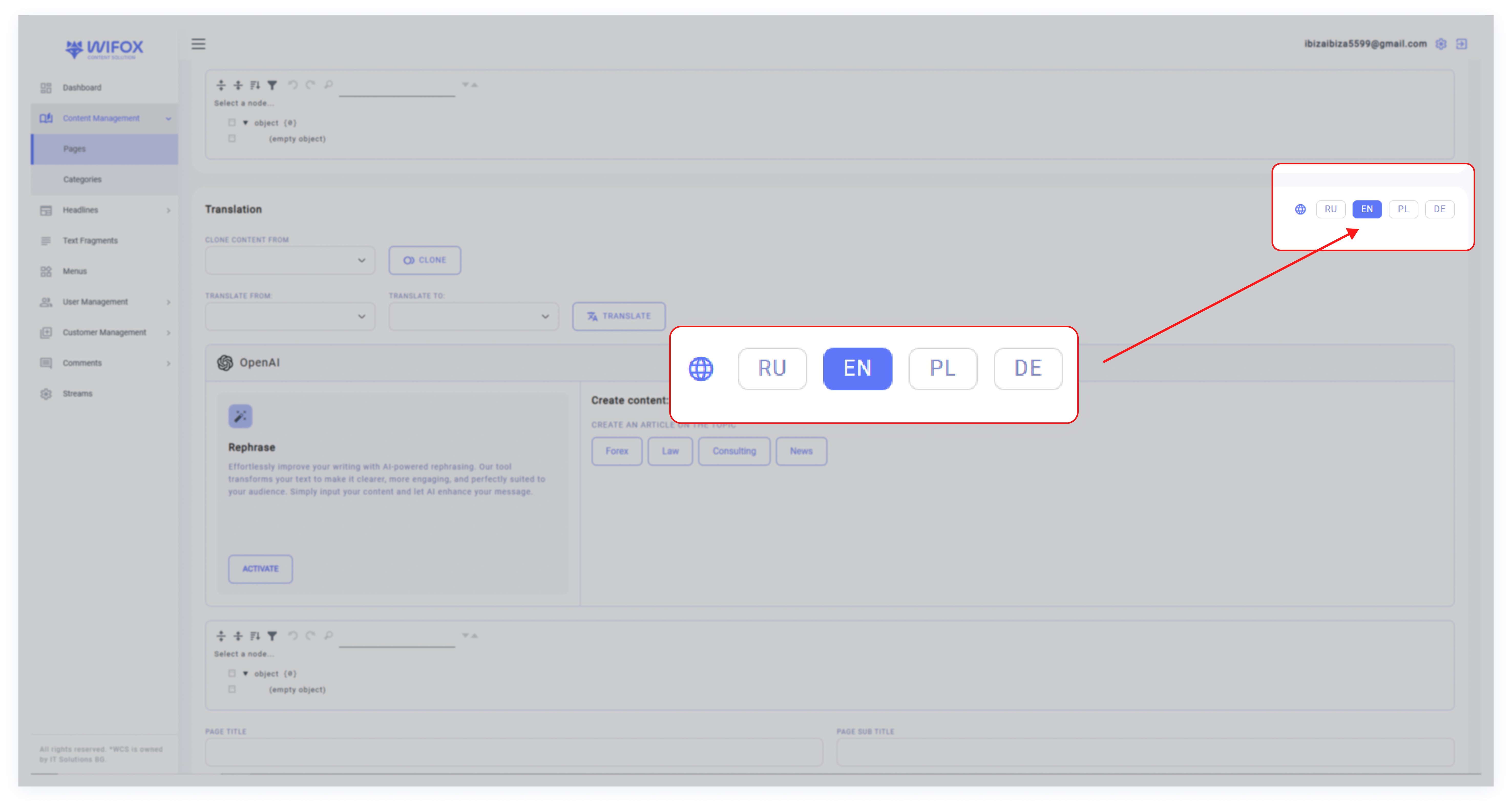
- Language Options: Select the languages for the page (e.g. English, Polish, German).
- Clone Content From: If similar content exists in another language, use the cloning feature to copy it into the new page:


- Translate: Automatically translate content from one language to another using integrated tools.

Step 5: Create Content
Wifox Business Content Solution offers a suite of OpenAI-powered tools to revolutionize the way users create, manage, and optimize their content. By leveraging artificial intelligence, the system simplifies content creation and ensures SEO-friendly outputs, making it a smart and efficient solution for managing digital assets.
Core Features of OpenAI Integration
1. Effortless Content Rephrasing
Click Activate to initiate the AI-driven rephrasing process. The system processes and refines the input text, ensuring clear, professional, and engaging content that aligns with your objectives.

Before «Activate»

After «Activate»
Rephrased next sections:
- Page Title
- Page Subtitle
- Page Meta Title
- Page text section
2. Content Creation
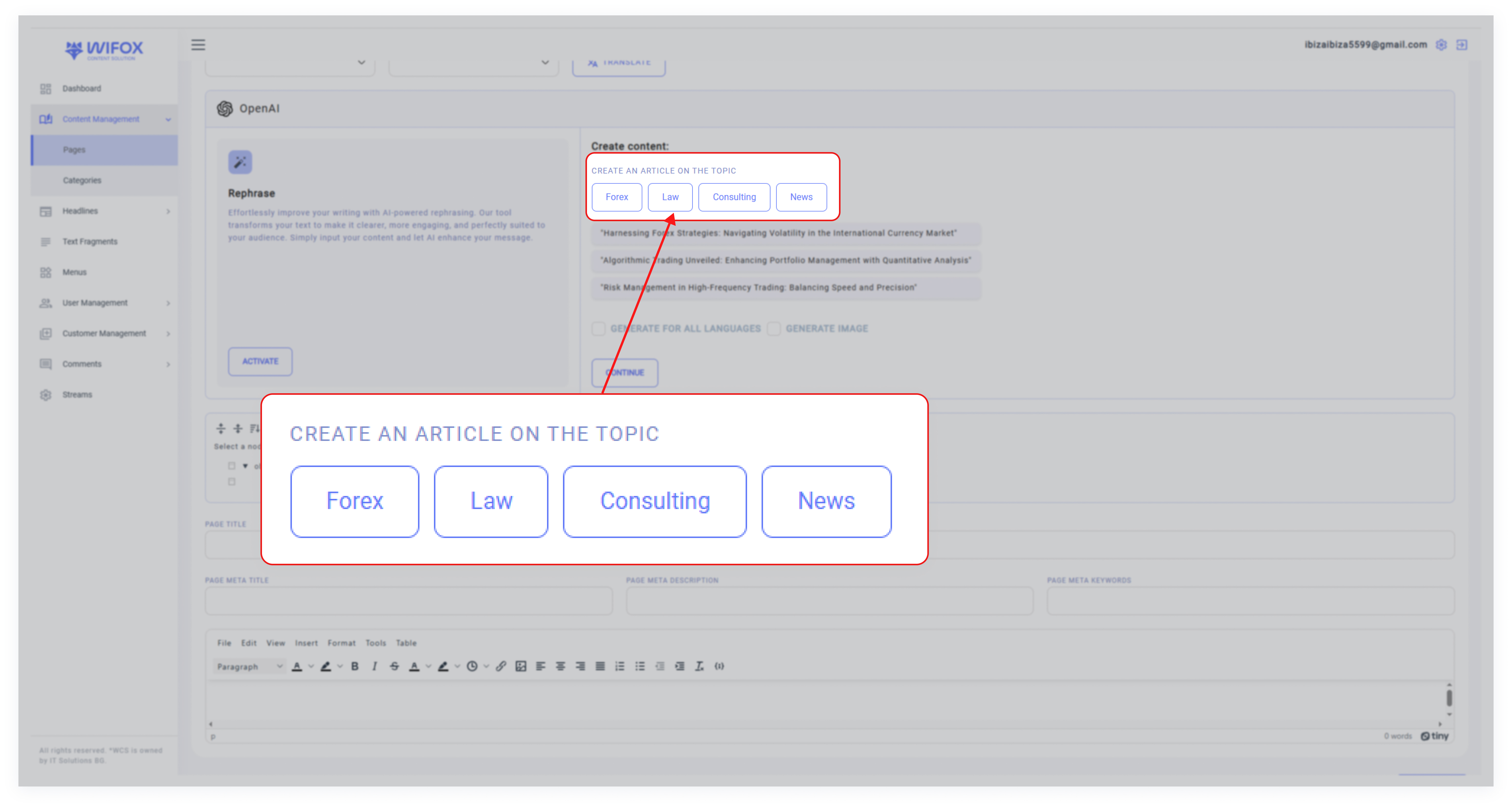
Select Create Content to draft new articles based on your chosen topics. Examples of available topics include:
- Forex
- Law
- Consulting
- News
After selecting a topic, you can enable the Generate for all languages option to produce content in multiple languages automatically.
If required, select Generate Image to complement your content with relevant visuals.
3. SEO Optimization
Wifox Business Content Solution integrates tools to automatically generate the following metadata:
- Page Title
- Page Subtitle
- Page Meta Title
- Page Meta Description
- Page Meta Keywords
Steps to Generate Content
1. Select a Topic: Choose a relevant topic or direction (e.g., Forex or News).
2. Customize: Decide whether to generate multilingual content or include images.
3. Start Generation: Click Continue, and the system will begin generating the requested content, metadata, and visuals based on your preferences.

4. Review the Output: Once complete, the generated content will appear in editable fields for further refinement.
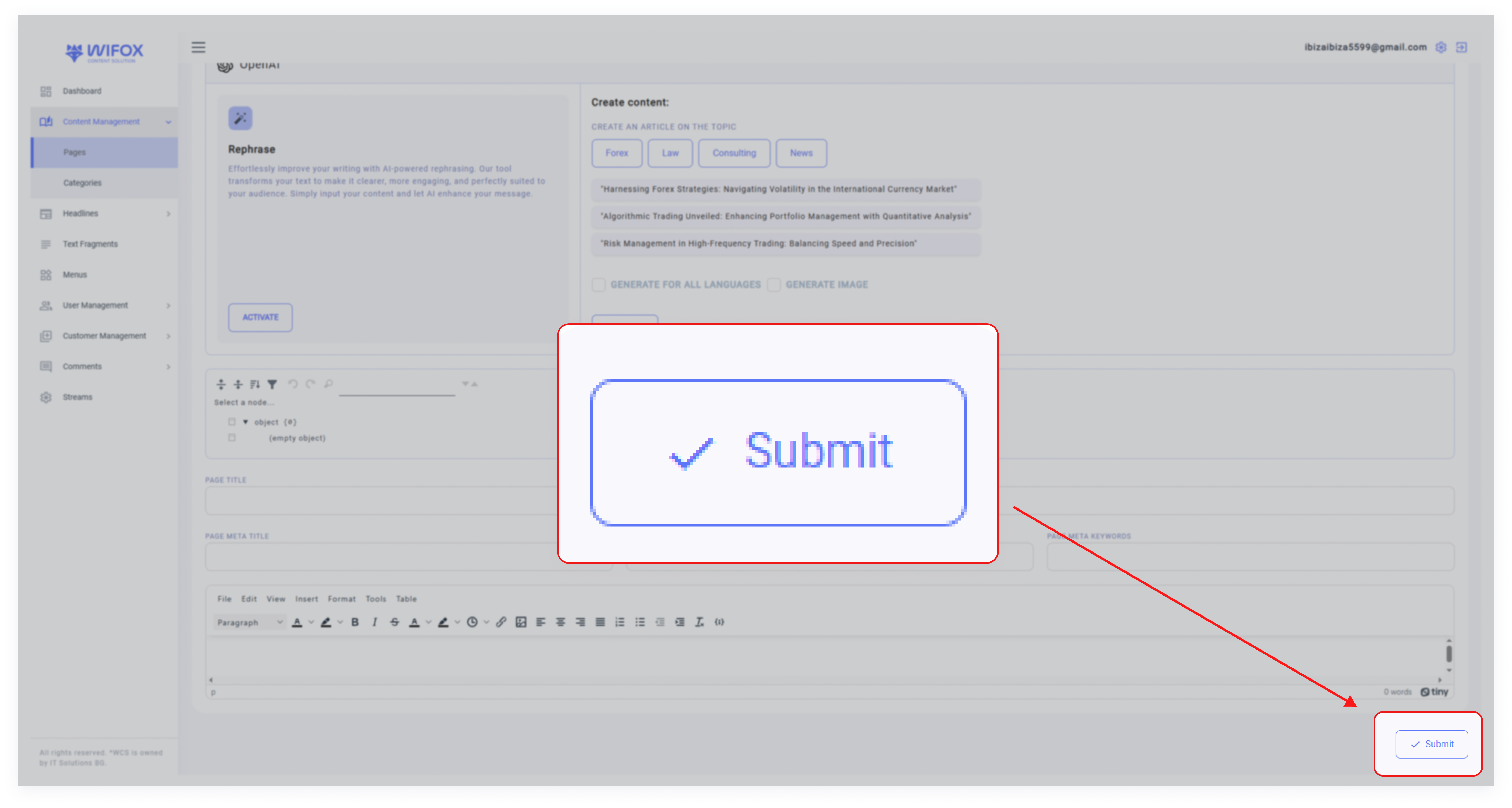
5. Submit: If the content meets your requirements, click Submit to save it.
Key Advantages of OpenAI Integration
- Efficient Content Creation: Instantly generate high-quality articles tailored to specific topics and industries.
- Streamlined Metadata Management: Automate SEO optimization with AI-generated meta titles, descriptions, and keywords.
- Multilingual Support: Generate content for multiple languages simultaneously, ensuring consistency across regions.
- Customizable Outputs: Easily adapt AI-generated content to meet specific needs or branding guidelines.
Use Case Example
A user wants to create a new article about Forex. They select the topic, enable the Generate for all languages option, and choose to include images. After reviewing the AI-generated content, they make minor edits and submit the final version. The metadata (titles, descriptions, and keywords) is automatically optimized, saving time and ensuring high performance on search engines.
This seamless integration of OpenAI tools within Wifox Business Content Solution simplifies content creation and optimization, empowering users to produce impactful and professional results with minimal effort.
Step 6: Final Steps
1. After filling in all required fields, review the details to ensure accuracy.
2. Click Submit to create a new page.
3. The new page will now appear in the Page Content list, where it can be further managed or edited as needed.
5. How to Edit a Page
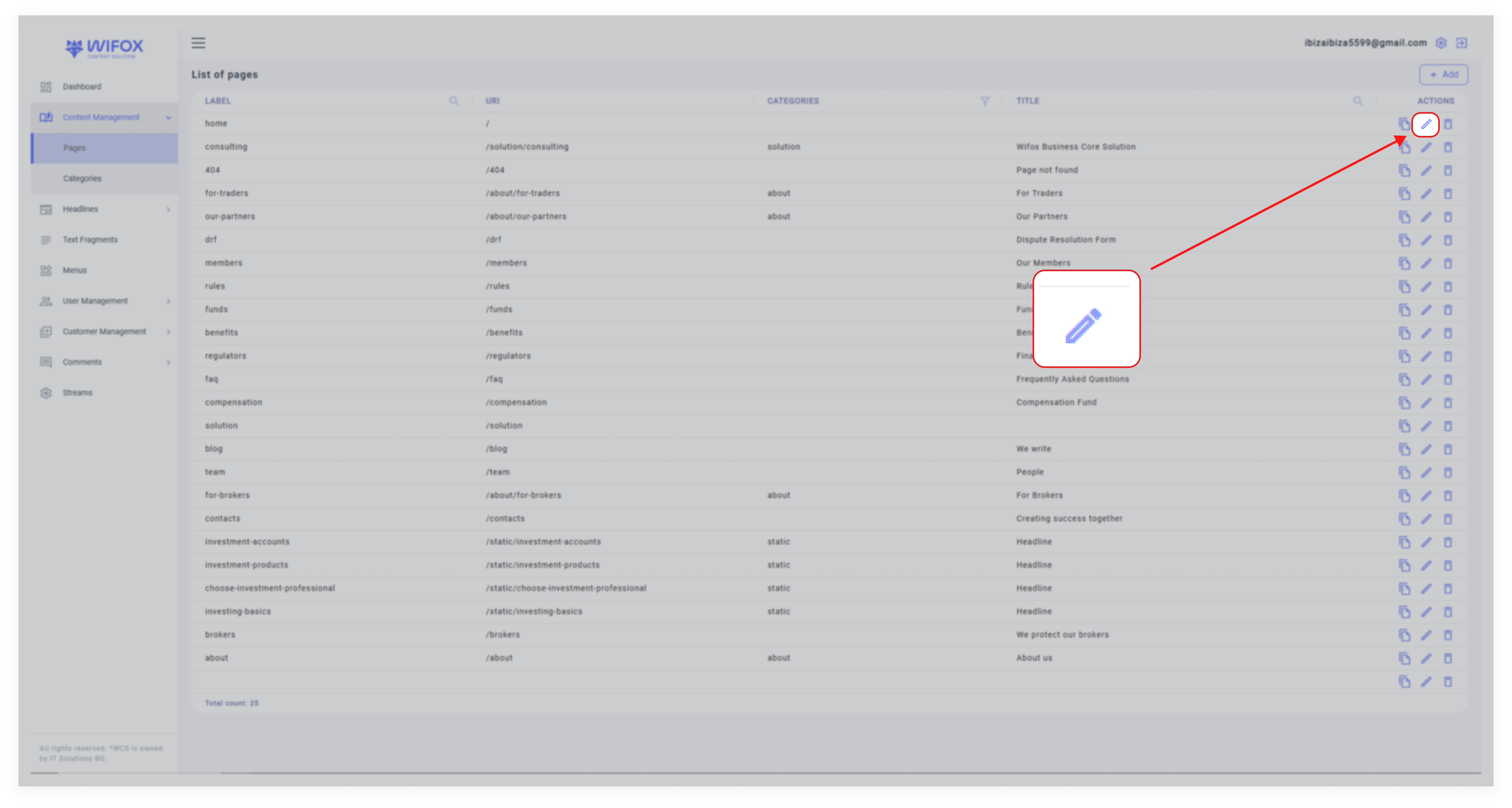
2. Click the Edit icon next to the page you want to modify.
3. In the edit window, you can:
- Change the label, URI, category, and title of the page.
- Update the page’s content.
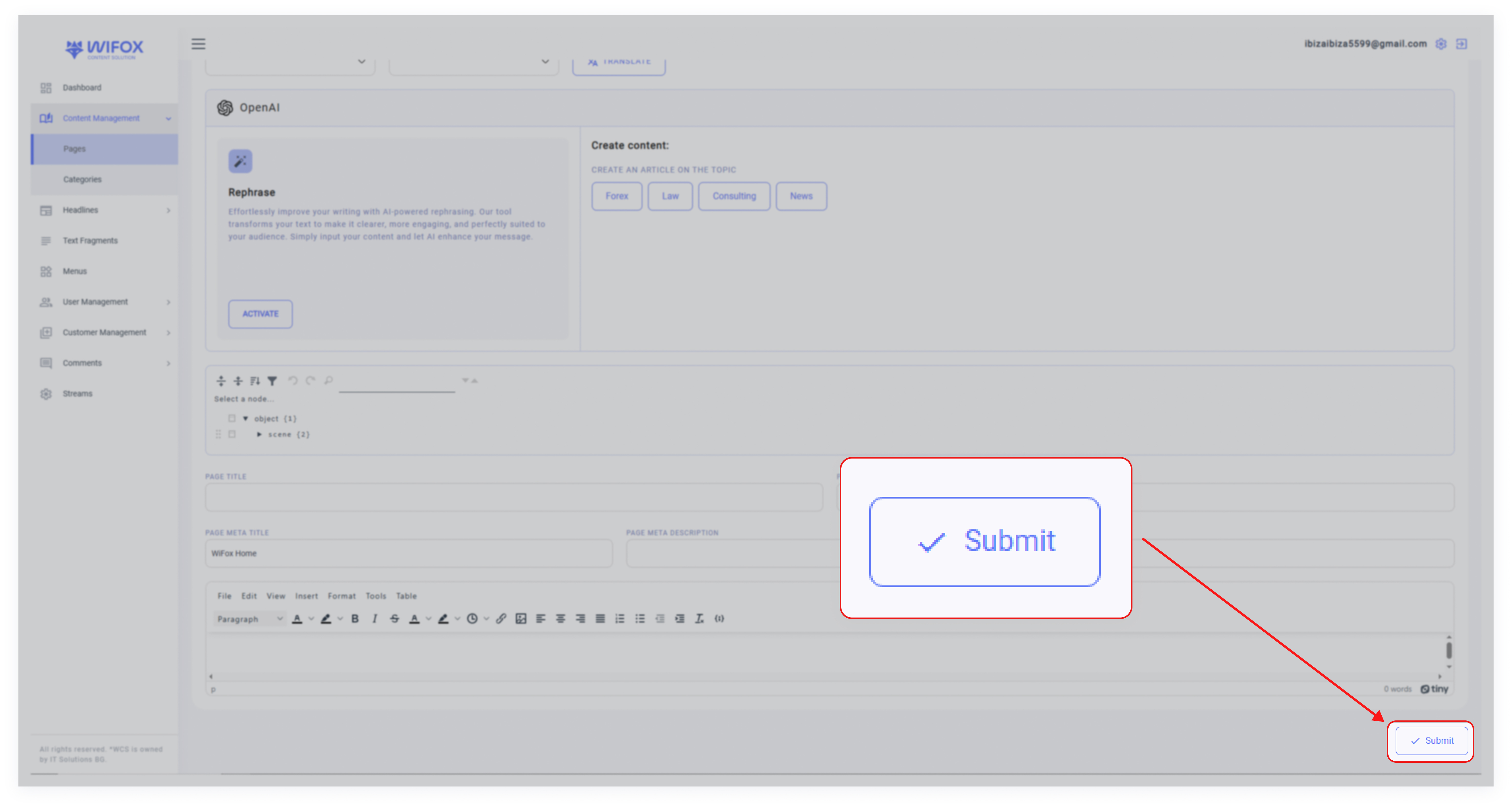
4. Save changes by clicking "Submit"
6. How to Delete a Page
1. Locate the page in the list view.
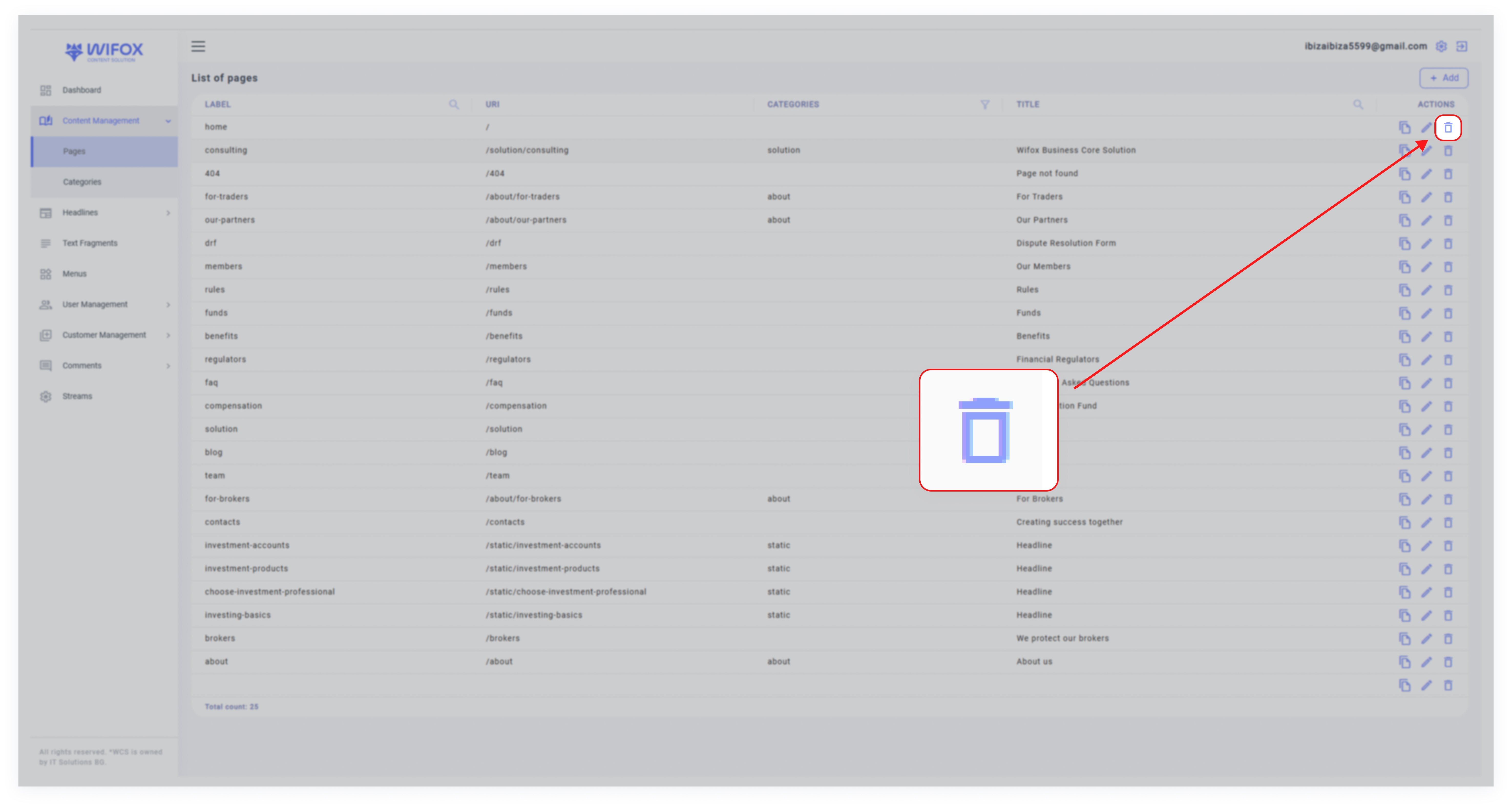
2. Click the Delete icon in the "Actions" column.
3. Confirm the deletion.
Note: Deleted pages cannot be restored.
7. Tree of Page Categories
The Tree of Page Categories section in Wifox Business Content Solution allows users to create, organize, and manage page categories efficiently. This section is designed for easy navigation, quick editing, and smooth addition or removal of categories.
Key Features of the Tree of Page Categories
- View Categories: Displays a hierarchical view of all page categories, such as "About Us" or "Static," with their corresponding URLs.
- Add Categories: Use the Add button to create a new page category and define its details.

- Edit Categories: Click the pencil icon to quickly modify an existing category’s label, URL, or other settings.

- Delete Categories: Remove a category by clicking the trash icon, ensuring only relevant categories are maintained.

Adding a New Page Category
1. Click the Add Button: In the Tree of Page Categories, click the + button to add a new category.

2. Fill in Details: In the "Add Page Category" form, provide the following:

- Label: Enter the category name.
- URL: Specify the URL path for the category.
- Translation: Choose a language (e.g. EN, PL, or DE) and either clone content from another category or translate it using the built-in tools.
- Name: Add an optional name for the category.
3. Submit: Once all required fields are filled, click Submit to save the category.
Editing a Page Category

1. Click the pencil icon next to the category you want to update.
2. Modify the desired fields, such as the label or URL.
3. Save the changes, and the category will be updated instantly.
Deleting a Page Category

1. To delete a category, such as the newly added "S" category, click the trash icon.
2. Confirm the deletion, and the category will be removed from the tree.
Benefits of the Tree of Page Categories
- Easy Organization: Maintain a clear hierarchy of page categories for better content management.
- Quick Modifications: Edit or update categories with just a few clicks, saving time and effort.
- Translation Support: Use built-in translation tools to localize content for multiple languages.